
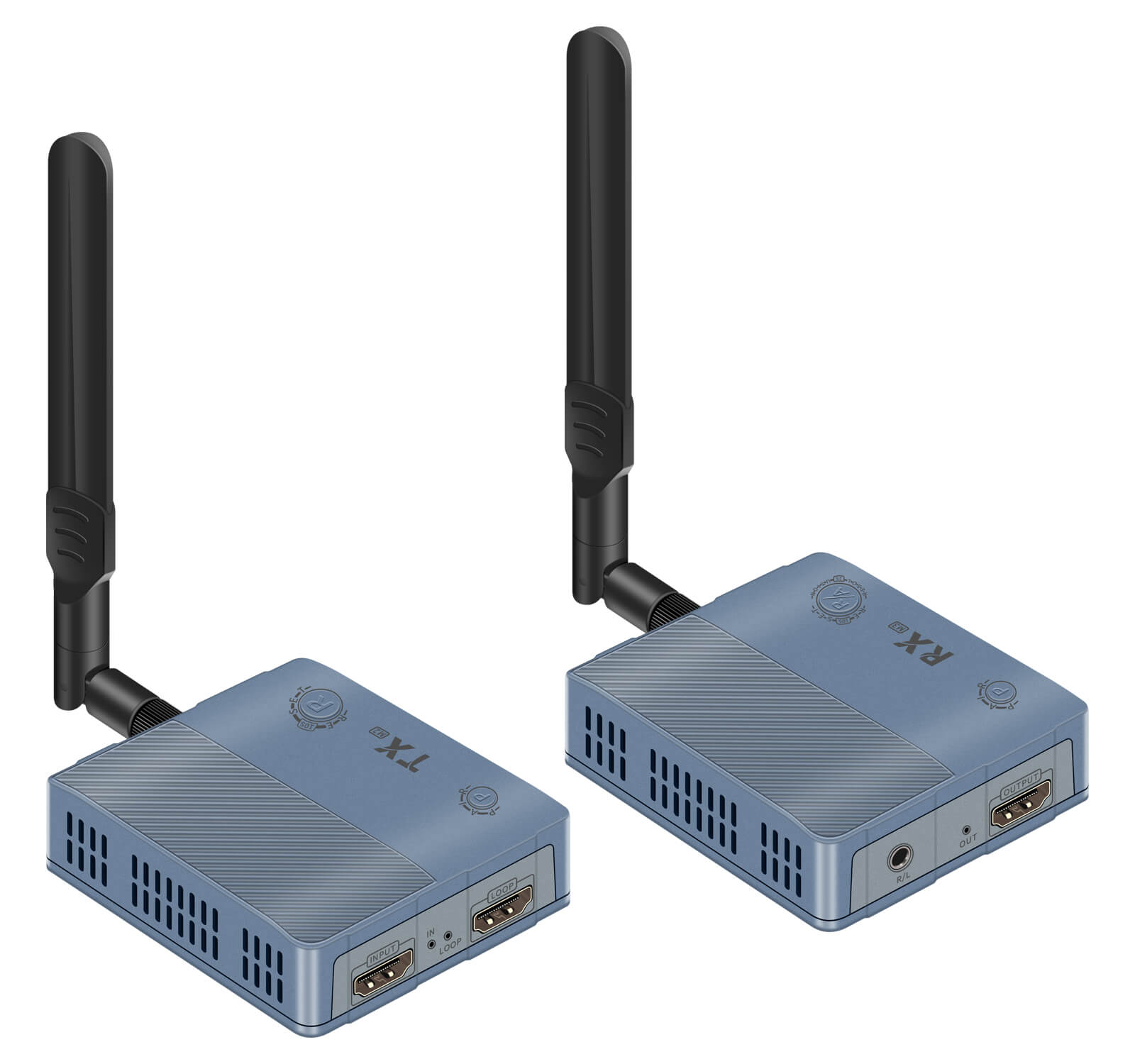
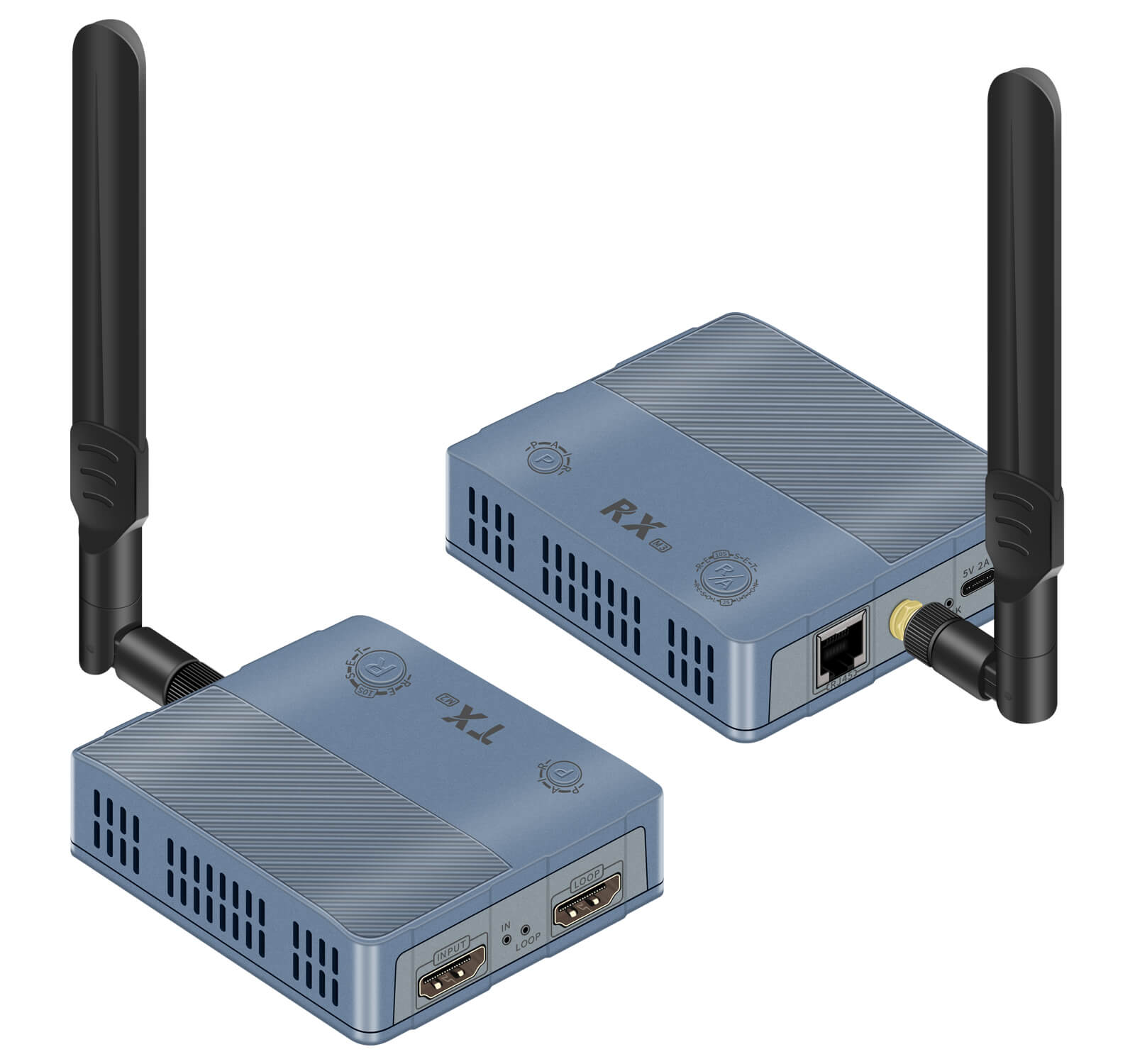
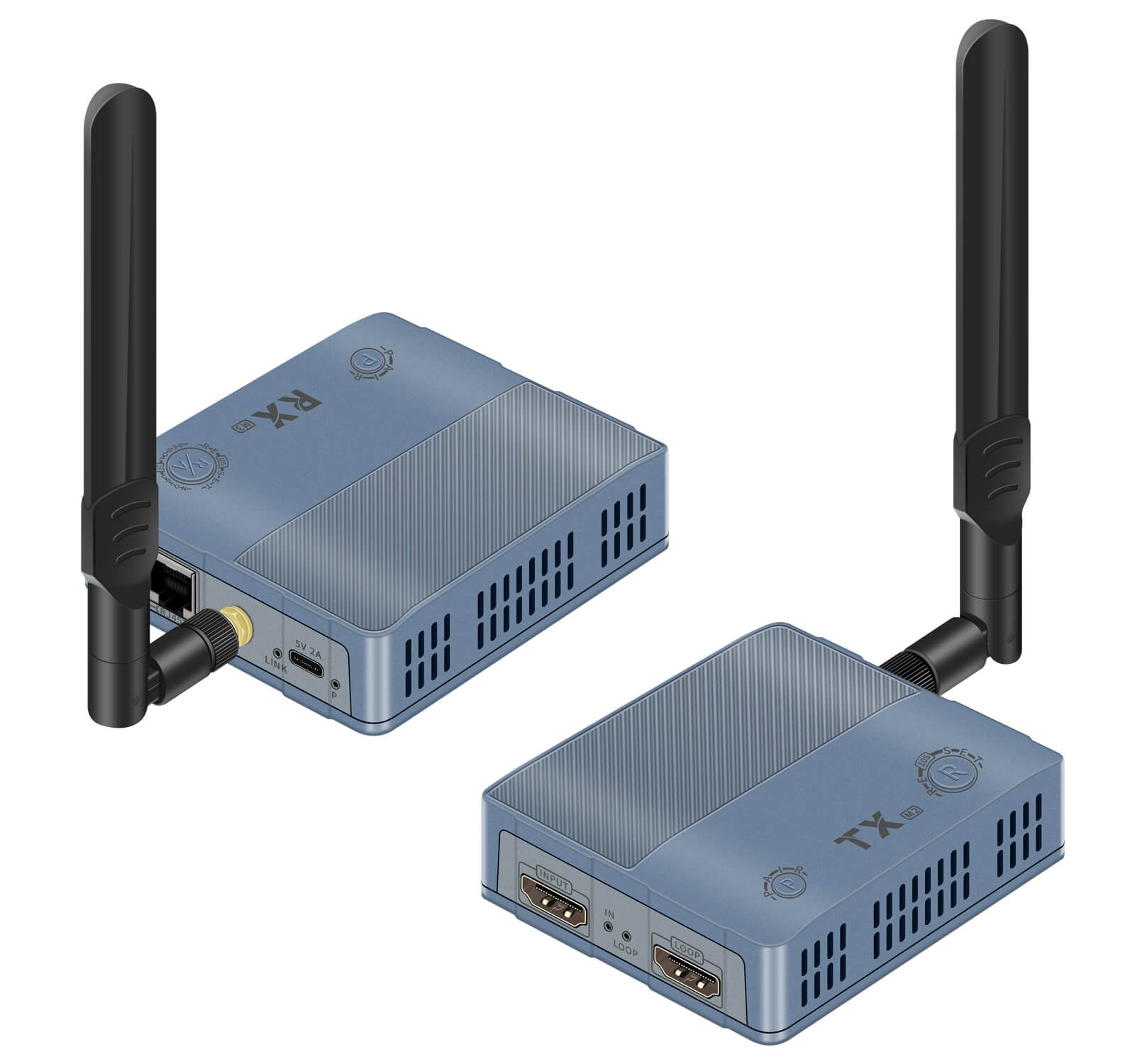
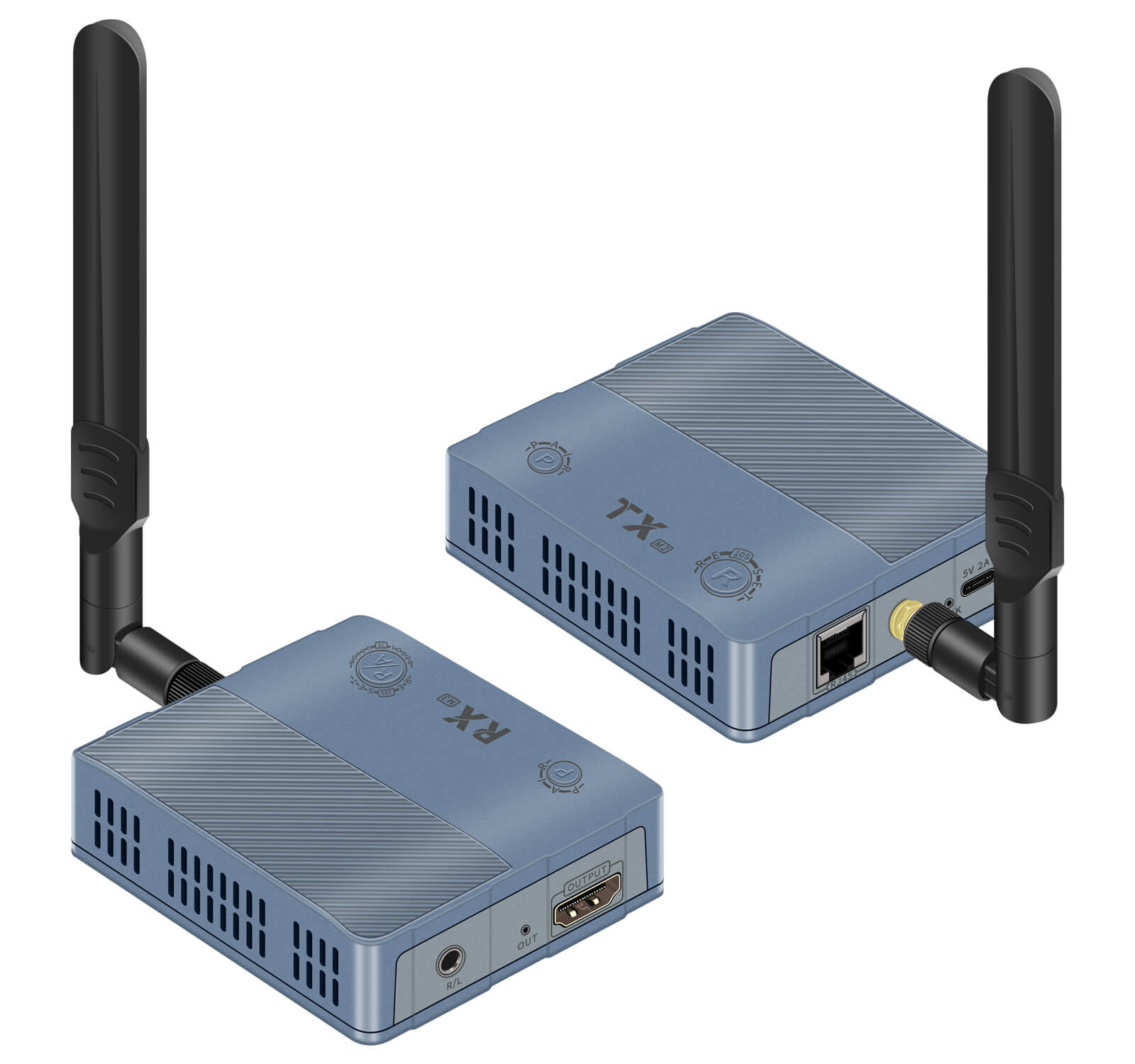
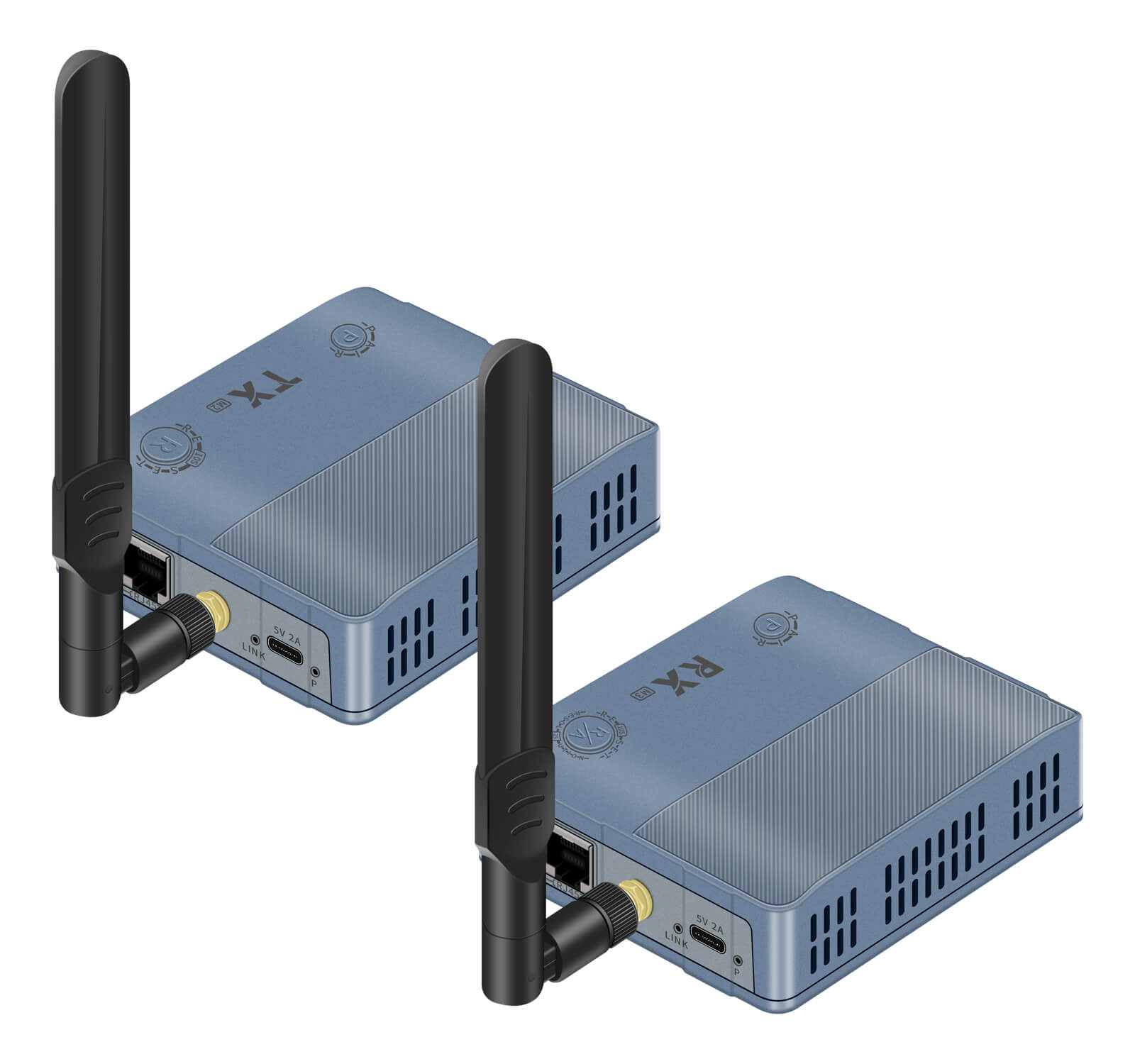
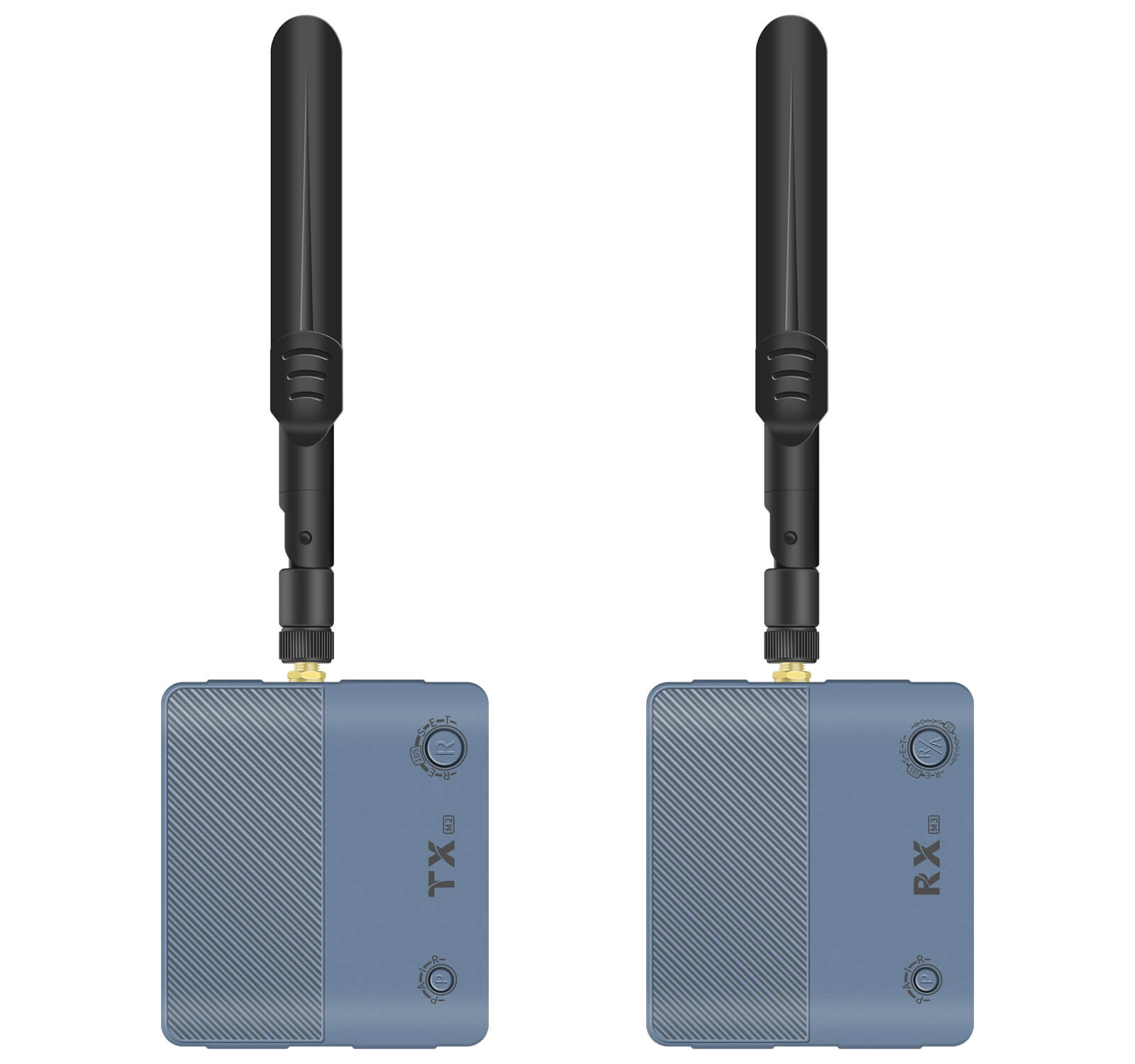
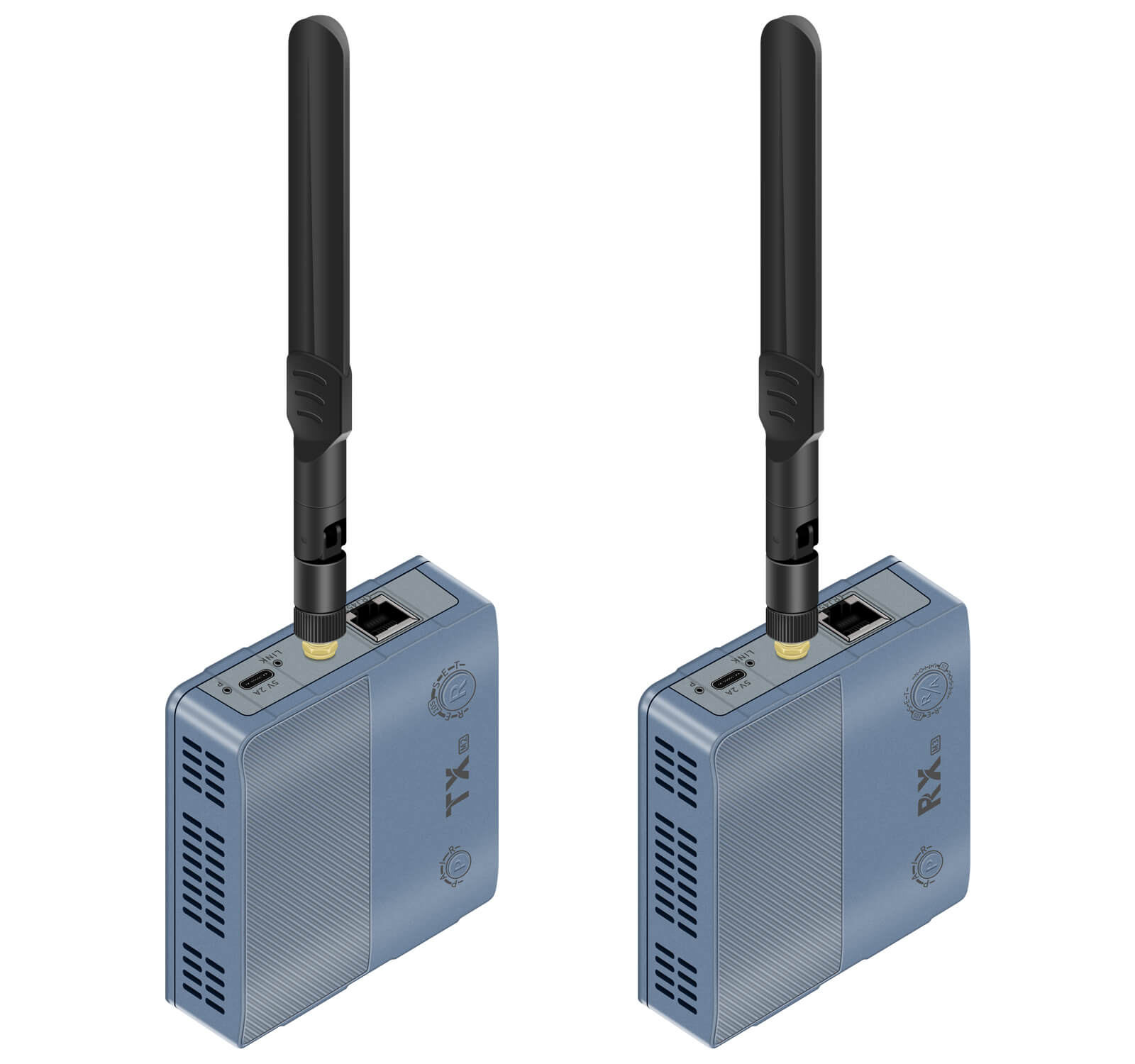
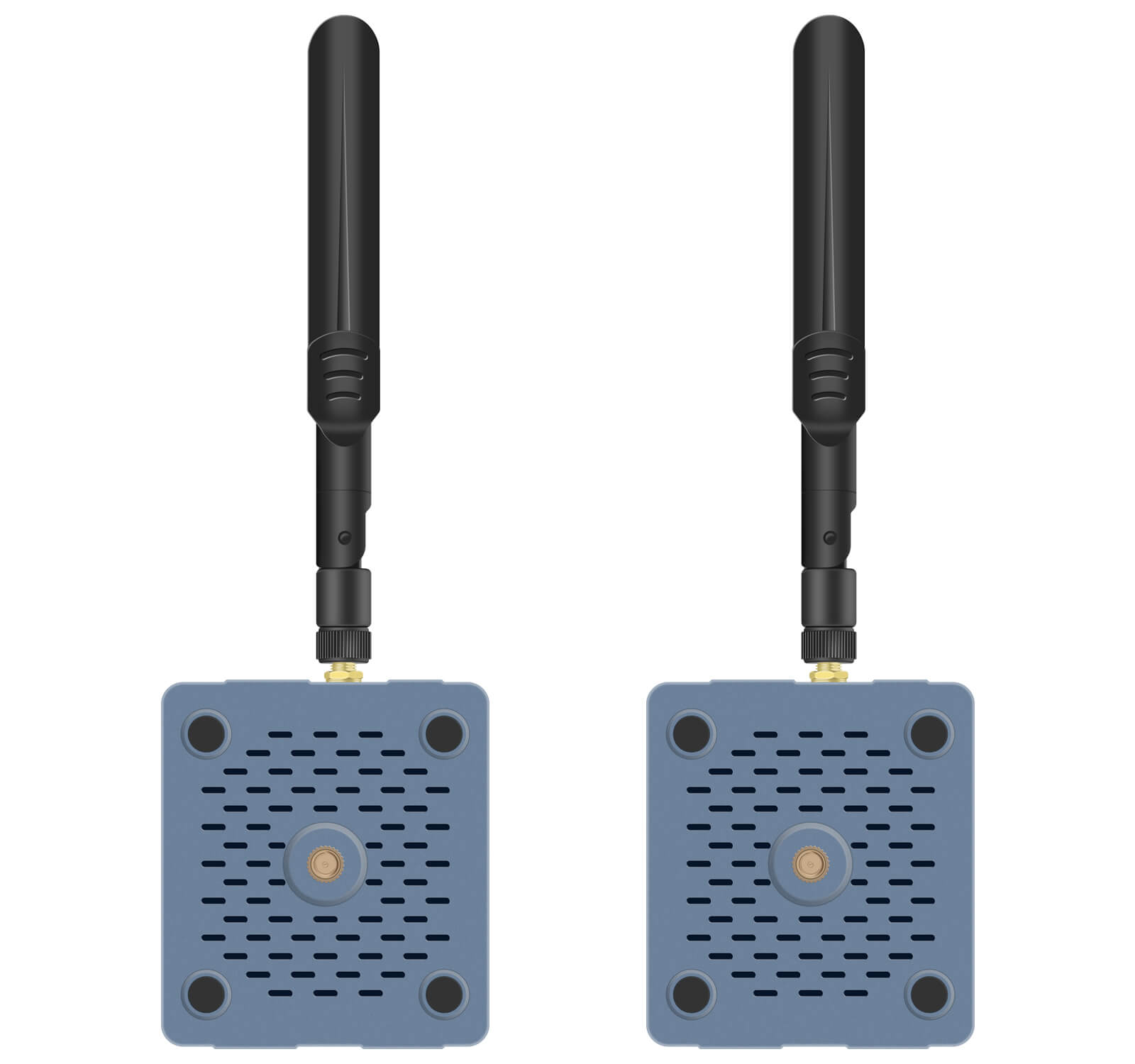
Pro H.265 2.4G/5G/5.8G MIMO Technology Wireless Extender
(M1-C,M2-C,M3-C)
Description:
This product is divided into three series: M1 for 1080P@60HZ HD transmitter, M2 for 4k@30HZ UHD transmitter, M3 for 1080P and 4K@30HZ receiver. It is a standard H.265/H.264 codec TCP/IP HD transmission product, and its main feature is that the same receiver with different transmitters can be used in 1080/4k@30HZ and other application scenarios! When upgrading the project, you only need to replace the transmitter to realize the transmission image from 1080 to 4k, which greatly saves the cost of project upgrading.
In addition to supporting HDMI audio and video transmission, this product also has the functions of local loop output on TX side and R/L audio output on RX side.
The product is divided into two transmission modes: network cable version and network cable + wireless version, which provides more convenience for users! This manual only briefly introduces the network cable + wireless version, please refer to the corresponding manual for the network cable version.
Product category
| Version | Category | Model |
| 1080P Version(M1+M3) | 150 Meter HDMI Wireless Transmitter and Receiver, 1080P, supports loop out, R/L out. Network cable transmission is available, up to 150 meters. | TX:M1-C RX:M3-C |
| 4K@30HZ Version(M1+M3) | 150 Meter HDMI Wireless Transmitter and Receiver, 4K@30HZ, supports loop out, R/L out. Network cable transmission is available, up to 150 meters. | TX:M2-C RX:M3-C |
Note:
1、When transmitting wirelessly, one transmitter (TX) connects up to 4 receivers (RX);
2, 150 meters transmission distance refers to the maximum distance of 1 TX and 1 RX without obstacles, while the more receivers a transmitter is connected to, the shorter the distance;
3、Wireless signal can not directly penetrate the load-bearing walls, elevator shafts, tin room and other building structures;
4, if there are more load-bearing walls and other obstacles or the distance is far, you can directly use the network cable transmission or through the network port to connect the wireless bridge and network repeater to realize wireless transmission.
Interface

Connection steps
1,Install the antenna and adjust the angle, placed in a reasonable position
Please install the included antenna to the transmitter (TX) and receiver (RX) respectively and tighten them, and adjust the angle of the antenna to be parallel or 90° upward, avoiding touching or facing the ground.
The equipment should be placed at a suitable location more than 30cm above the ground, and the transmitter and the receiver should be avoided as much as possible between the cover or too much metal shielding objects.
2,Power supply
Please power the transmitter (TX) and receiver (RX) separately. It is recommended to use the original standard charger, if you use a charger or other power supply device, please make sure that the actual working current of the charger and the power supply cable can not be less than 2A
3, TX HDMI to host
Use a standard HDMI cable ≤ 10m to connect the source to the INPUT connector of the transmitter (TX).
4, RX connection to the display
Connect the display to the HDMI OUTPUT connector of the receiver (RX) using a standard HDMI cable of ≤10m.
5, TX HDMI OUTPUT connection for display (if required)
Use a standard HDMI cable ≤ 10m to connect the display to the OUTPUT connector of the transmitter (TX).
6,Audio connection (if necessary)
The R/L OUT port on the receiver side is connected to an audio device such as a loudspeaker
7,reset to adjust the resolution (if necessary)
When accessing the screen is not clear or no signal can be short press the receiver (RX) reset button for about 2 seconds, you can cycle switch 2-3 kinds of resolution, switch to the best resolution, this setting power down to save. Or modify the output resolution of the signal host to achieve the best display.
Specification
| Specification | M1(1080P TX) | M2(4K TX) | M3(RX) | ||
| input port | HDMI*1、5V*1 | Same as M1 | RJ45*1、5V*1 | ||
| output port | HDMI*1、RJ45*1 | Same as M1 | HDMI*1、R/L*1 | ||
| Max. distance | Wireless transmission up to 150m (1TX to 1RX, open distance without obstacles); Network cable distance CAT6 max. 150 m. | ||||
| codec | H.265、H.264 | ||||
| default IP | TCP/IPV4 TX:192.168.1.166 RX:192.168.1.167 | ||||
| latency | ≈0.1s | ||||
| HDMI cable | ≤10m | ||||
| Supported resolutions (partial list only) | M1+M3(1080P) | M2+M3(4K@30HZ) | |||
| 1920*1080@60HZ/50HZ 1680*1050@60HZ/50HZ 1600*900@60HZ 1400*900@60HZ 1366*768@60HZ 1280*1024@60HZ 1280*720@60HZ/50HZ | 3840*2160@30HZ 2560*1440@60HZ 1920*1200@60HZ 1920*1080@60HZ/50HZ 1680*1050@60HZ/50HZ 1400*1050@60HZ 1366*768@60HZ 1280*1024@60HZ 1280*720@60HZ/50HZ | ||||
| R/L audio | 3.5mm stereo audio;32kHz,44.1kHz and 48kHz | ||||
| power supply | DC5V 2A。typec power supply interface, support charging treasure and other mobile power supply. | ||||
| size | 81(L)*71(W)*23(H)mm | ||||
| Material | ABS | Color | Gray | ||
| weight | TX: ≈110g | RX: ≈110g | |||
| Operating Temperature | -20℃~60℃ | ||||
| 4K HDMI Video | HDMI1.4,HDCP 2.2 |
| Wifi frequency | support 2.4G |
| TMDS Signal | 0.7~1.2Vp-p (TMDS) |
| DDC Signal | 5Vp-p (TTL) |
| Color space | RGB,YCbCr 4:4:4/4:2:2 |
| Color depth | 8/10/12bit |
| HDMI Audio formats | Input: LPCM 2.0CH 32KHz/44.1KHz/48KHz/ 88.2KHz/96KHz/176.4KHz/192KHz Output: LPCM 2.0CH 48KHz |
Packing List
TX transmitter*1 RX receiver*1
USB charger*2 typec power cable*2
Dual-band antenna*2 manual*1
Network transmission
If you need to use a network cable to transmit, it is recommended to use CAT5e/CAT6 or above network cable to connect, the longest distance is 150 meters.
When wired connection, if the number of transmitter or receiver (RX) in the same network is more than 1 respectively, please modify the IP of the device, the IP of each device can not be the same, and at the same time, please don’t have the same network segment with other network devices, you can modify the network segment.

Note: When using a wired connection with one transmitter (TX) and multiple receivers (RX), manually change the IP address of each receiver (RX) without overlapping.
Default IP address: TCP/IP IPV4 TX:192.168.1.166/RX:192.168.1.167
Wireless Bridge and Repeater Connection
When the wireless transmitter and receiver can’t work effectively at a long distance or when there are too many obstacles, you can connect a high-power wireless bridge or network repeater to realize the function, and at this time, the transmission distance of the device depends on the transmission distance of the wireless bridge or network repeater
Note: It is recommended to use a wireless bridge or network repeater with a bandwidth of 300M or above.
RJ45 6 kinds of role
1、TX and RX pairing;
2、Set WIFI channel to avoid the interference of multiple devices transmitting signals in the same band;
3、Connect to the network cable through the directly or through the LAN transmission;
4、Set the transmitter HDMI OUT resolution;
5、Connect to the high-power wireless bridge and other equipment, to solve the problem of long-distance and cross-floor transmission that the equipment itself can not solve;
6、Equipment software upgrading.
Adjust WIFI channel
This setting only need to modify the transmitter both port, the receiver follows, the setting method is as follows:
TCP/IP IPV4 TX:192.168.1.166/RX:192.168.1.167
Configuration method is as follows:
- Use a network cable to connect the TX of the extender to the PC.
- Set the IP address of the PC

- The web page allows you to set TX HDMI or DVI input, and M2 4K TX HDMI LOOP OUT resolution, etc.Note: The login procedure is the same as adjusting the WIFI channel.


