
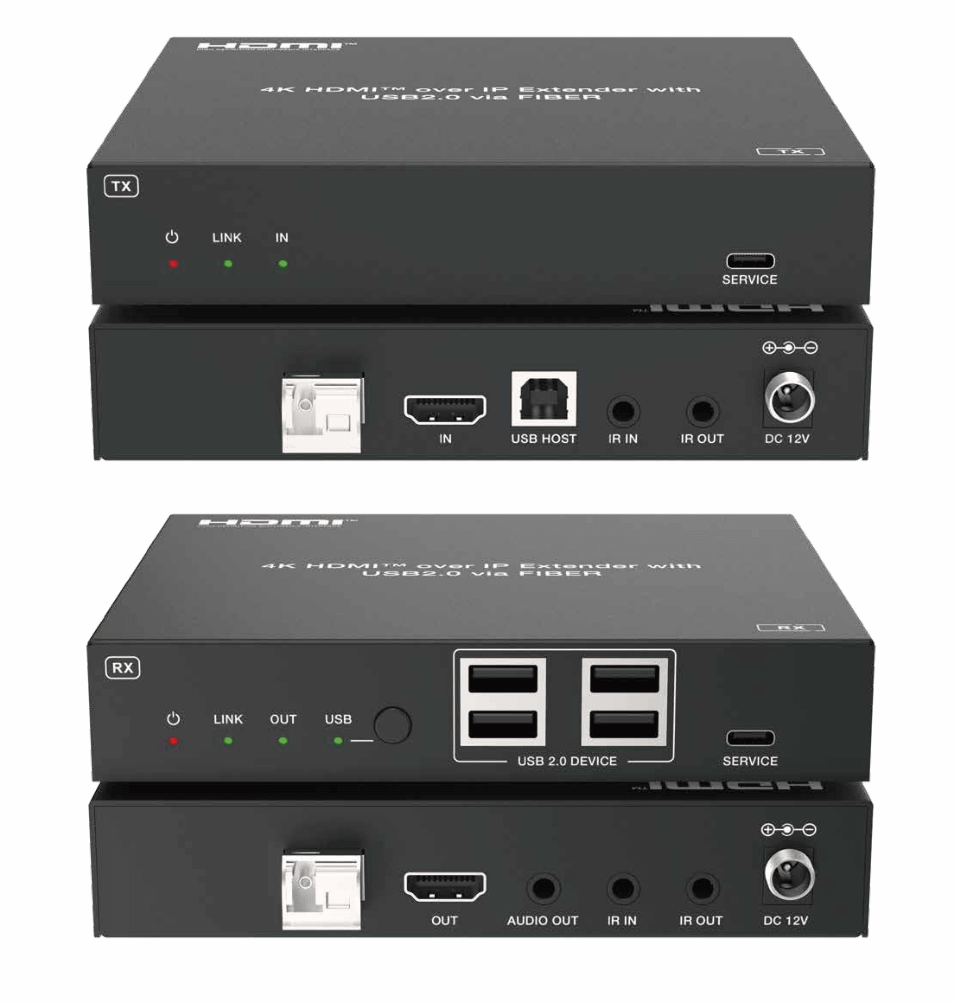
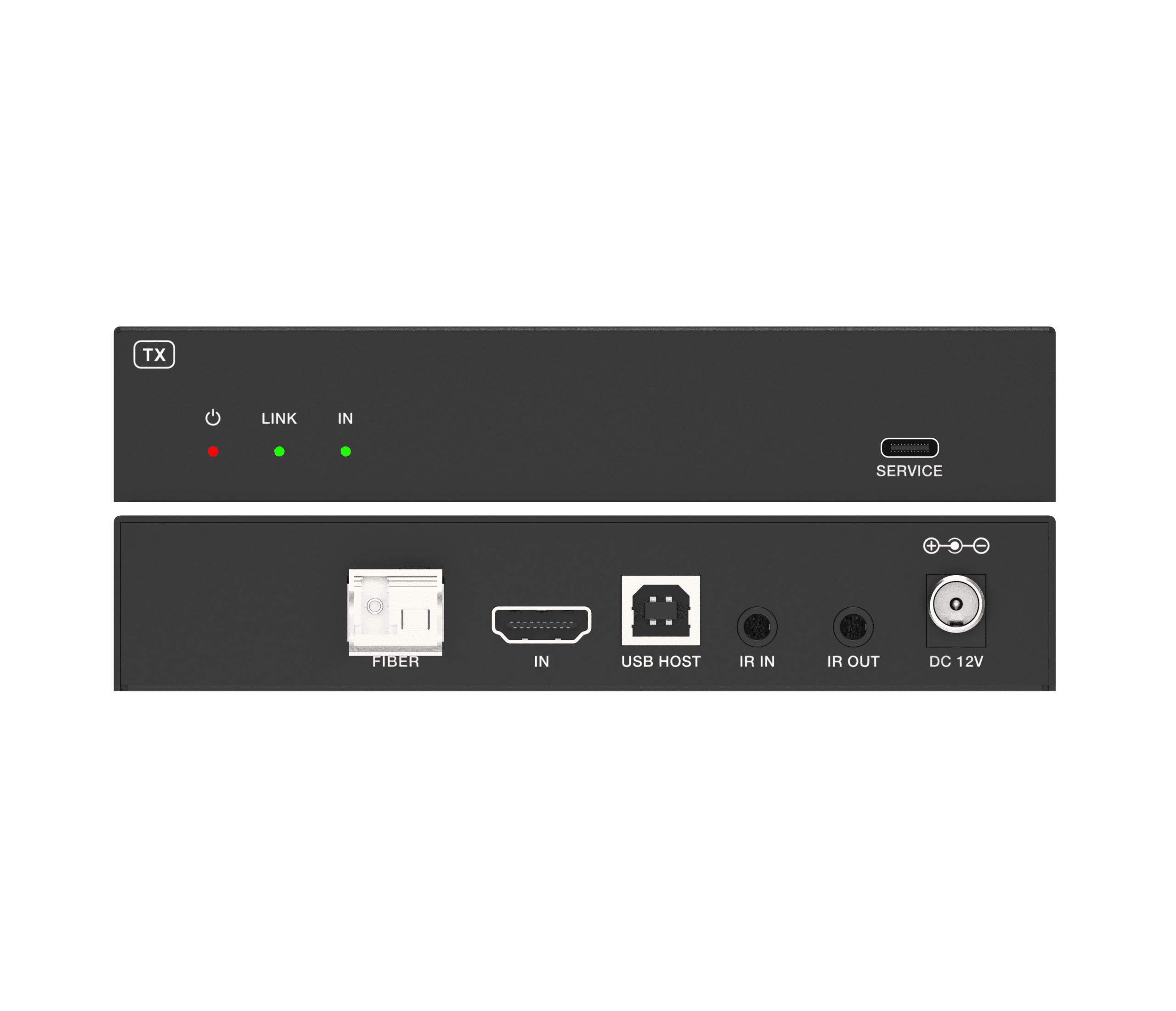
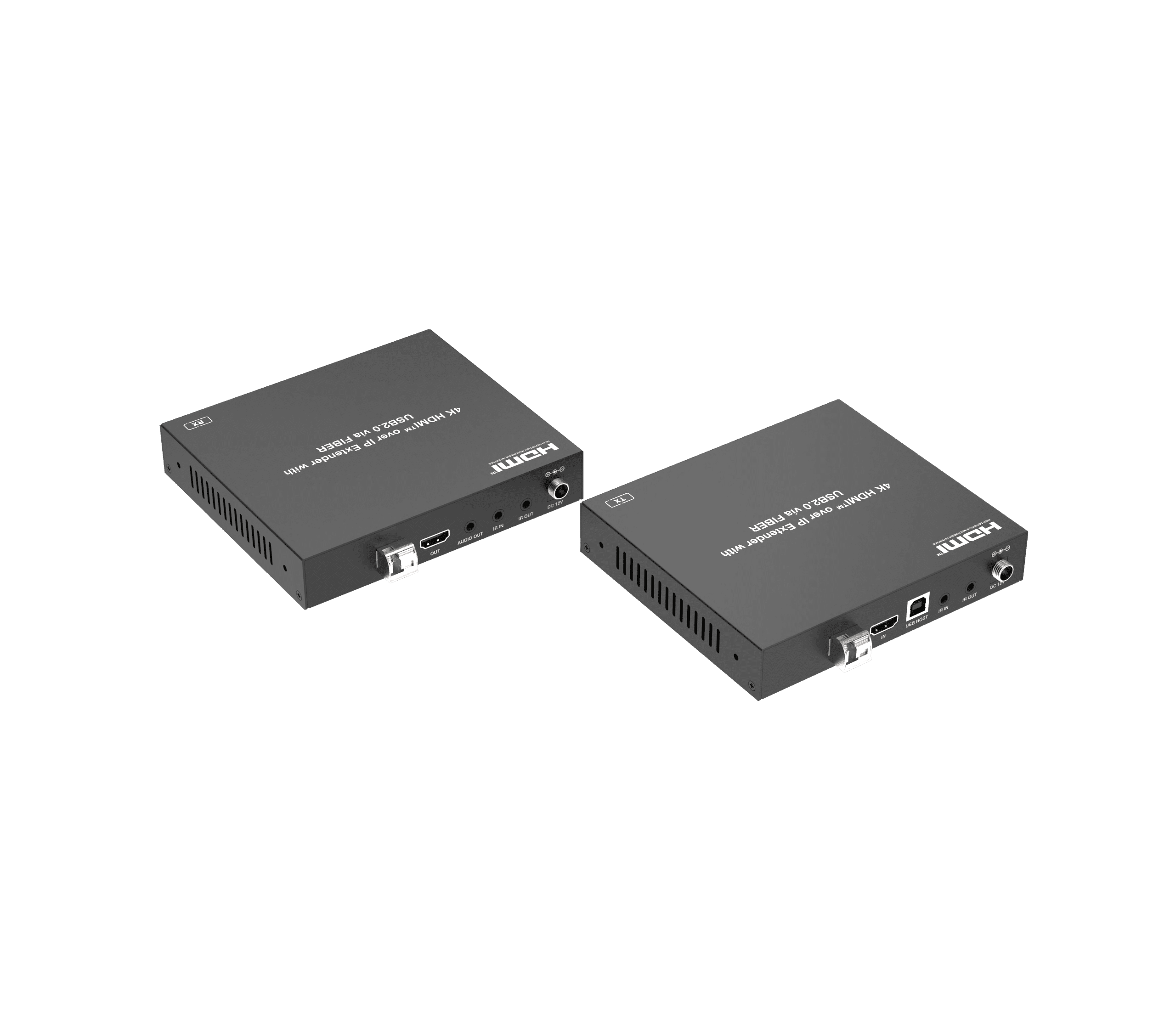
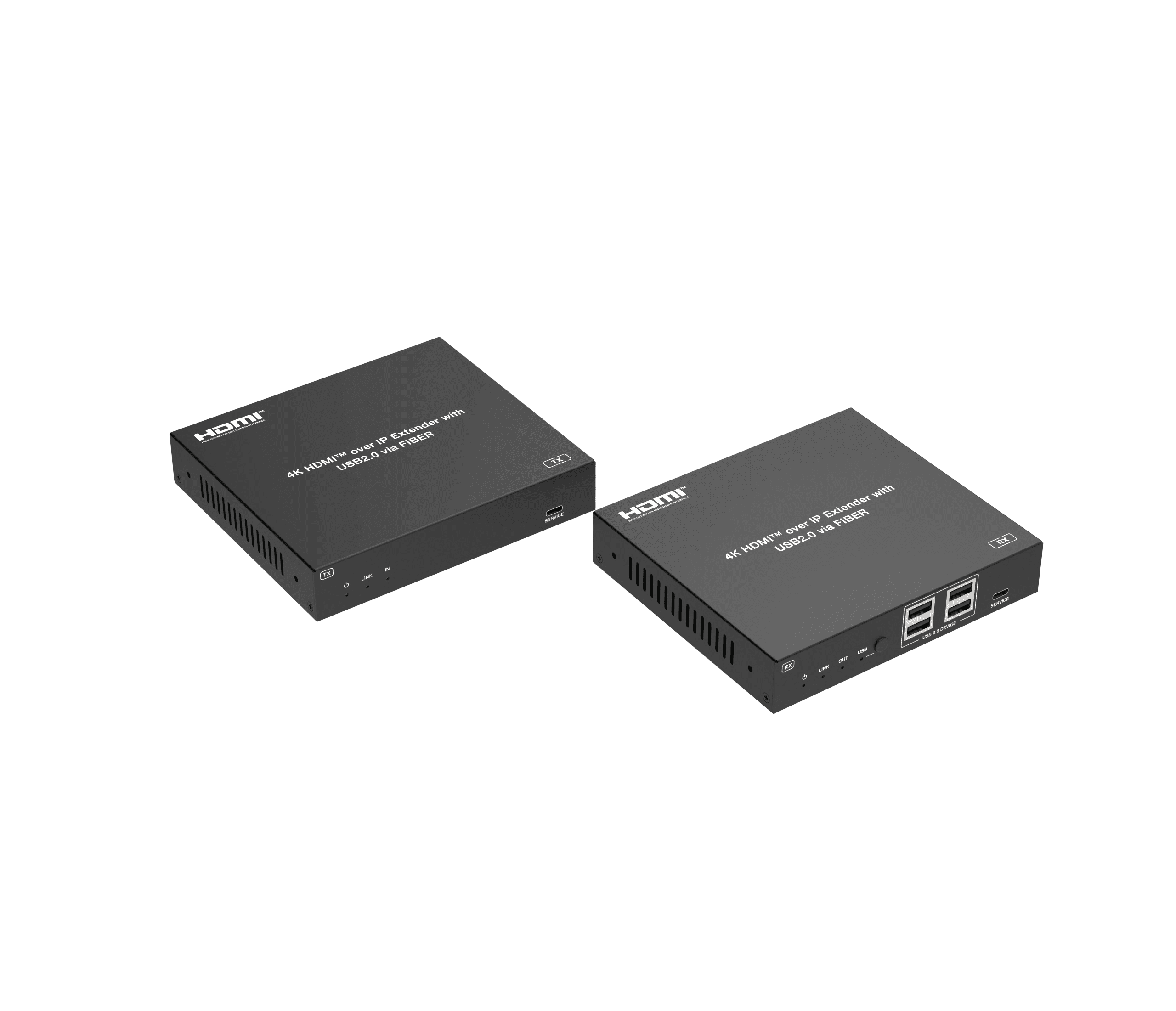
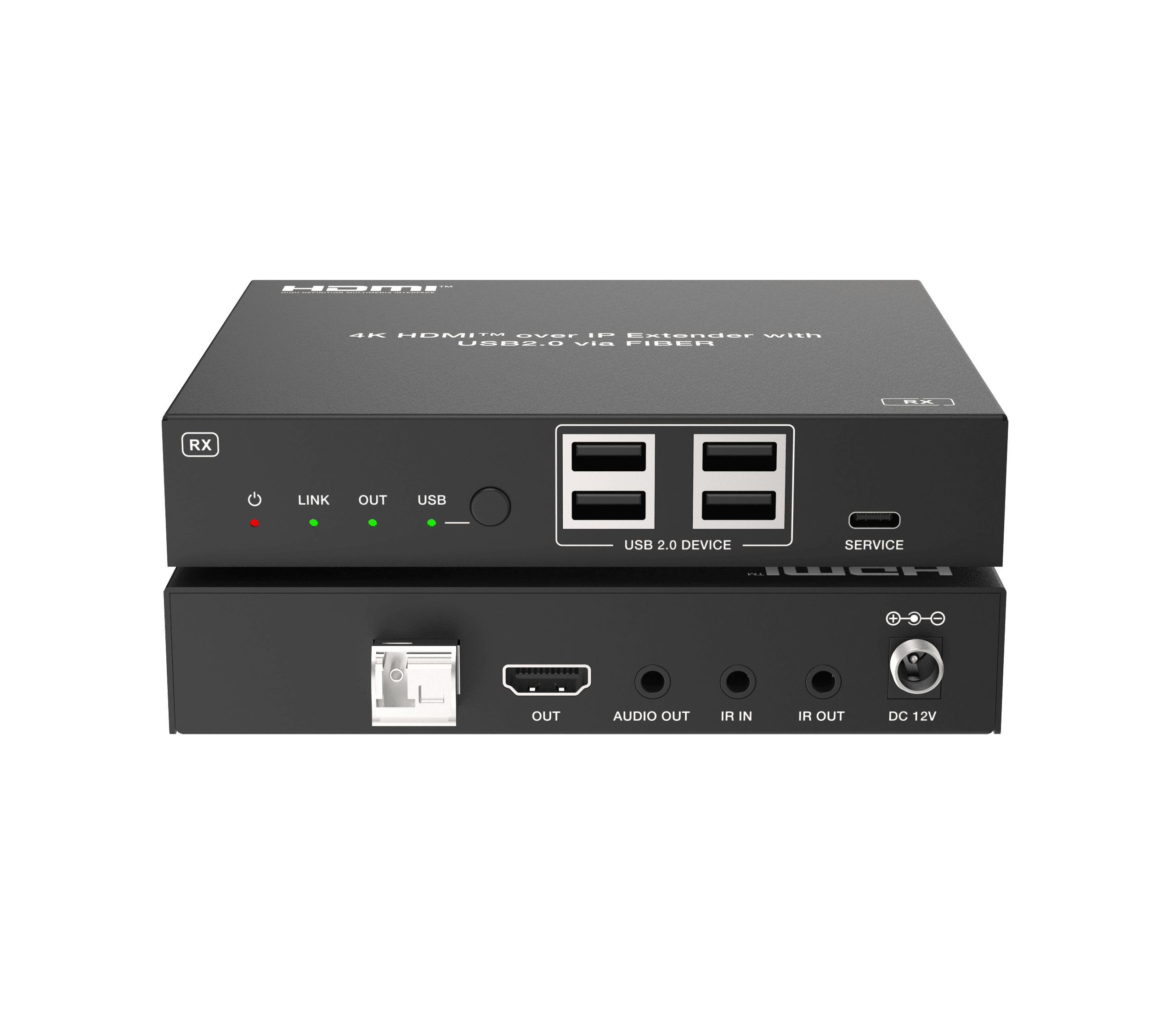
4K60 HDMI™ over IP Extender with USB 2.0 via Fiber 10KM-40KM

HDMI™ over IP Extender adopts standard JPEG2000 encoding and decoding. It can distribute one UHD signal to one UHD display device or multiple UHD display devices over standard 1G fiber switch, and transmission distance is up to 10km between encoder and decoder over single-mode fiber optic cable. It offers configurable high quality video, and resolution is up to 4K@60Hz 4:4:4; It also supports USB 2.0 transmission and bi-directional IR signal transmission.
HDMI™ over IP Extender includes two units: Encoder and Decoder. Encoder is responsible for obtaining HDMI™ signal for encoding, and then transmitting over fiber optic cable. Decoder is responsible for signal decoding and outputting HDMI™ signal to UHD displays. The product offers the most convenient solution for HDMI™ extension over single-mode fiber optic cable and is the perfect solution for any application.
Features
☆ One to one, one to multiple over standard 1G fiber switch
☆ Compliant with HDCP 2.3/2.2/1.x
☆ Video bandwidth is up to 18Gbps
☆ Video resolution is up to 4K2K@50/60Hz 4:4:4, as specified in HDMI™ 2.0b
☆ HDR10, HDR10+, Dolby Vision, HLG pass-through
☆ Support audio formats: LPCM 7.1CH, Dolby 5.1, Dolby True HD, Dolby Atmos, DTS-HD Master, DTS:X Audio
☆ Transmission distance is up to 10km over single-mode fiber optic cable
☆ Support analog audio de-embedding on Decoder
☆ Bi-directional IR and USB 2.0 transmission
☆ Compact design for easy and flexible installation
Package Contents
For Encoder and Decoder:
① 1× 4K60 HDMI™ over IP Fiber Extender (Encoder)
② 1× 4K60 HDMI™ over IP Fiber Extender (Decoder)
③ 2× 1G SFP Module
④ 1× IR Blaster Cable (1.5m)
⑤ 1× IR Wideband Receiver Cable (1.5m)
⑥ 1× USB Cable (USB type A to type B, 1.5m)
⑦ 2× 12V/1A Locking Power Supply
⑧ 4× Mounting Ear
⑨ 8× Machine Screw
⑩ 1× User Manual
For Encoder Only:
① 1× 4K60 HDMI™ over IP Fiber Extender (Encoder)
② 1× 1G SFP Module
③ 1× IR Blaster Cable (1.5m)
④ 1× IR Wideband Receiver Cable (1.5m)
⑤ 1× USB Cable (USB type A to type B, 1.5m)
⑥ 1× 12V/1A Locking Power Supply
⑦ 2× Mounting Ear
⑧ 4× Machine Screw
⑨ 1× User Manual
For Decoder Only:
① 1× 4K60 HDMI™ over IP Fiber Extender (Decoder)
② 1× 1G SFP Module
③ 1× IR Blaster Cable (1.5m)
④ 1× IR Wideband Receiver Cable (1.5m)
⑤ 1× 12V/1A Locking Power Supply
⑥ 2× Mounting Ear
⑦ 4× Machine Screw
⑧ 1× User Manual
Specification

Interface
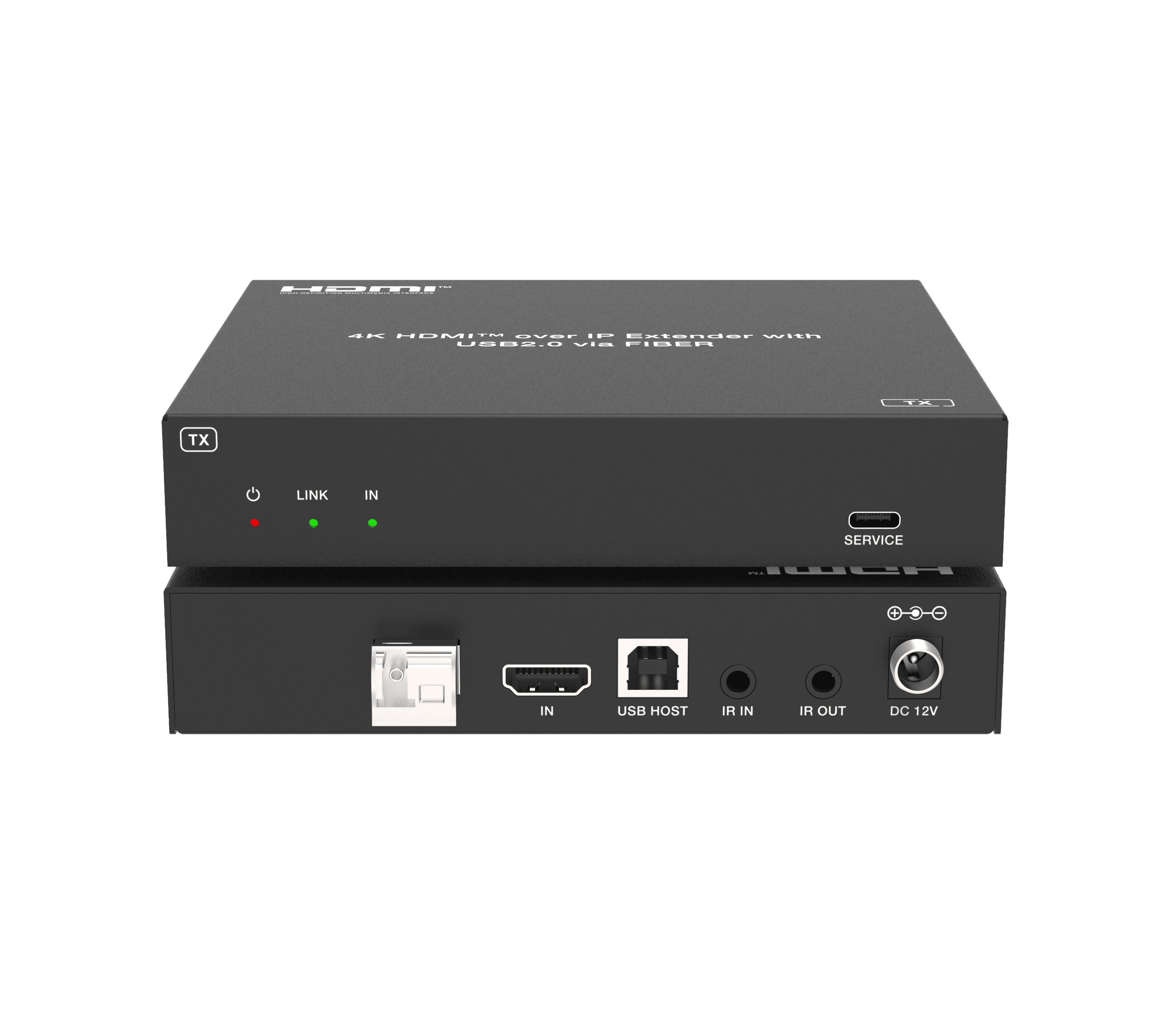
Encoder (TX)

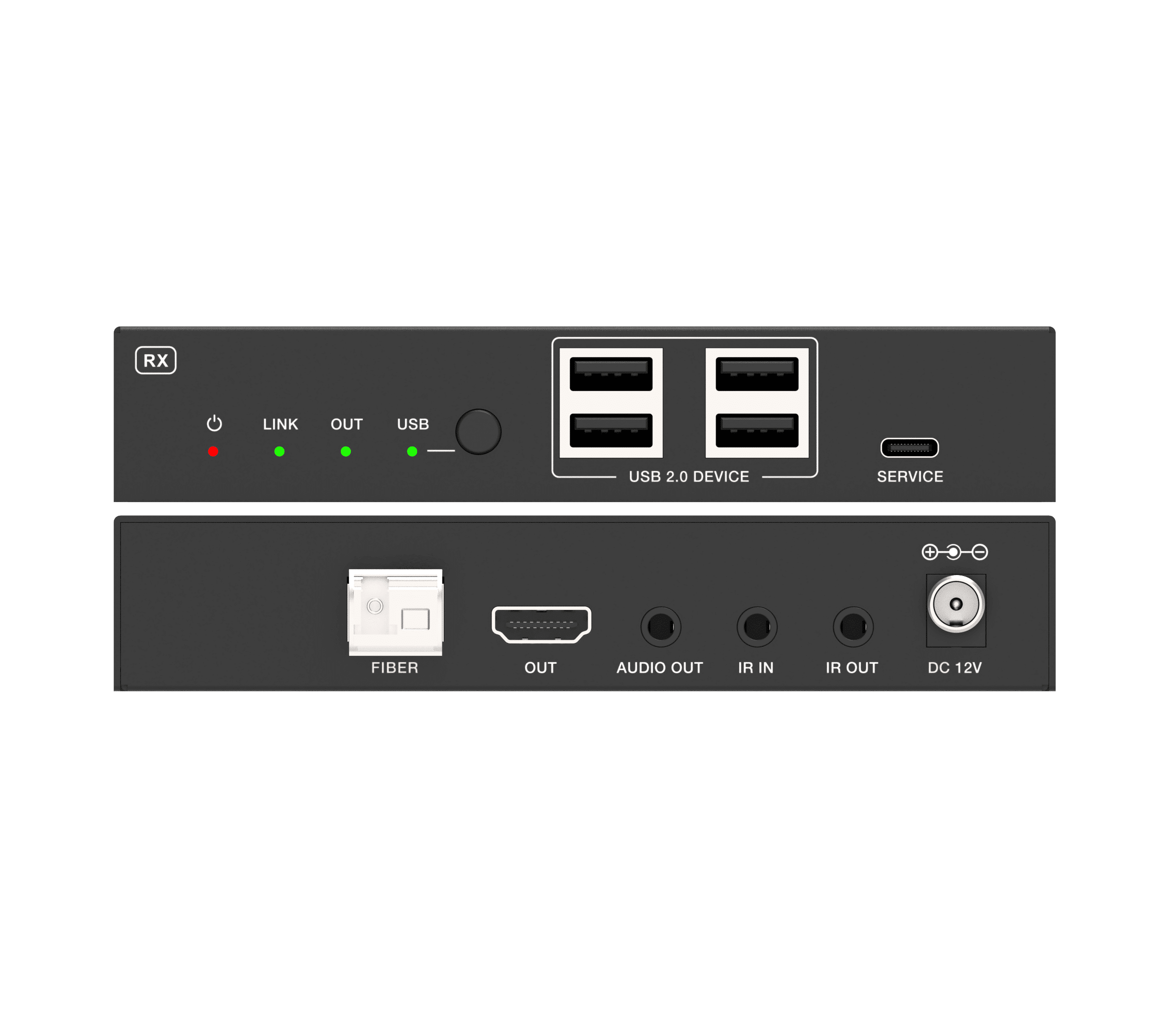
Decoder (RX)


Switch Configuration
One encoder can connect to multiple decoders via Switch. When a switch is used, you need to know:
■ If the devices in this system are the current product (the 4K60 HDMI™ over IP Fiber Extender), only the jumbo frame of the switch need to be set to be equal or greater than 1600.
■ If there are other devices except the current product in this system, the jumbo frame should be equal or greater than 1600, and the devices need to be
isolated from each other via dividing VLAN.
■ Only one encoder is supported in one switch system.
The configuration way of various switches is shown below:
Note: The UI of each model of the switches may be different, so the examples below are just for your reference.
NETGEAR Switch Configuration:
■ Check and set the jumbo frame:
1. Login the switch configuration page via the address: http:// 192.168.0.239

2. Click Switching->Port Configuration to check and set the jumbo frame.
The default jumbo frame of current NETGEAR Switch is 1600, so it needn’t to be modified.

3. If you want to modify the jumbo frame, select the corresponding port and enter the new Jumbo frame. Then click Apply.

VLAN dividing:
1. Select Switching->VLAN, enter VLAN ID and click Add to create VLAN.

2. Click Advanced->Port PVID Configuration, select the corresponding ports and enter the VLAN ID. Click Apply to take effect.

One to Many application

One to One application


