
Two-channel Bluetooth Dante Panel 4×2 with 3.5mm Audio

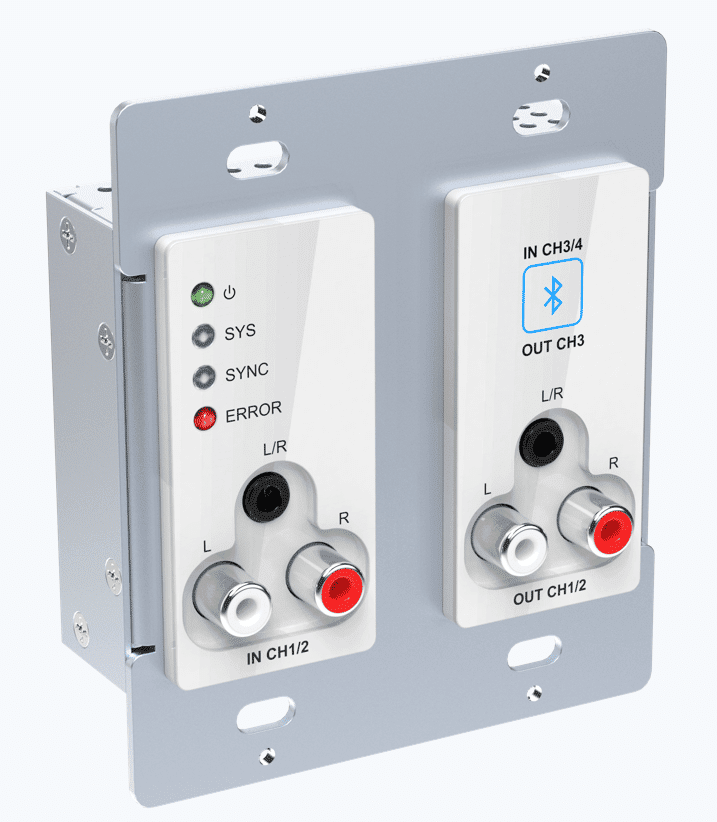
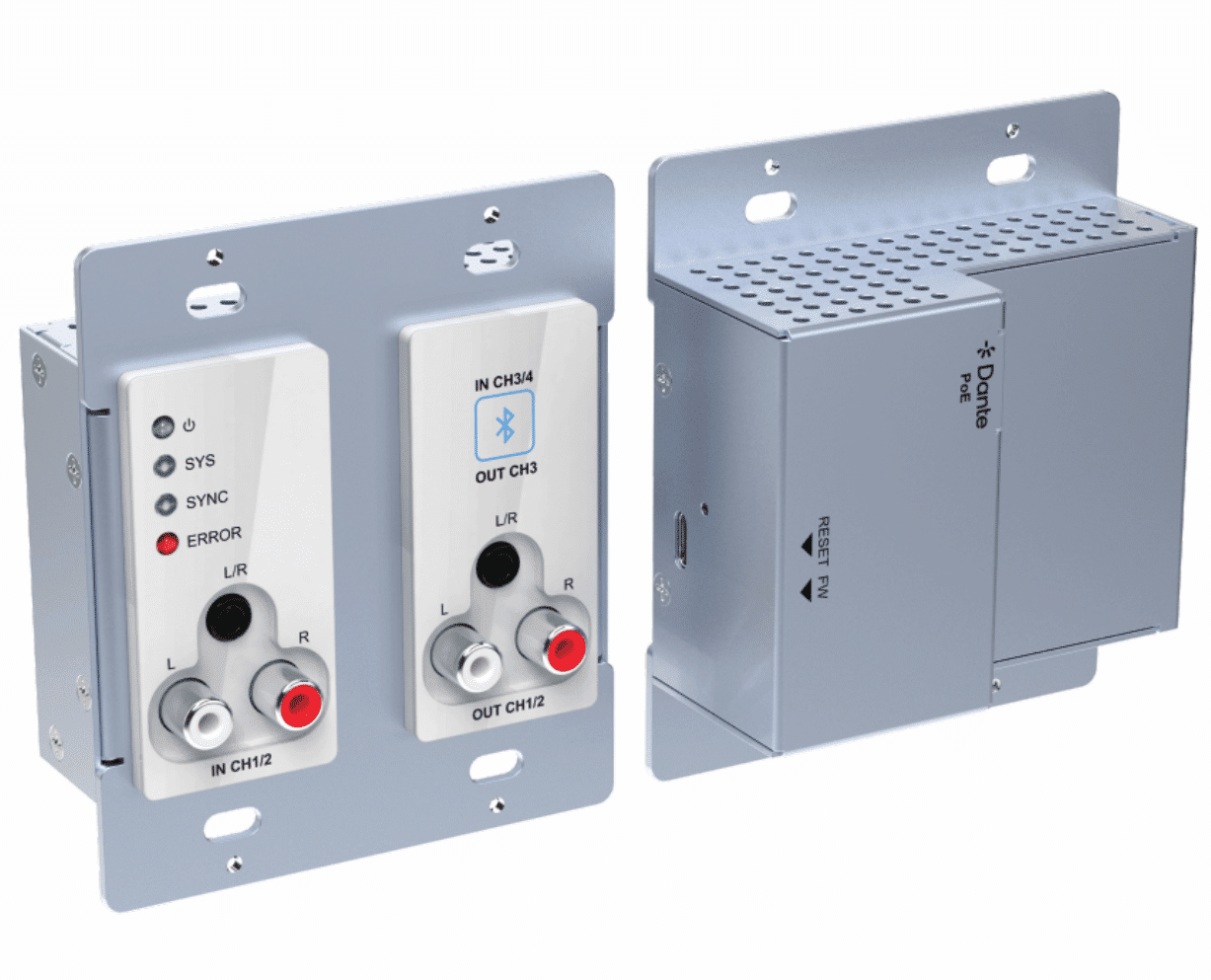
This Bluetooth Dante Panel 4X3 is a professional 4×3 Dante wall panel with Bluetooth. It includes stereo Bluetooth wireless audio input, 3.5mm jack and RCA jack for line inputs and support transfer uncompressed audio via standard Ethernet networks with near-zero latency. The unit also included 3.5mm jack and RCA jack for line output.
The wall panel is powered by PoE and supports Web-UI and Dante software control.
Features:
Dante 4×3 wall panel with Bluetooth;
One-key pairing with back-lit indication;
Supports Bluetooth 5.3, complaint with V5.0/4.0/2.1+EDR
Transmission without obstruction distance up to 20m;
Compatible with most smartphones, Apple iPads, and Android tablets;
Controllable by Web-UI, Dante Controller or Dante Director software;
Supports API for control center for system control usage;
Powered by network switch via PoE(IEEE 802.3af).
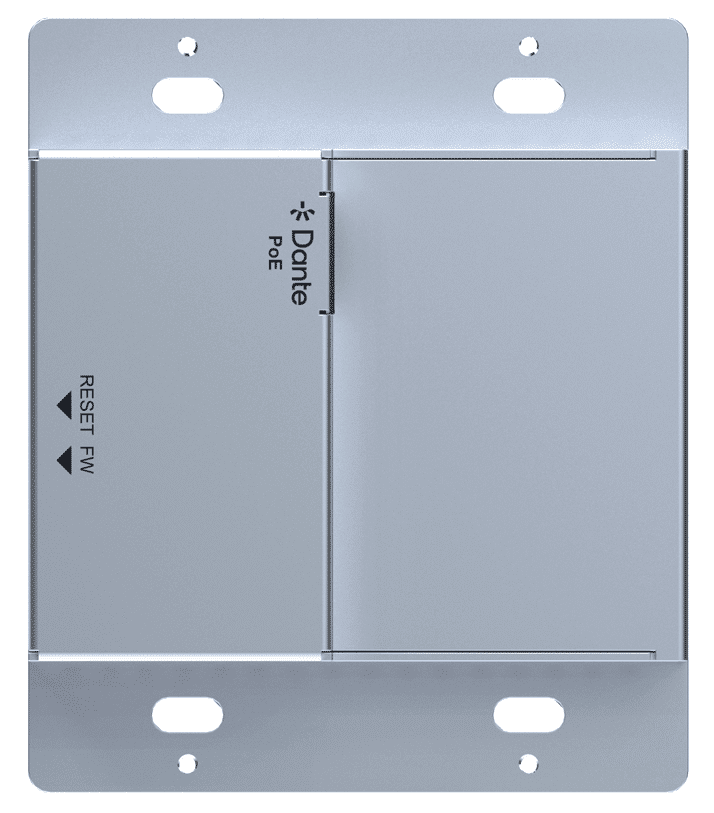
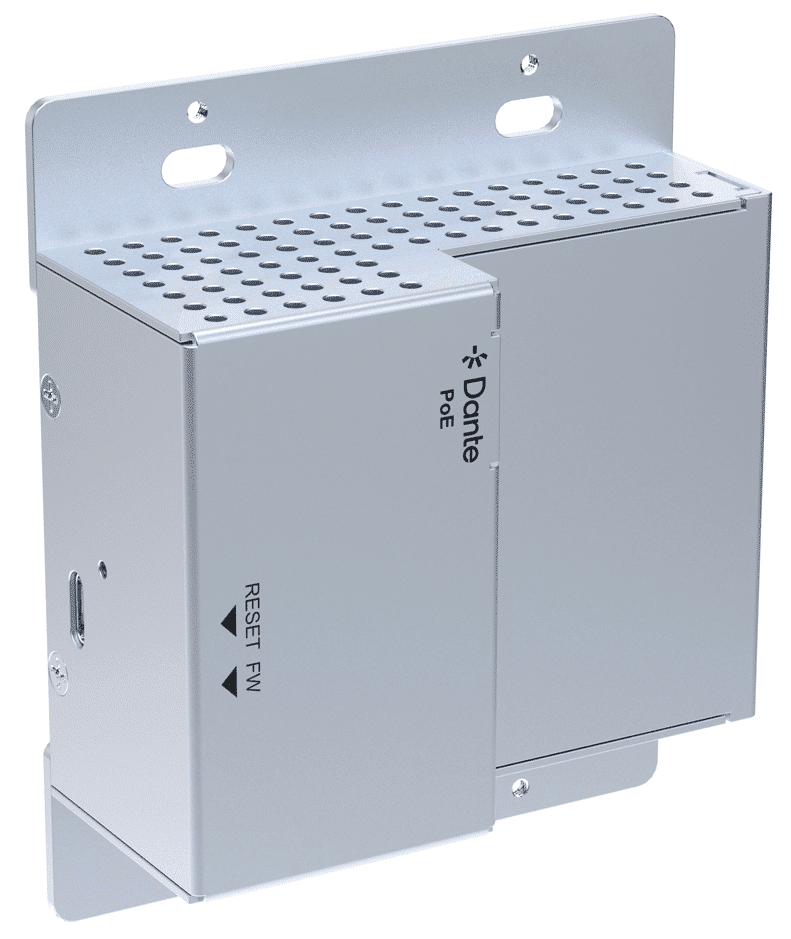
Product Interface Description


Usage Precaution
Make sure all components and accessories included before installation.
System should be installed in a clean environment with proper temperature and humidity.
All of the power switches, plugs, sockets, and power cords should be insulated and safe.
All devices should be connected before power on.
Connection Diagram

Bluetooth Config support renaming the Bluetooth ID

Input Name: Reports the Dante transmitter channel name for corresponding analog input and rename the input.
Bluetooth Friendly Name: Set the name of the device when it is recognized by Bluetooth.
Bluetooth Audio Bridging: Select the bridging mode: Call Bridging, Media Bridging, Call & Media Bridging.
Activate Pairing: Activate pairing mode on the device.
Close Connection: Close the active Bluetooth® connection and only active when the Bluetooth® status is “Connected”. Once click for close current connection and the pairing button will flash for next connection, click again to turn off pairing status.
Support AVRCP control and show the music information: Artist, Altum, Track.


