
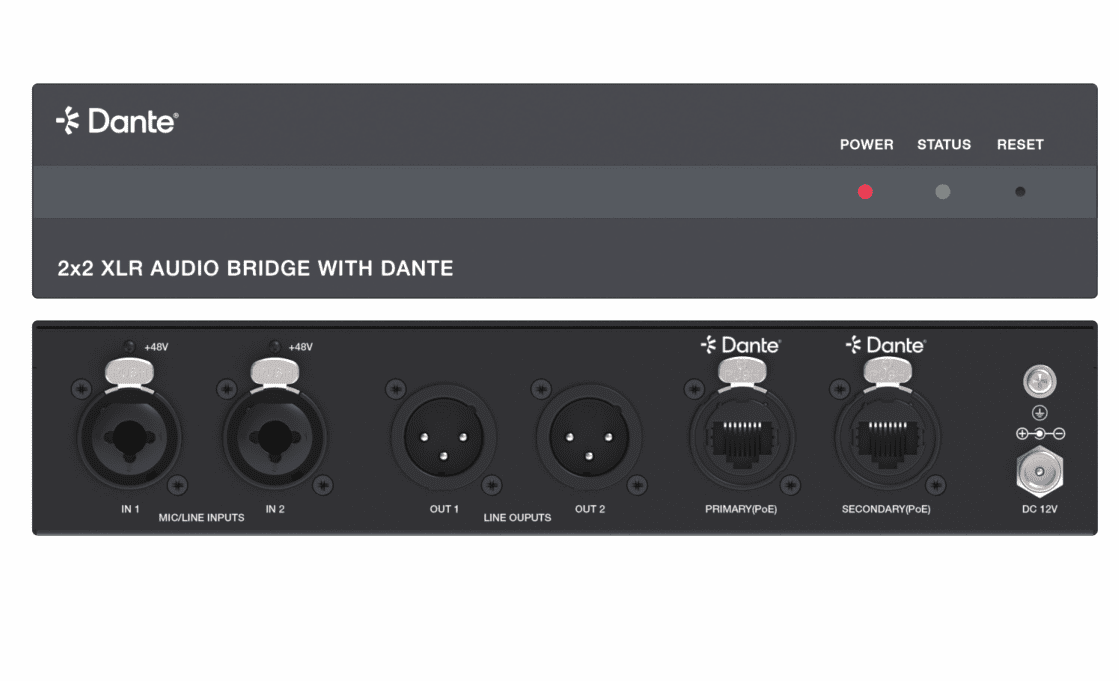
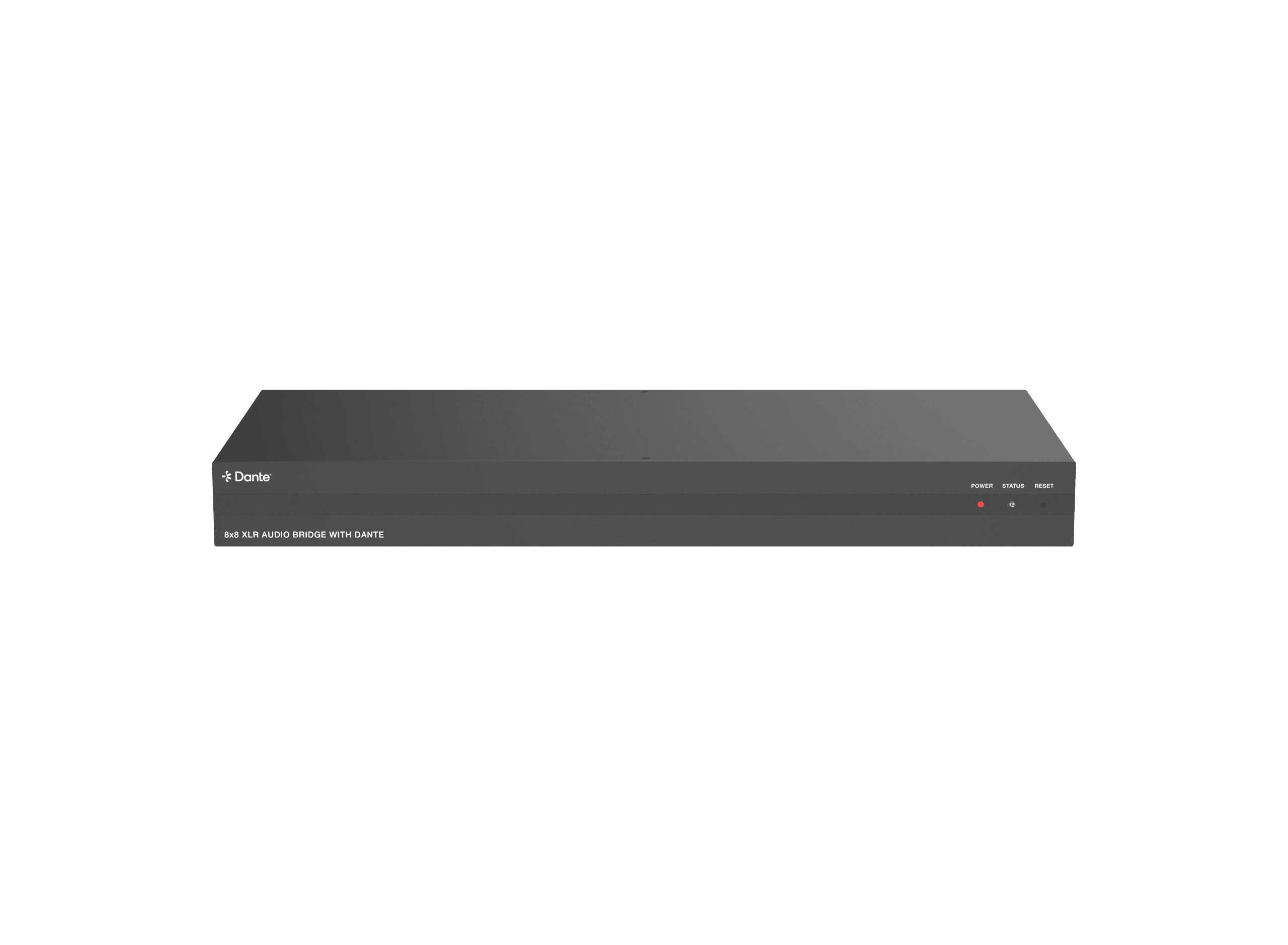
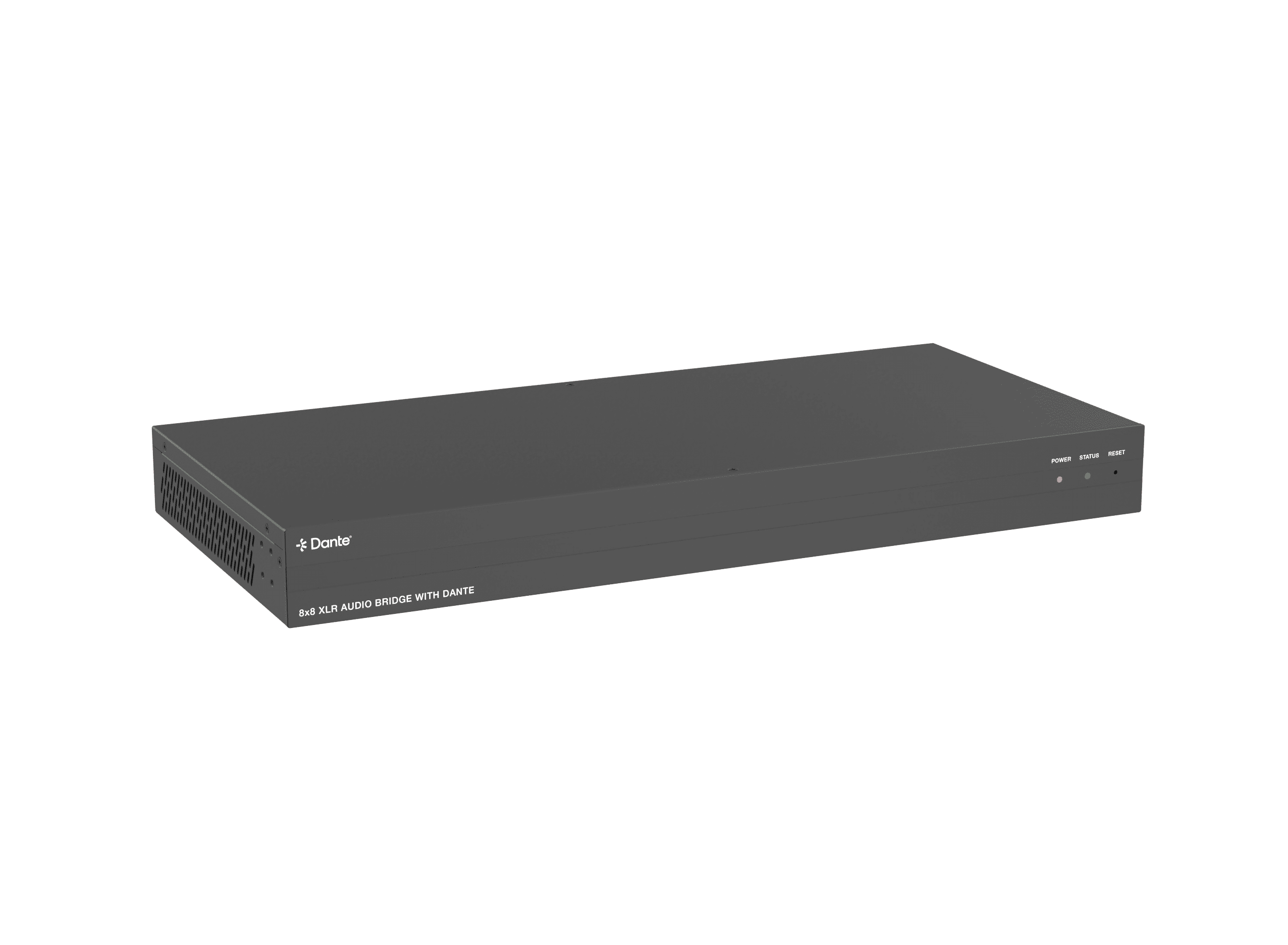
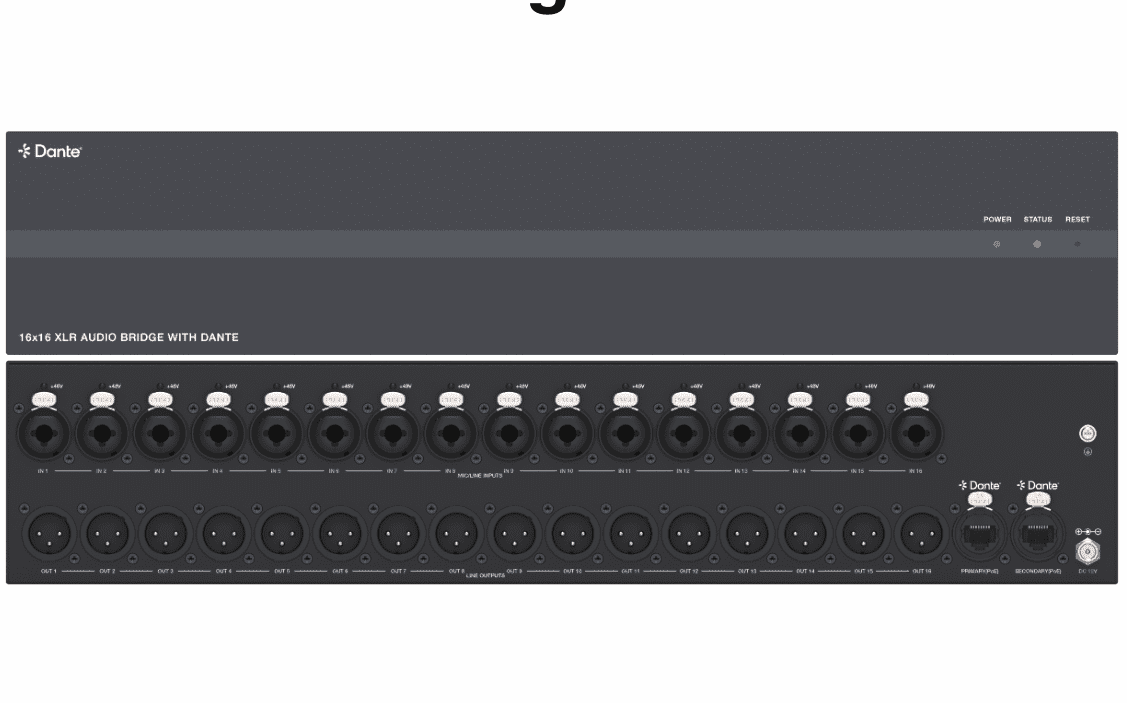
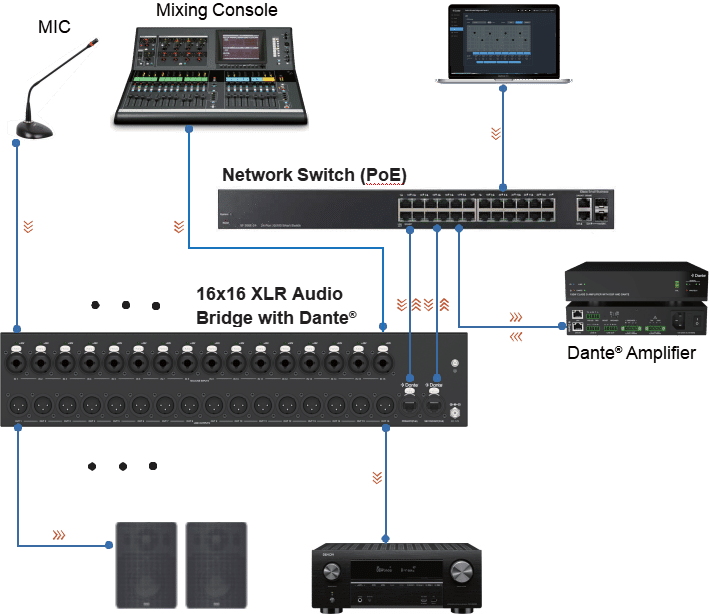
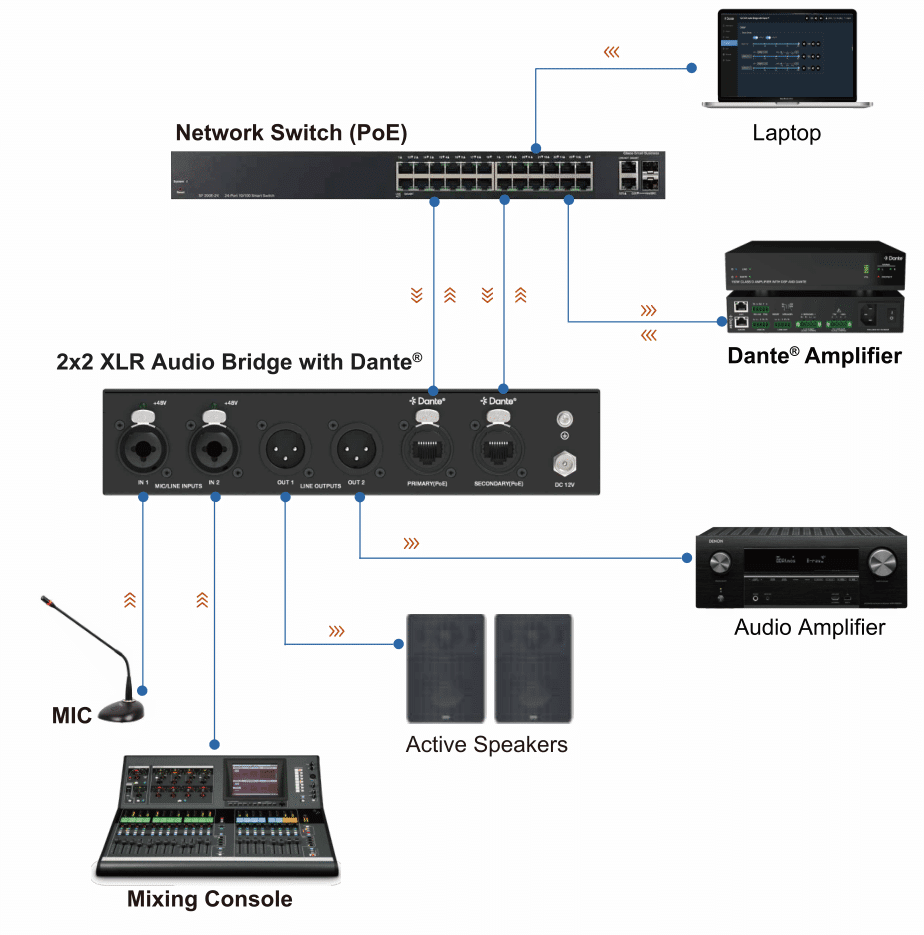
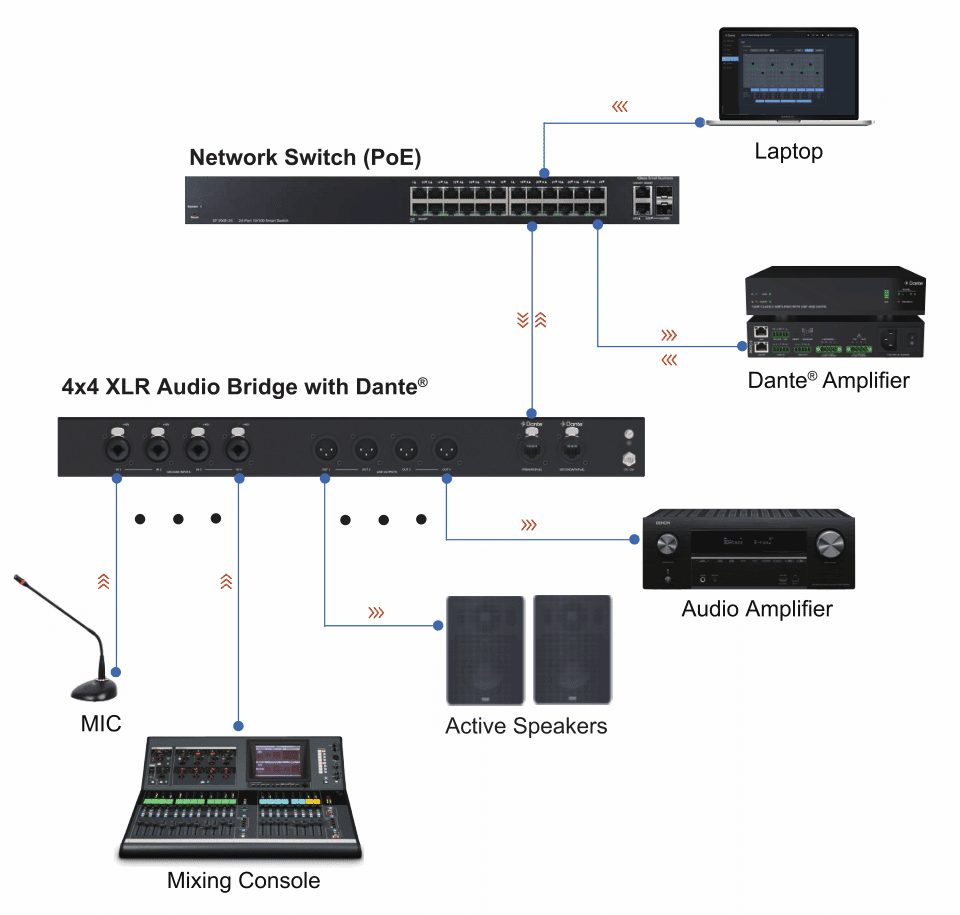
Dante Audio Bridge 2ch/4ch/8ch/16ch XLR
Audio Bridge with POE,Support Dante WebGui Control, APC Command Control
Product Features
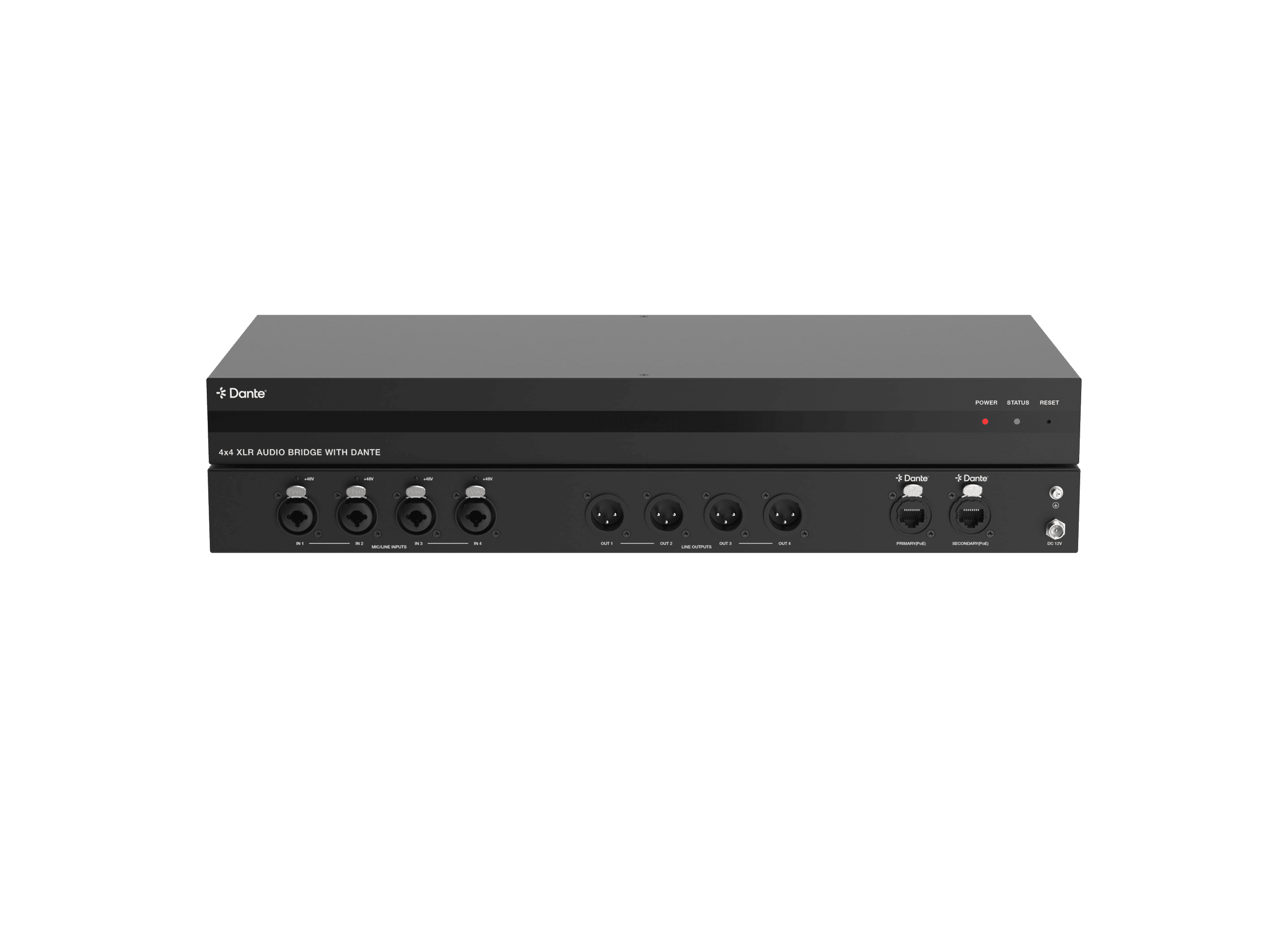
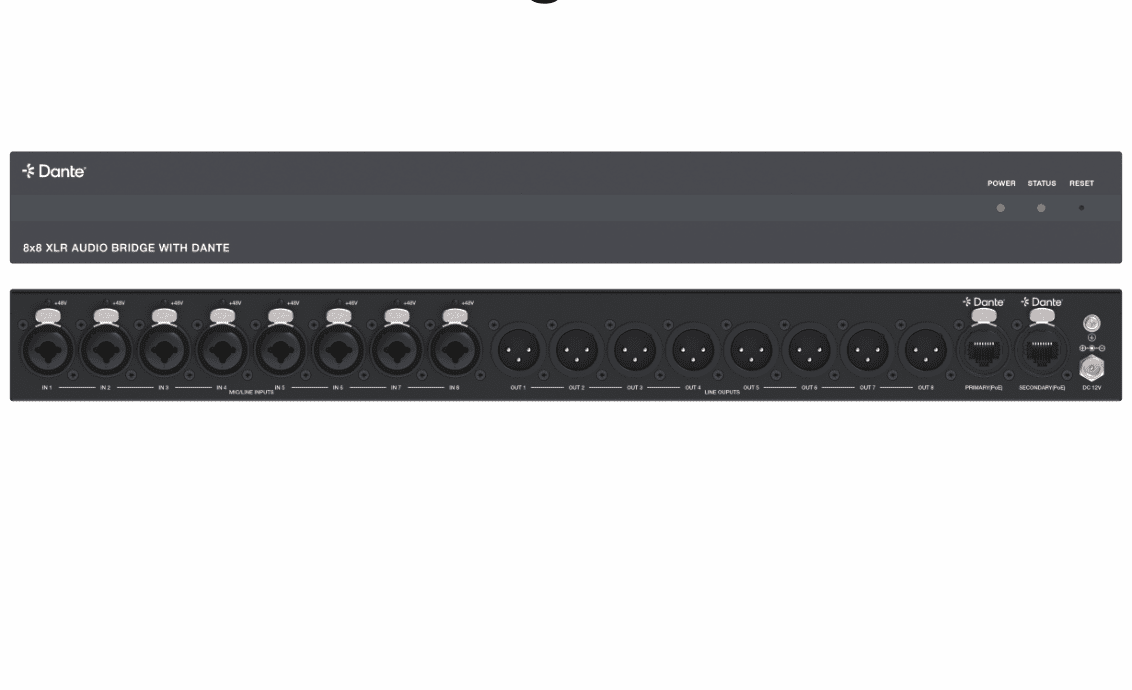
8×8 XLR Audio Bridge with Dante and POE Introduction
This 8×8 XLR audio bridge is a Dante® transmitter based on DEP scheme. It converts up to eight analog inputs and eight analog outputs to and from the Dante® audio standard.
The analog input adopts XLR/TRS combination port, which supports both balanced and unbalanced audio input. Analog input supports 48V phantom power supply and 6-level sensitivity adjustment, while analog output supports 5-level gain adjustment.
This audio bridge built-in audio signal processing for gain, equalizer and delay control. It is simple to configure and operate via the internal Web GUI or the standard Dante® Controller software. It supports Dante® primary and backup networks, and can be backed up through backup networks. This product can be powered by dual PoE+ (Power over Ethernet) and local DC power supply.
This cost-effective 1U rack-mount unit offers an easy solution for professional AV systems, and can be paired with various types of professional audio equipment, while greatly simplifying the wiring of the system.
PRODUCT Features
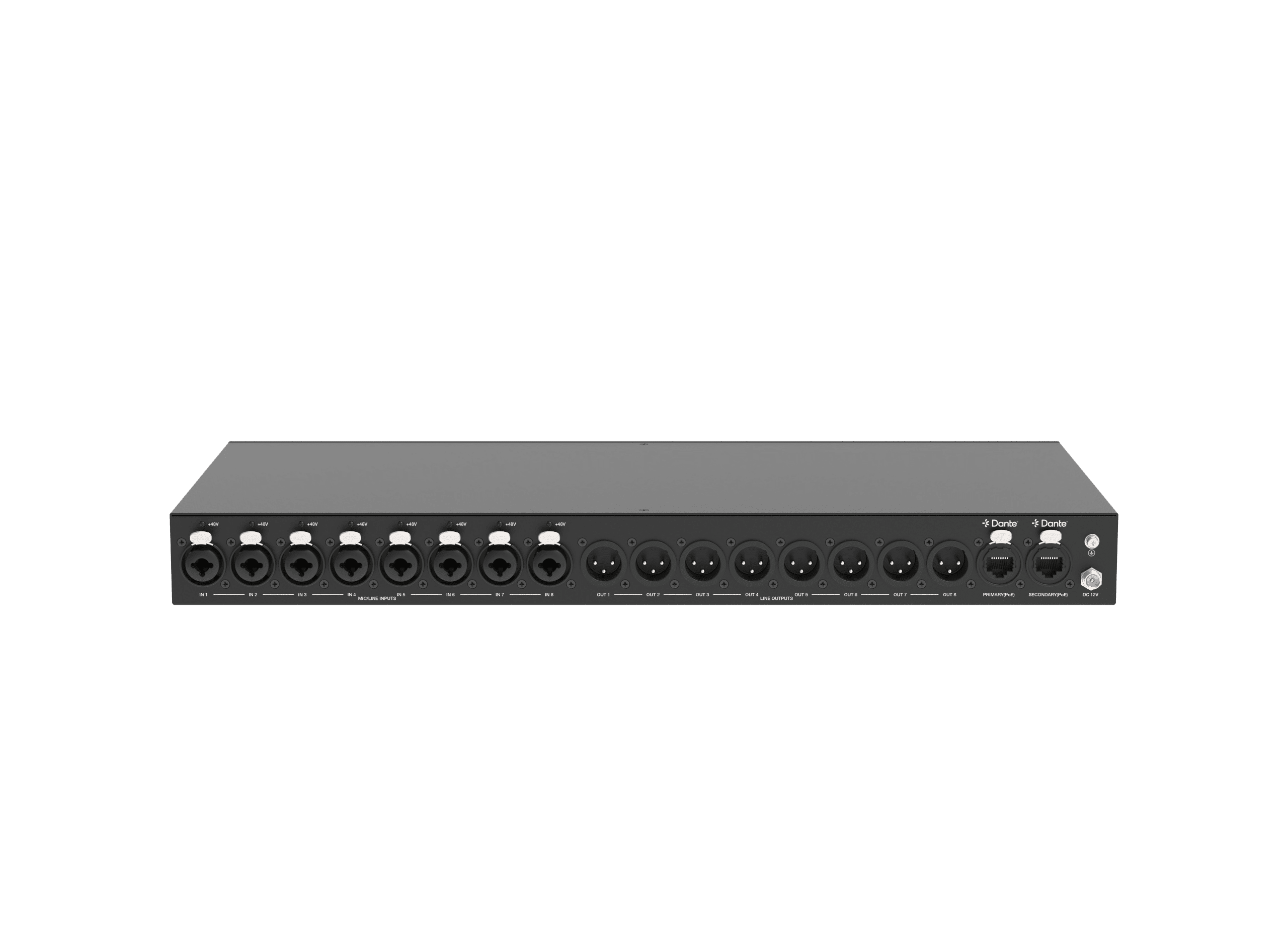
☆ 8x balanced analog inputs on XLR, supporting XLR/TRS combo connection
☆ 8x balanced analog outputs on XLR
☆ Dante® 8×8 and AES67 audio input/output supported
☆ Supports balanced/unbalanced analog audio input and output
☆ 2x RJ45 Dante® connectors with redundancy and dual PoE+, supporting Dante® primary and backup networks
☆ Each input supports +48V phantom power
☆ Adjustable global 0dBFS line up selection (-35dBV/-18dBV/0dBV/+4dBu/+14dBu/+24dBu)
☆ Built-in audio DSP processing for sensitivity, gain, 8-band PEQ and delay control
☆ Audio input and output support 8 band PEQ adjustment (with +15dB/-15dB gain), and a maximum of 50ms delay setting
☆ Dante® audio supports: 44.1kHz, 48kHz, 88.2kHz, and 96kHz sampling rates @ 16/24bit
☆ Dante® audio delay supports settings of 5 or 10ms
☆ Configuration using internal Web GUI or Dante® Controller
☆ Powered by PoE+ or local DC power supply
☆ Standard 1U 19” rack-mount form factor
Packing list
① 1x 8×8 XLR Audio Bridge with Dante® and PoE+
② 1x 12V/2.5A Locking Power Supply with Optional Multinational Conversion Plug
③ 2x Mounting Ear
④ 8x Machine Screw
⑤ 1x User Manual
Specification
| Technical | |
| Network Bandwidth | Dante® Network 1000M |
| Audio Latency | Configurable Dante® device latency: (Supports 5 or 10ms configurable using Dante® Controller) Configurable analogue output latency: 2, 3, 4, 5, 10ms |
|
Audio Format | DANTE [Dante®/AES67 digital audio in/out, PCM 2CH 44.1K- 96kHz, 16/24Bit] LINE IN [Analog audio, Balanced/unbalanced, Max input level 24dBu] MIC IN [Analog audio, Balanced/unbalanced, Min input level -35dBV] LINE OUT [Analog audio, Balanced/unbalanced, Max output level 20dBu, Min output level -18dBu] |
| Line/Mic Input Audio | |
| Input Impedance | 20K Ohm balanced 10K Ohm unbalanced |
| Input Level | Max 24dBu (12.28Vrms) @ balanced line audio Max 18dBu (6.14Vrms) @ unbalanced line audio Min -35dBV (17.78mVrms) @ balanced mic audio |
| Line Output Audio | |
| Output Impedance | 600 Ohm balanced 300 Ohm unbalanced |
| Output Level | Max 20dBu (7.75Vrms) @ balanced audio Max 14dBu (3.875Vrms) @ unbalanced audio |
| Frequency Response | 20Hz to 20kHz (-/+0.5dB) |
| Dynamic Range | >90dB@0dBu, 1kHzA-weighted |
| Audio S/N Ratio | >90dB@0dBu, 1kHzA-weighted |
| Audio THD+N | < 0.01% at +4dBu, 1kHz |
| Transmission Distance | 328ft/100m (CAT6/6A/7) |
| ESD Protection | IEC 61000-4-2: ±8kV (Air-gap discharge) , ±4kV (Contact discharge) |
| Connection | |
| 8x MIC/LINE INPUTS [XLR/TRS Combo, female] [Line analogue audio, Balanced/unbalanced 2CH, Max input level 24dBu] [Mic analogue audio, Balanced/unbalanced 2CH, Min input level -35dBV] 8x LINE OUTPUTS [XLR, male] [Analogue audio, Balanced/unbalanced 2CH, Max output level 20dBu] 1x DANTE PRIMARY [RJ45 locking connector, PoE+/PD (Class 4 IEEE 802.3at)] [Dante/AES67 digital audio in/out, PCM 2CH 44.1K-96KHz 16/24Bit, Web GUI and TCP/IP] 1x DANTE SECONDARY [RJ45 locking connector, PoE+/PD (Class 4 IEEE 802.3at)] [Dante/AES67 digital audio in/out, PCM 2CH 44.1K-96KHz 16/24Bit] 1x DC 12V IN [2-pin DC Locking Power Jack, Max 2.5A] | |
| Mechanical | |
| Housing | Metal Enclosure |
| Color | Black |
| Dimensions | 440mm [W]×200mm [D]×44.5mm [H] |
| Weight | 2.2kg |
| Power Supply | (1) 12V/2.5A 2PIN Locking Power Supply (2) PoE+/PD (Class 4 IEEE 802.3at) |
| Power Consumption (Max) | 15.36W (Test with 1Hz sine wave) |
| Operating Temperature | 0°C ~ 40°C / 32°F ~ 104°F |
| Storage Temperature | -20°C ~ 60°C / -4°F ~ 140°F |
| Operating Humidity | 20%~80% (relative humidity, non-condensing) |
| Storage Humidity | 10%~90% (relative humidity, non-condensing) |
Interface

| No. | Name | FunctionDescription |
| 1 | POWER LED | ▪ Green ON: The system is powered on (PoE+ or DC power supply). ▪ Red ON: The system is in standby mode. ▪ OFF: The system is powered off. |
| 2 | STATUS LED | System status indicator. ▪ Green ON: The system is normal. ▪ Flash at 2Hz: The system is abnormal. |
| 3 | RESET button | ▪ Short press this button to reset the system. ▪ Press and hold this button for 3 seconds to restore the product to factory default settings, all LEDs on the front panel will flash at 2Hz for 5 seconds. |
Rear panel

| No. | Name | FunctionDescription |
| 1 | 48V phantom power indicator lights | Eight 48V phantom power indicator lights. When the MIC/LINE IN 1/ 2/3/4/5/6/7/8 port is used as a MIC input port, and the corresponding 48V phantom power is turned on, the corresponding green indicator light is on. |
| 2 | MIC/LINE INPUTS ports | ▪ LINE analogue audio input port, supporting balanced/unbalanced 2CH, with a Max input level of 24dBu. ▪ MIC analogue audio input port, supporting balanced/unbalanced 2CH, with a Min input level of -35dBV. Note: These eight ports support 48V phantom power. When the phantom power function is turned on through Web GUI or API commands, these ports can supply power to the connected MIC. |
| 3 | LINE OUTPUTS ports | LINE analogue audio output ports, supporting balanced/unbalanced 2CH, with a Max output level of 20dBu. |
| 4 | PRIMARY(PoE) /SECONDARY (PoE) port | Dante® primary/secondary network port, supporting PoE+, with the following two functions: (1) Dante® audio input and output port. (2) Web GUI and TCP/IP control port. Note:The primary and secondary networks of this product are hot backup networks, that is, when the primary network encounters a problem, it will automatically switch to the secondary network. |
| 5 | DC 12V | DC 12V/2.5A power input port. |
| 6 | GND Connect the unit housing to the ground. | |
Dante® Web GUI User Guide
The audio bridge can be controlled by the built-in Dante® Web GUI. The operation steps are as following.
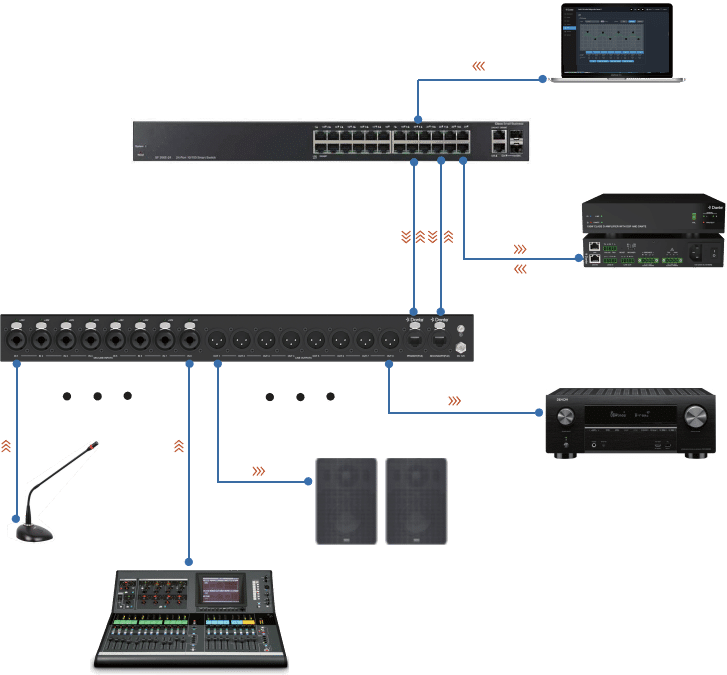
Step 1: Connect the Dante® PRIMARY(PoE) port of the audio bridge to the Ethernet Switch. Step 2: Connect the PC to the same Ethernet Switch, and set the Network connection setting of PC to be “Obtain an IP address Automatically”.


Step 3: Open the Dante® Controller software on the PC, and find the Dante® device on the Routing page, as shown in the figure below.

DSP page

8X8 XLR Audio Bridge with Dante diagram

Note: Please pay attention to the XLR connector pinouts when connecting XLR audio input/output devices.


Questions and Answers
Power indicators light out.
A: Check whether the POE switch is connected to the device.
B: Check whether the network connection line is normal;
The way to check is to use this network cable to connect PC to the switch, whether Link light and data light flicker.
C: Equipment damage, contact INFOBIT to get technical support.
No signal after the microphone is connected.
A: Set the input route through the Dante Controller software.
B: Check the type of the microphone, if it is a capacitive microphone, please open the illusion power switch.
C: Improve the gain of the preamplifier circuit.
No XLR output signal?
A: Check if the audio route has been sent to the corresponding channel through the Dante Controller software.
B: Check the normal work of the power amplifier and the horn.


