
Dante Audio
Converting Bluetooth or 2-channel RCA stereo audio into Dante Audio
Introduction
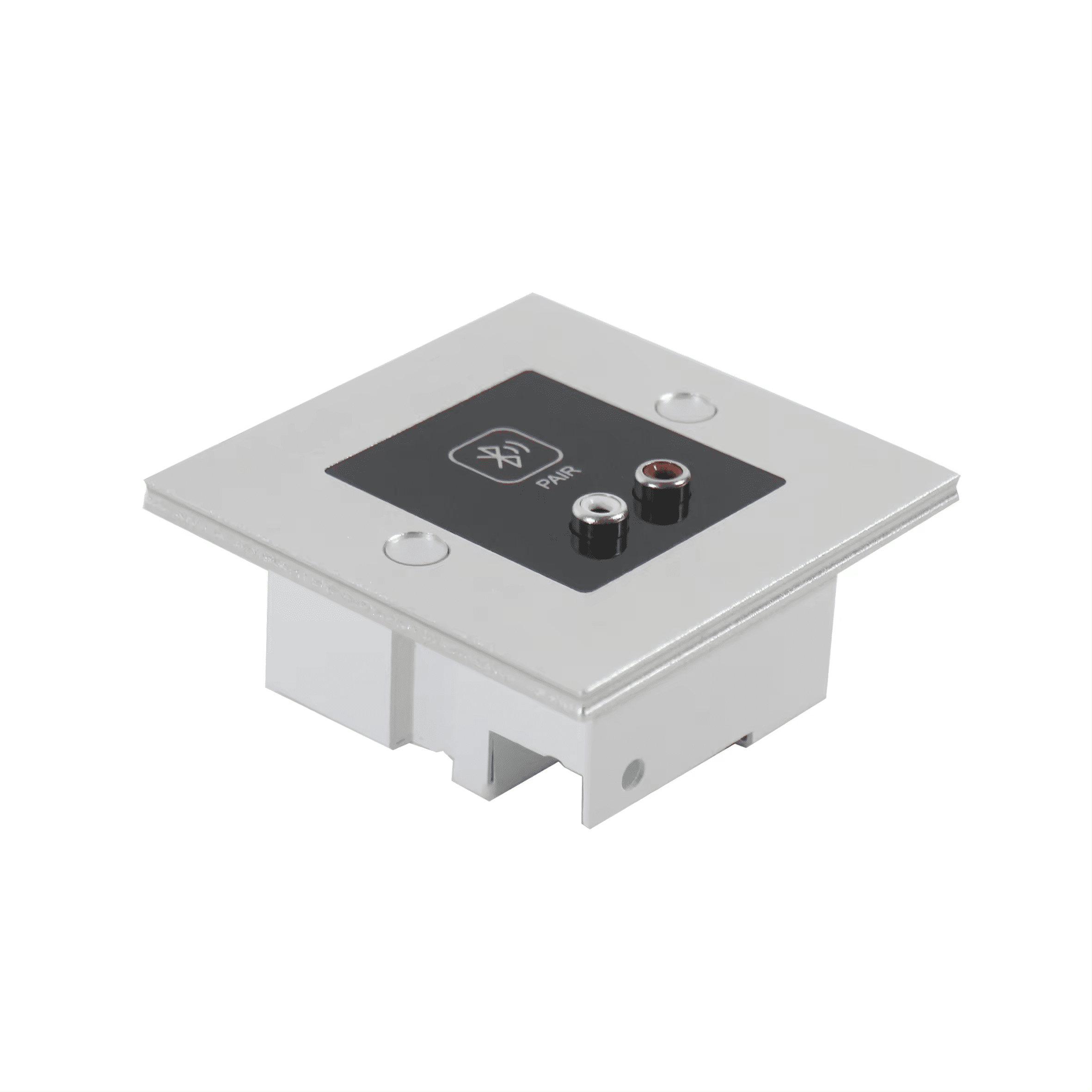
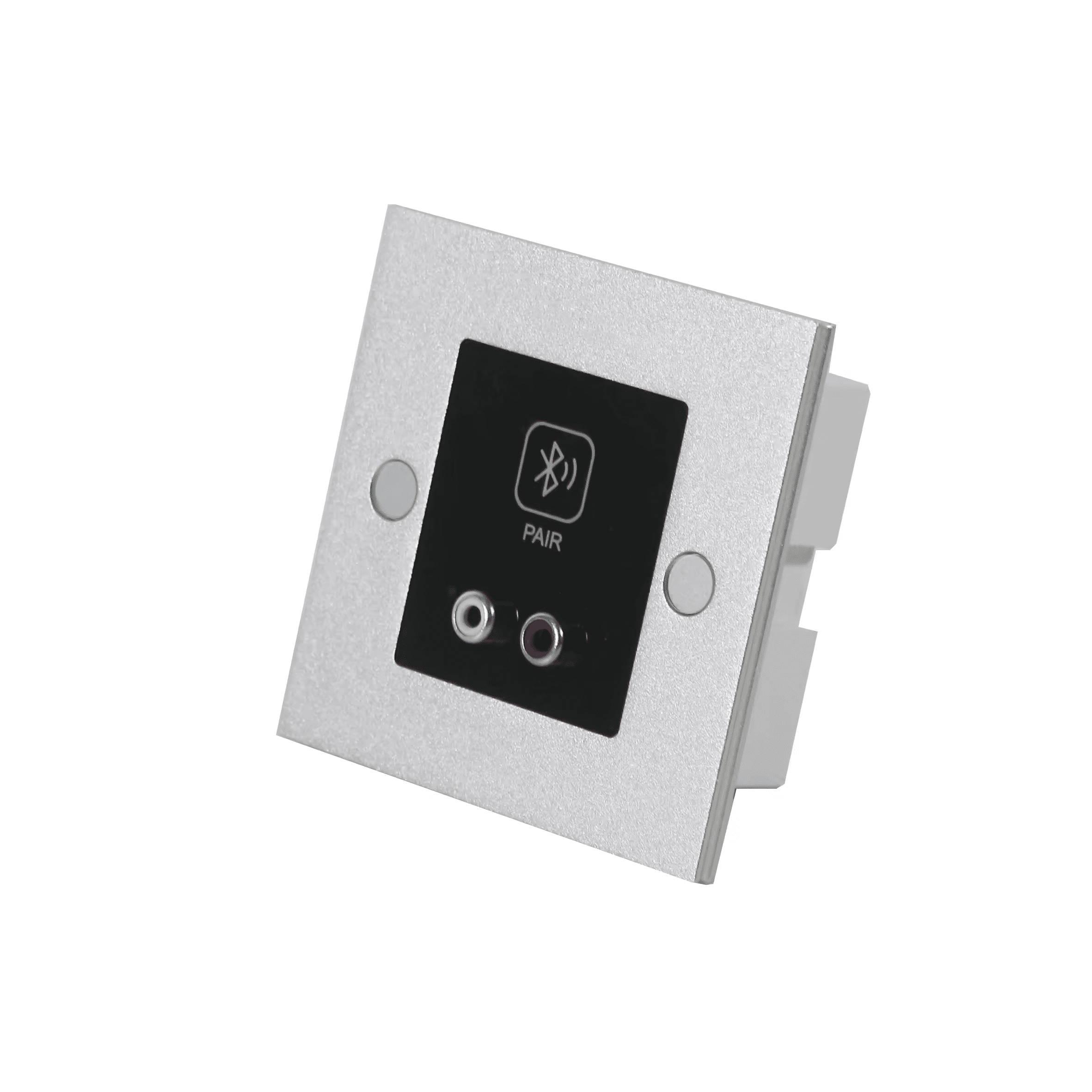
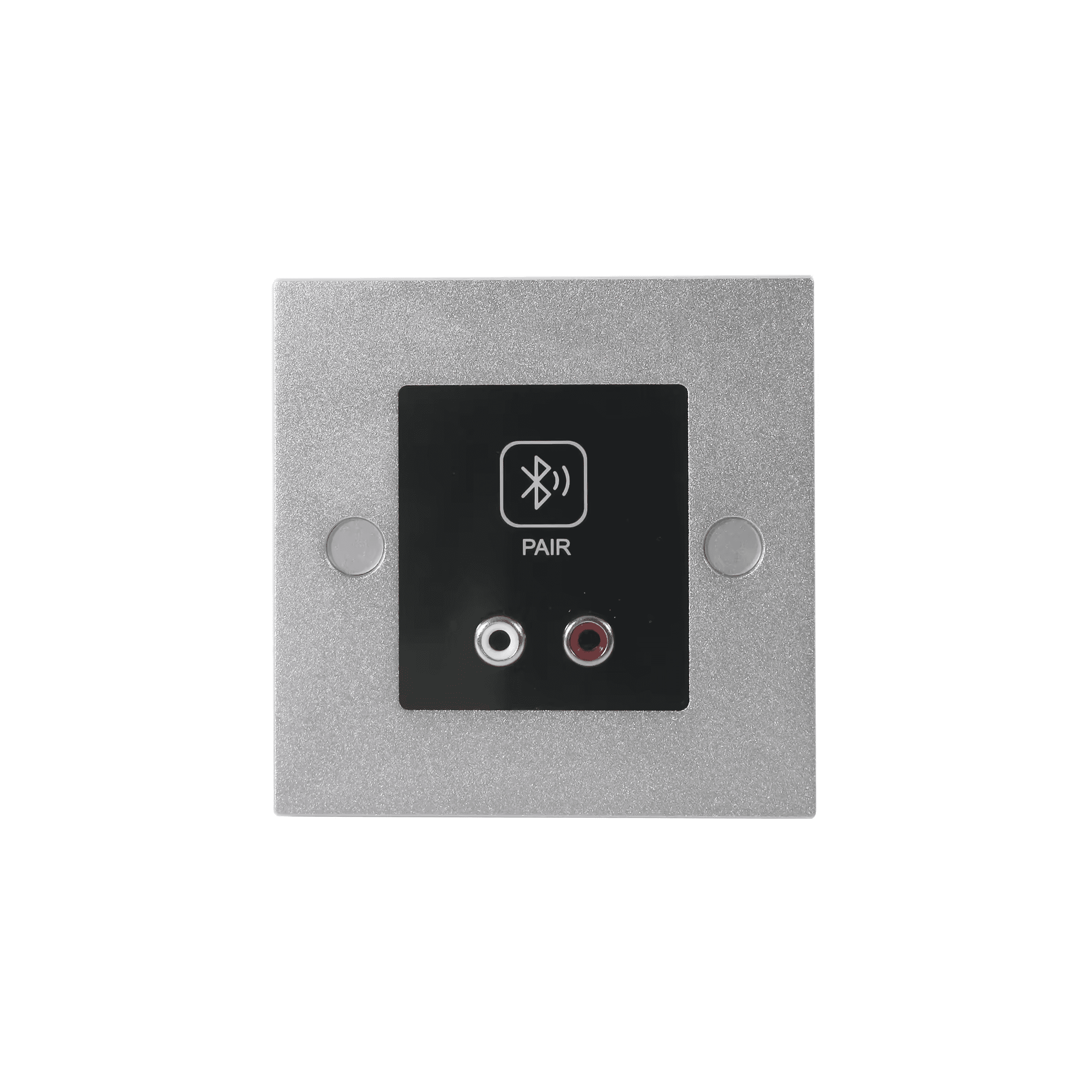
Featuring bi-directional Bluetooth audio, the interface allows you to transmit two channels of Bluetooth or RCA audio onto the Dante network. The paring is as simple as pressing a button on the front panel, and you can give the unit any friendly name you like. On the setup side, audio routing and control is maintained via Dante Controller and Domain Manager. It is perfect for simple BYOD, or you could use the call bridging feature for conference calls utilizing the existing audio equipment in the room.
Features
1.Supports Blue tooth or 2-channel stereo conversion to Dante network digital signal, with priority given to Blue tooth signals.
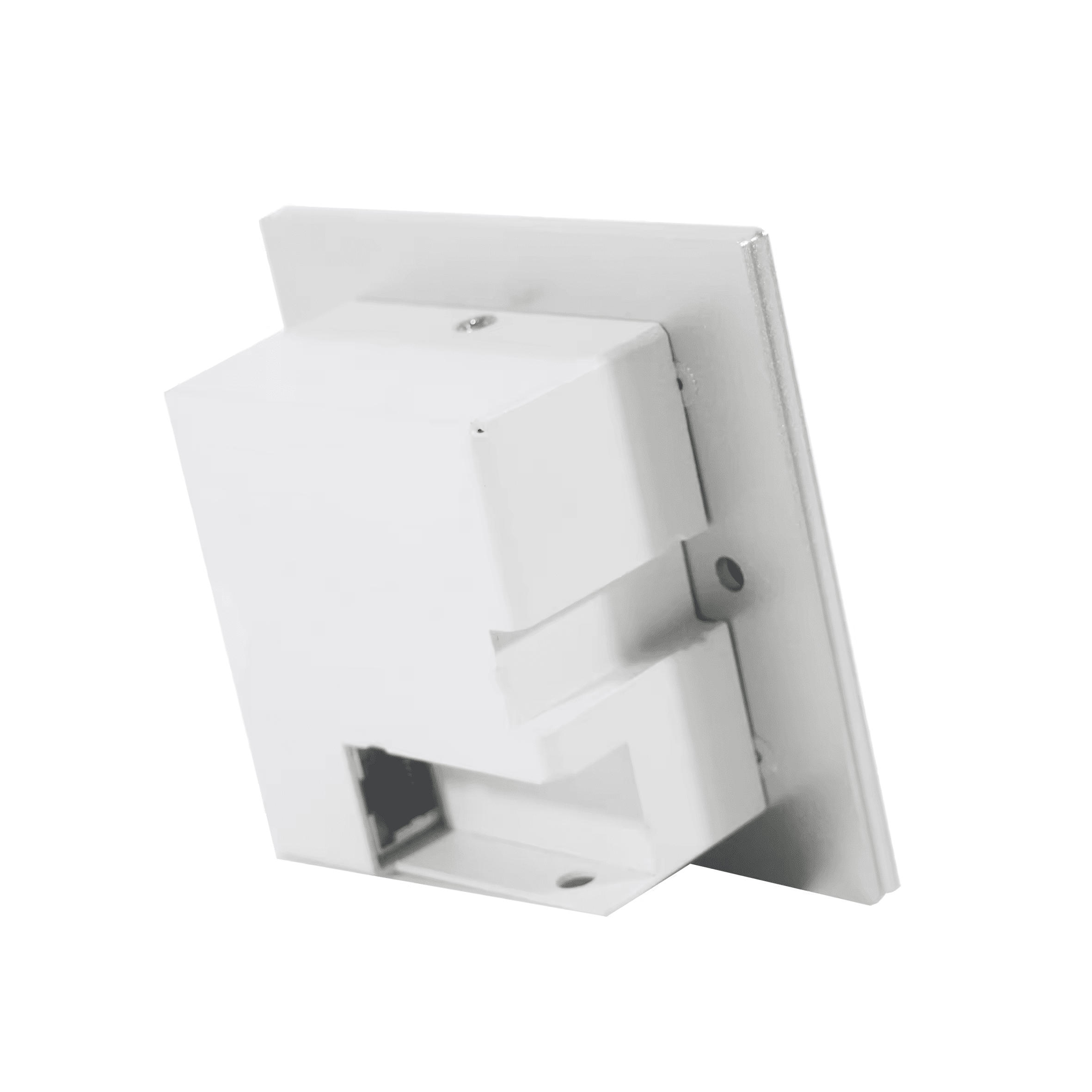
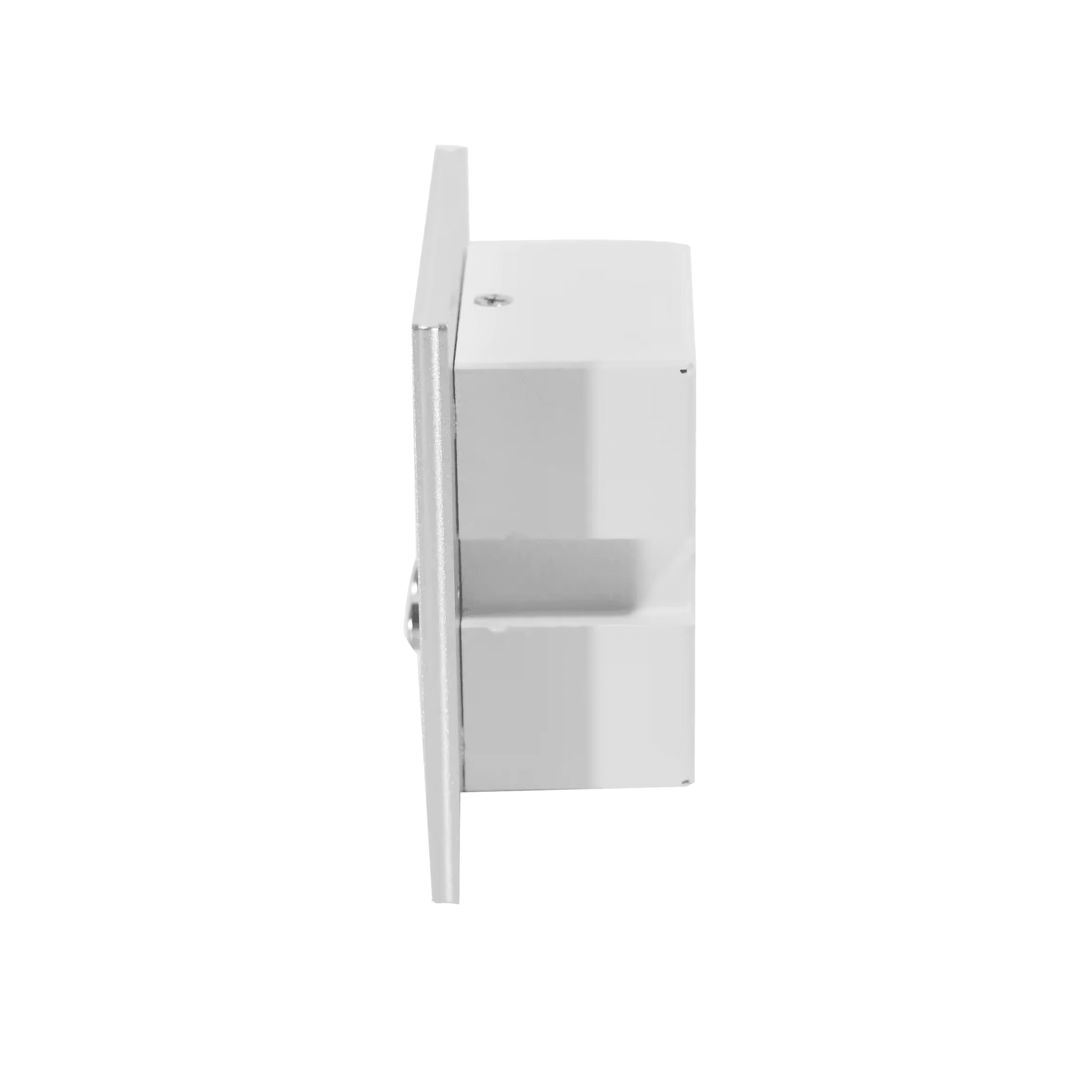
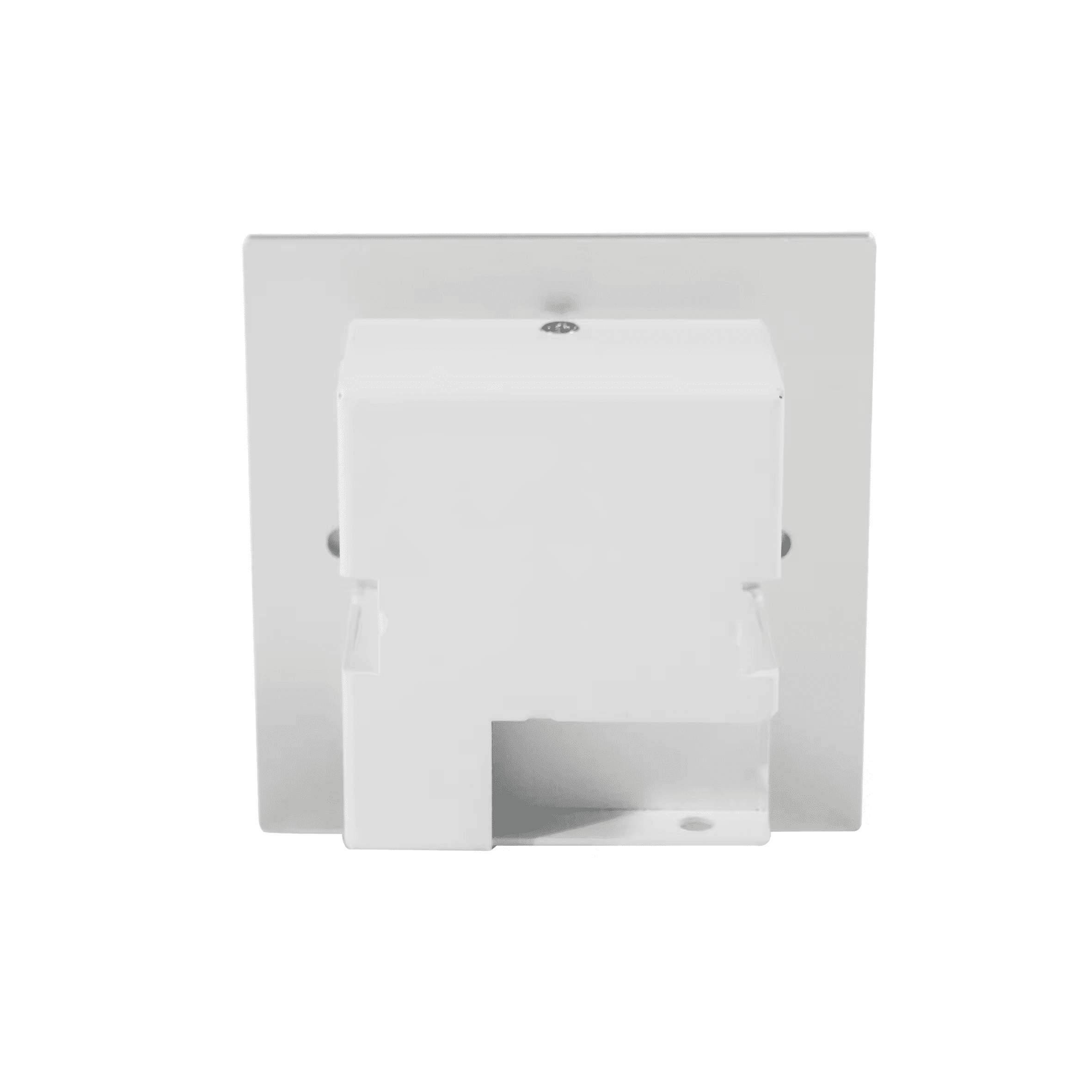
2.Powered by PoE, installed in a standard 86-type wall box.
3.Connects to devices such as smartphones and laptops through Bluetooth, receiving audio and transmitting it as Dante network digital signal.
4.Mainly used in scenarios such as teleconferences and audio media transmission.
5.Simple to use, controlled through a touch button for Blu tooth pairing with connected devices, and displays the connection status.
Specification
| Blue tooth Interface | 2 |
| DANTE/AES67 Channel | 2 |
| Stereo Input | RCAx2 |
| Maximum Input Level | 12dBu |
| Sampling Rate | 44.1/48KHz |
| Data Bit | 24bit |
| THD+N | T0.005%@1kHz+4dBu |
| Dante/AES67 Device Delay | <2ms |
| Power Supply | Class1 802.3 af PoE |
| Power Consumption | 2W |
| Input SNR | >100dB |
| Dimensions | 86x86x40mm |
Settings
Wireless devices such as mobile phones or iPad are connected to the panel via Bluetooth or a 3.5 to RCA cable.
The panel is powered by a PoE switch, converts analog audio into the Dante audio and outputs it to the network switch.
Finally, it is configured from the Dante Controller software on the computer to output to the DSP or speakers.

Note: The Bluetooth and RCA don’t work simultaneously, the Bluetooth connection is priority.
Device Connect
1. Turn on the Bluetooth button on the panel, connect the phone or iPad to the panel through Bluetooth function, and connect the panel to the PoE switch through a network cable.
2. The mobile phone or iPad is directly connected to the panel through a 3.5 to dual RCA cable, and the panel is connected to the POE switch through a network cable.
3. Insert the Ethernet cable into the panel, remove the sticker covering the surface from the back of the panel, and fix the panel to the 86 type bottom box with screws.


