
4K30 HDMI™ over Cat5 or Fiber Extender with USB 2.0 via Cat5 150meter/
Fiber (single mode 10KM-80km,multi mode 300m),Redundant Power Supply
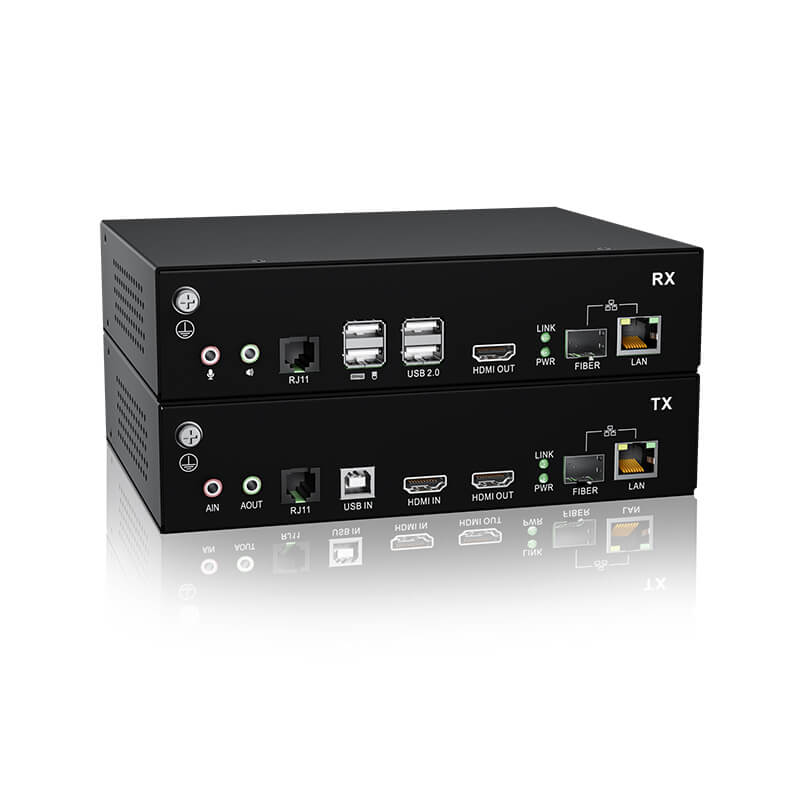
HDMI high-definition digital KVM extender is a KVM signal extension device that can transmit 1-channel video, mouse, keyboard, USB2.0 and other signals of the PC host through optical fiber or network cable.
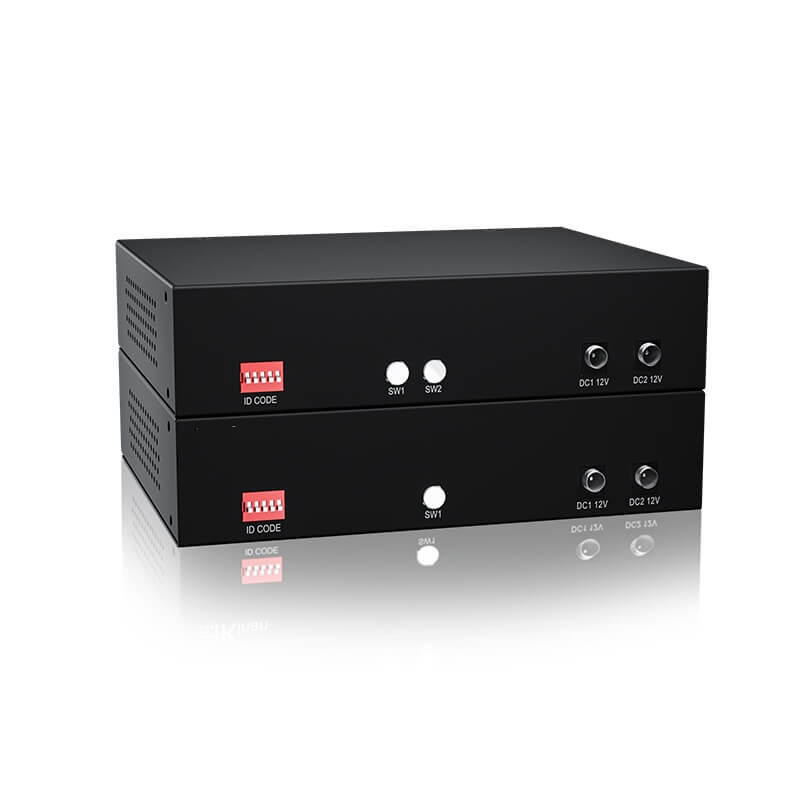
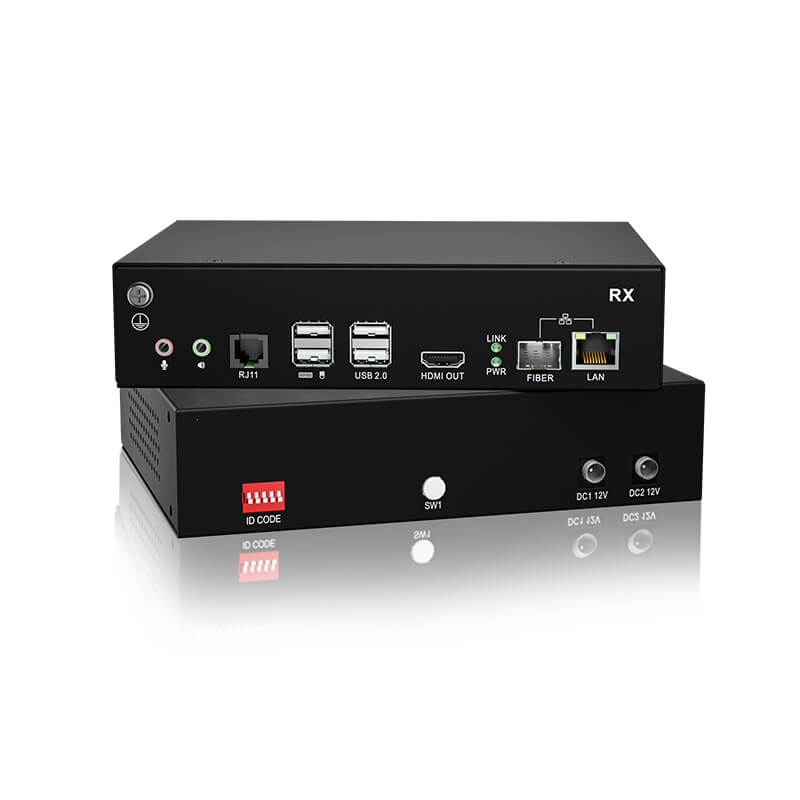
A complete set of extender consists of two parts, namely the transmitter (TX) and the receiver (RX). The transmitter can be connected to the signal source that needs to be transmitted, such as PC or Blu-ray device, and the receiver can be connected to the display, keyboard, mouse, U disk, audio player and other devices.
HDMI high-definition digital KVM extender uses optical fiber or network cable for connection, supports single-mode and multi-mode optical fiber, the maximum transmission distance of single-mode is 80km , the maximum transmission distance of multi-mode is 300m, and the maximum transmission distance of network cable is 150m. It supports the transmission of 1-channel high-quality HDMI signal and has a wide range of applications.
*Note: The bandwidth of the optical module must reach 1.25Gbit/sec.
Product Features
- Using private video encoding protocol (similar to JPEG) for lossless compression, the transmission quality is visually lossless
- Ultra-low latency, 1 frame delay (16ms @ 60fps)
- transmission, supports up to 3840×2160@30Hz , recommended 1920*1080@60 Hz
- Typical transmission bandwidth : 200M ~ 300Mbit/s
- Support 1000M LAN interface
- Support optical fiber transmission Optical interface SFP (LC) optical attenuation -3db, (optional FC interface) -3db
- When using a network cable directly, the length can reach 150m
- Supports USB 2.0 transparent transmission and can connect 4 USB peripherals , such as: U disk, USB printer, fingerprint recognition module, face recognition module, etc.
- Support 1-channel asynchronous serial port transmission
- Support local (TX) HDMI interface loop-out, identify RX end EDID (RX must be connected to a monitor )
- Supports analog audio microphone
- Support Gigabit network switch point-to-point dial-up connection
- Built-in ESD protection circuit can effectively prevent static electricity
Packing list
- 1x Transmitter
- 1x Receiver
- 1x HDMI cable
- 1x Audio cable (1.5m)
- 1x USB cable (USB-A female to USB-B female, 1.5m)
- 2x Power Adapter
- 2x Power Cords (Regional)
- 1x Mounting Kit
- 1x User Manual
Interface (TX)


RX

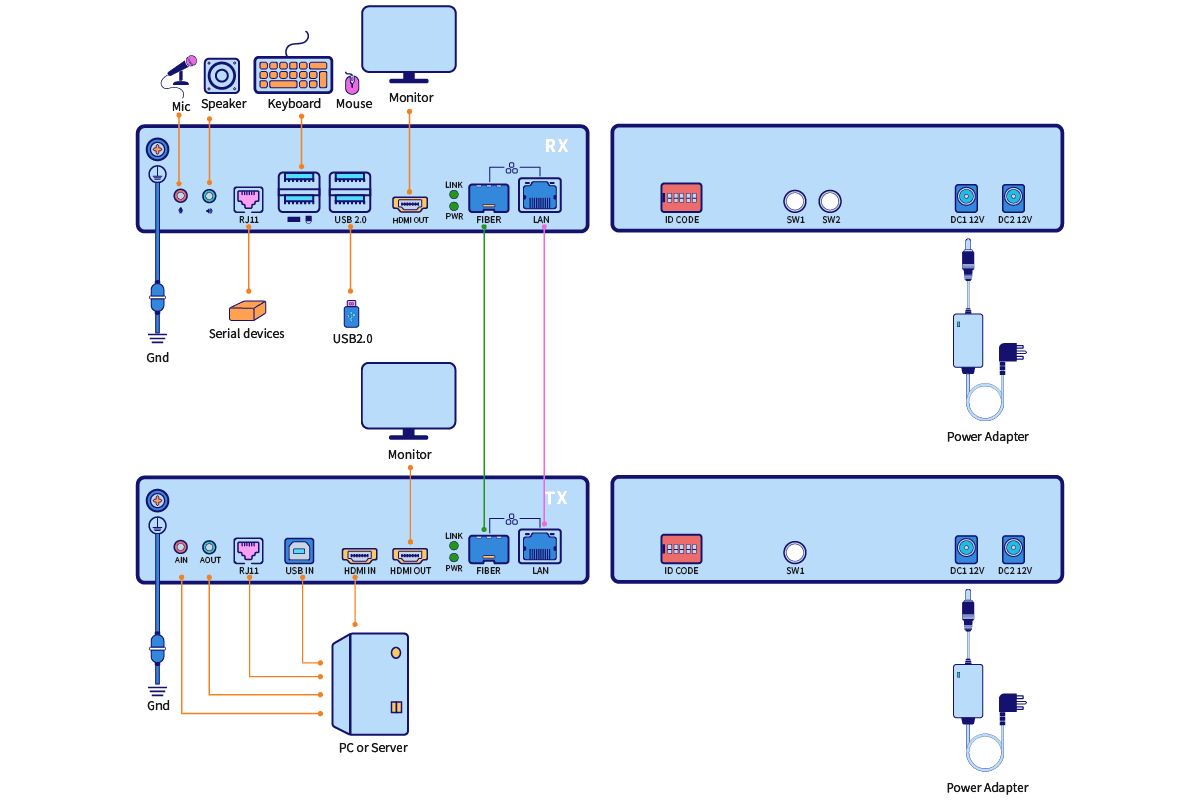
1. Before connecting the cables, ground the transmitter (TX) and receiver (RX) (Figure ①).
2. Connect the transmitter (TX) to video interface,USB interface,audio microphone interface,and serial port interface of the PC (Figure ②).
3. Connect RX to keyboard, mouse, monitor, and audio and serial port devices (Figure ③).
4. Connect the transmitter (TX) and receiver (RX) via optical fiber or network cable (Figure ④).
Note that the ID code switch keys on TX and RX must be in the same section.
5.Connect the power cords to the TX and RX respectively (Figure 5)
6.Connect the USB peripheral to the receiving end (RX) (Figure ⑥ )
7.If TX needs an external monitor (Figure ⑦)
Specification
| Function | TX | RX | |
| Interfaces | HDMI in | 1 | NA |
| HDMI out | 1 | 1 | |
| Power | 12V x 2 | 12V x 2 | |
| SFP | SFP x 1 | SFP x 1 | |
| Microphone | 3.5mm Stereo Jack (Pink) | 3.5mm Stereo Jack (Pink) | |
| Speaker | 3.5mm Stereo Jack (Green) | 3.5mm Stereo Jack (Green) | |
| LAN | RJ45 | RJ45 | |
| USB Type B | 1 | N/A | |
| USB 2.0 | N/A | USB x 4 | |
| Resolution | 3840*2160@30Hz (Maximum) 1920*1080@60Hz (Optimal) | ||
| Connection Cable | Fiber optical or CAT5e/6/7 cable | ||
| Power Input | DC12V /2A | DC12V / 2A | |
| Power Consumption | 5W | 5W | |
| Operating Temperature | 0–50 ℃ | ||
| Storage Temperature | -20–60 ℃ | ||
| Humidity | 0–80% RH, Non-condensing | ||
| Material | Metal | ||
| Net Weight (kg) | 0.81kg | 0.81kg | |
| Product Dimension(W × D × H) | 189 mm×144 mm×44mm | ||
| Package Dimension(W × D × H) | 395 mm ×274 mm×110mm | ||


