
Dante Audio Bridge 4ch/8ch DSP Line
Audio Bridge with POE,Support Dante WebGui Control, Dante Controller
Product Features
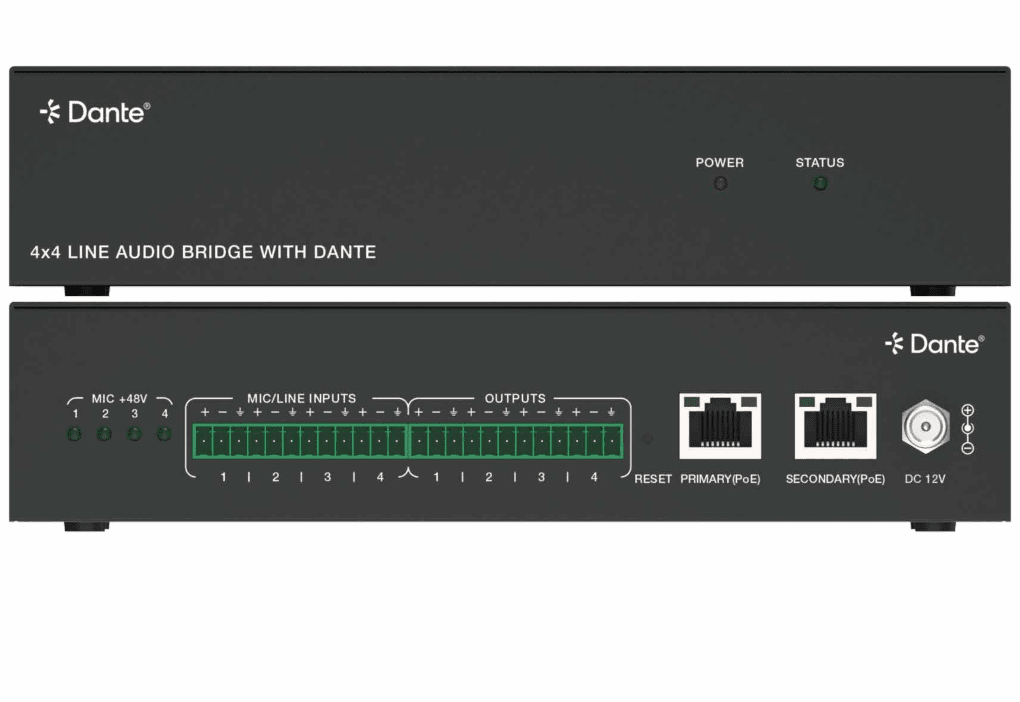
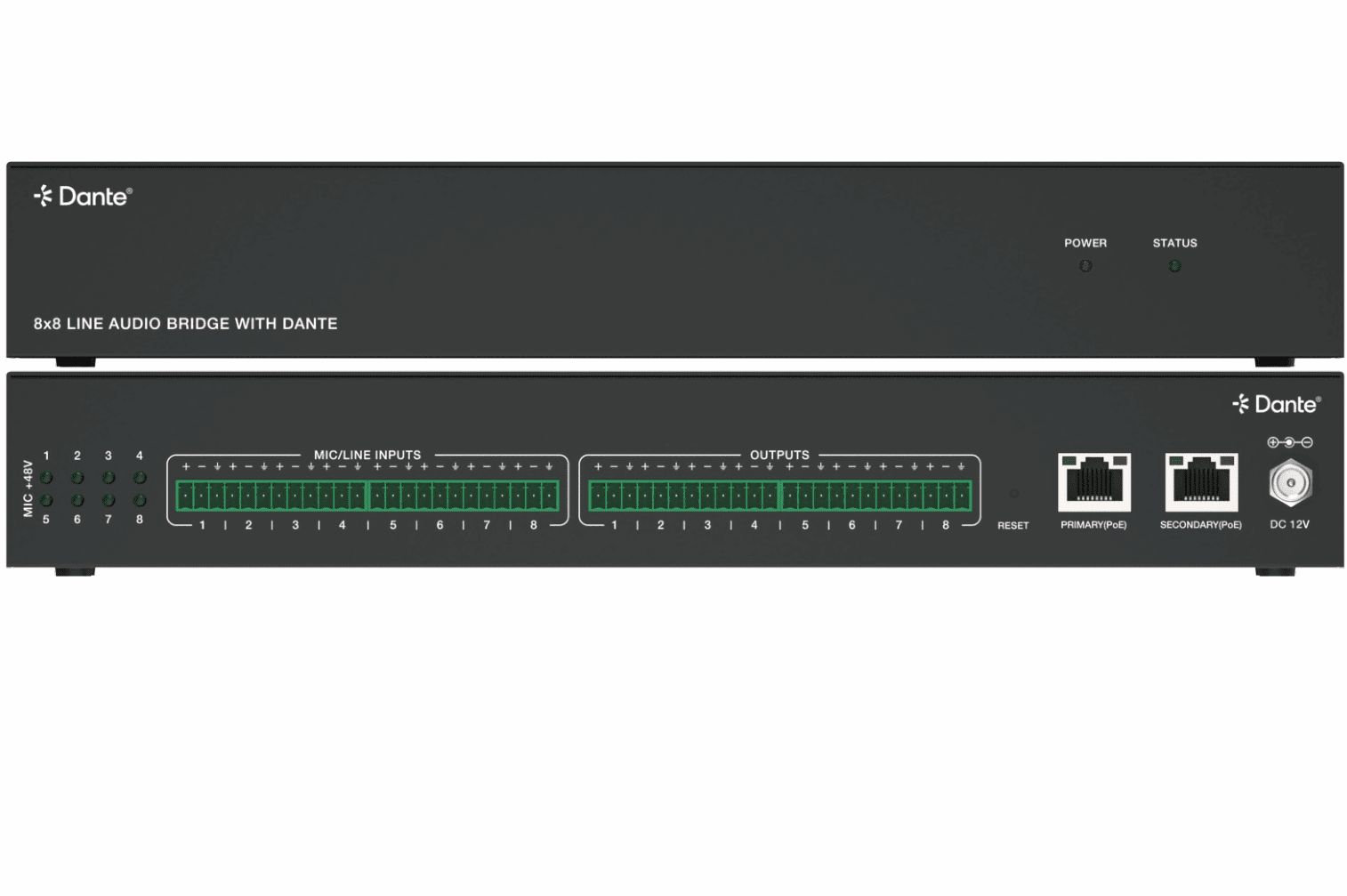
4-in, 4-out,8 in 8 out Dante Analog Audio Bridge (Rack Mount)
Supports 4/8 balanced or unbalanced analog audio inputs with Phoenix connectors.
Supports 4/8 balanced analog audio outputs (Phoenix connectors).
Equipped with 2 RJ45 Dante network interfaces, supporting network redundancy.
Each input supports +48V phantom power.
Supports global 0dBFS level alignment adjustment:
Input sensitivity adjustable in 6 levels: -35dBV / -18dBV / 0dBV / +4dBu / +14dBu / +24dBu
Output level adjustable in 5 levels: +20dBu / +14dBu / +4dBu / 0dBV / -18dBV
Built-in audio processing functions: supports gain adjustment, 8-band parametric equalizer (PEQ), and delay control.
Configurable via built-in Web GUI or Dante Controller.
Compliant with AES67 standard.
Supports PoE power supply or local DC power supply.
1U 19 inch rack-mount design
The audio bridge can be controlled by the built-in Dante® Web GUI. The operation steps are as following.
Step 1: Connect the Dante® PRIMARY(PoE) port of the audio bridge to the Ethernet Switch. Step 2: Connect the PC to the same Ethernet Switch, and set the Network connection setting of PC to be “Obtain an IP address Automatically”.


Step 3: Open the Dante® Controller software on the PC, and find the Dante® device on the Routing page, as shown in the figure below.

DSP page

Questions and Answers
Power indicators light out.
A: Check whether the POE switch is connected to the device.
B: Check whether the network connection line is normal;
The way to check is to use this network cable to connect PC to the switch, whether Link light and data light flicker.
C: Equipment damage, contact INFOBIT to get technical support.
No signal after the microphone is connected.
A: Set the input route through the Dante Controller software.
B: Check the type of the microphone, if it is a capacitive microphone, please open the illusion power switch.
C: Improve the gain of the preamplifier circuit.


