

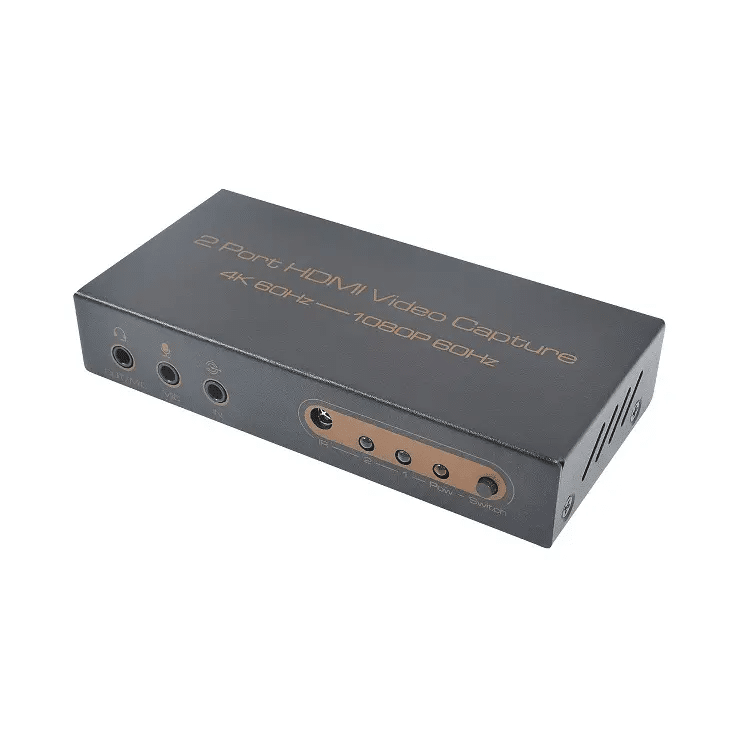
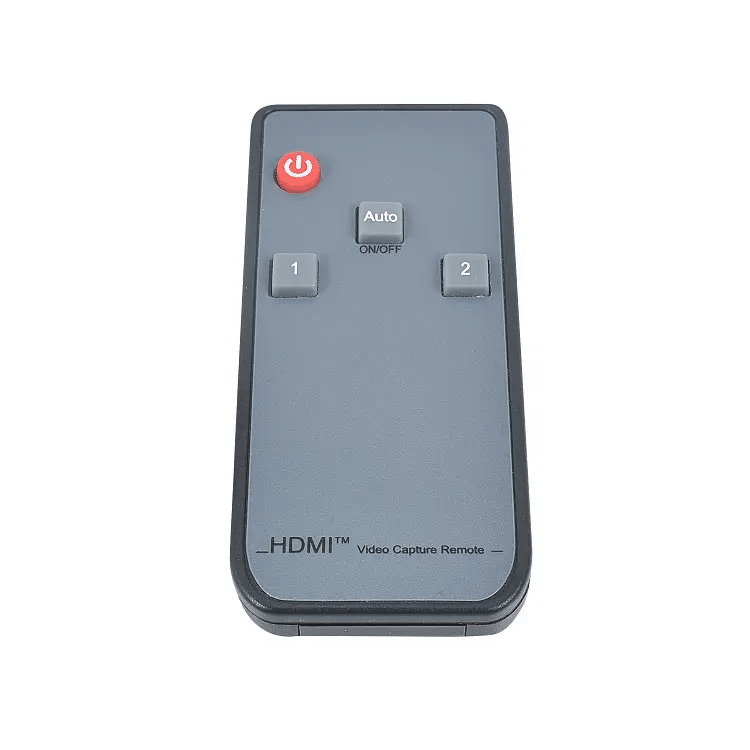

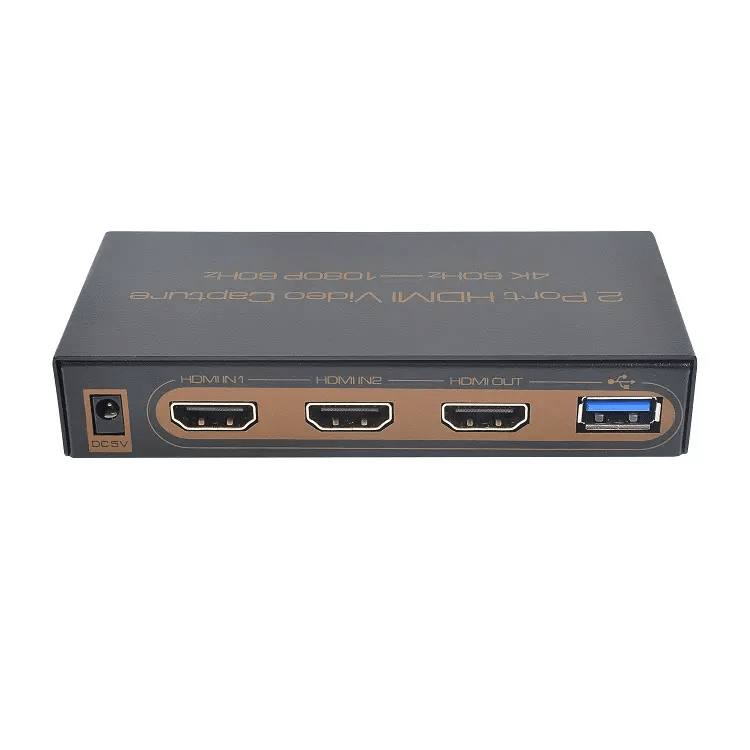
4K HDR HDMI Splitter 1×2 with USB 3.0 1080P Video capture card


1080P USB 3.0 4K60 HDMI Splitter 1×2 Video Capture Card

Matters needing attention:
This product does not require an external power supply when connected to the standard USB3.0 interface(which can provide 1A current) of the computer.
If connected to the USB2.0 interface of the computer or other conditions of insufficient power supply, must be connected to an external power auxiliary power supply, Auxiliary power must be supplied by the attached USB-DC3.5 cable at this point.
When the audio cable is inserted into the analog audio input port, USB output audio will give priority to analog input audio.
If no audio input from the analog audio input port, the HDMI input audio will be selected This product supports mobile phone headset access, and the type of headset plug supported is 3.5mm plug of international standard (CTIA).
PC side hardware configuration requirements
| Hardware devices | Recommended configuration |
| CPU | PC i5-3400 or above NB i7-3537U 2.0GHZ or above |
| Memory | DDR3 4G or above |
| Graphics card | PC NVIDIA GT630 or above NB NVIDIA GT735M or above |
| Hard disk | 500G or above,SSD recommended |
PC side system & software requirements
| Type | Recommended version |
| Operating System | Windows XP/7/8/10 Andriod5.0 or above MacOS 10 or above Installation-free drive under normal conditions |
| Application | Support most video capture software, such as PotPlayer, VLC, OBS, Amcap etc. |
Note:The software copyright belongs to the third party company. Please use the licensed software, other wise all the consequences caused are undertaken by its own users.
Operation illustration
Operation Steps for video capture (Win7 and OBS for PC).
- Insert the Capture into the USB port of the PC, Check device identification in Control Panel \ Device Manager\ Image Devices list.

- Open the OBS software and click the【+】 button in the “Sources” control panel to add a video capture device.

- Select the capture device to preview the capture screen normally. Then click 【OK】.

- Drag the red border to adjust the capture screen size.

- Click 【Settings】button in the lower right corner to enter the setting interface to set audio &video format, picture quality, output etc. After setting, click 【Start Recording】button.

SPECIFICATIONS
Model name: 2 Port HDMI Video Capture
Input ports: HDMI2.0 x2,LINE IN x1,MIC x1,DC3.5 x1, Output ports: HDMI2.0 x1,USB3.0 x1, Headset x1
HDMI video resolution: 720P/1080P/2160P@24/30/50/60Hz
Audio format: LPCM2.0/32~192KHz/16/20/24Bit, Input color space” RGB, YUV444, YUV422, YUV420
HDMI video output resolution: 3840×2160@60Hz Max.
Video capture resolution: 1920×1080@60Hz Max., Video output format: YUV or JPEG
HDMI input cable length: 2160P/AWG 26 ≤5m or1080P/AWG 26 ≤10m
HDMI output cable length: 2160P/AWG 26 ≤5m or1080P/AWG 26 ≤10m
Power supply mode: USB power supply / DC5V auxiliary power supply
Max working current: 600mA, Working temperature range: -5 ~ +40℃
Working humidity range: 5 to 85%RH(No Condensation) ,Storage temperature: -15 to 55℃,
Storage humidity: 5 ~95%RH(No Condensation), Size: 111x53x21 (mm)Weight144g
Accessories: Manual x1, Remote ,USB-DC3.5 power cable x1, 3.5mm audio cable x1,USB3.0(Type A) cable x1


