
Dante Audio Processor Touch Panel Controller
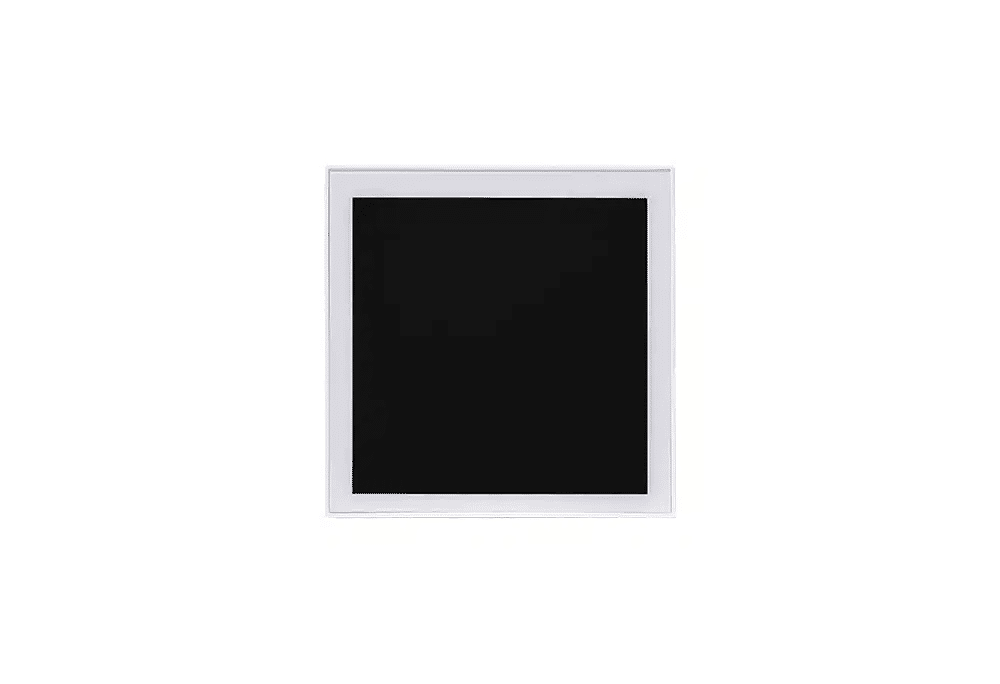
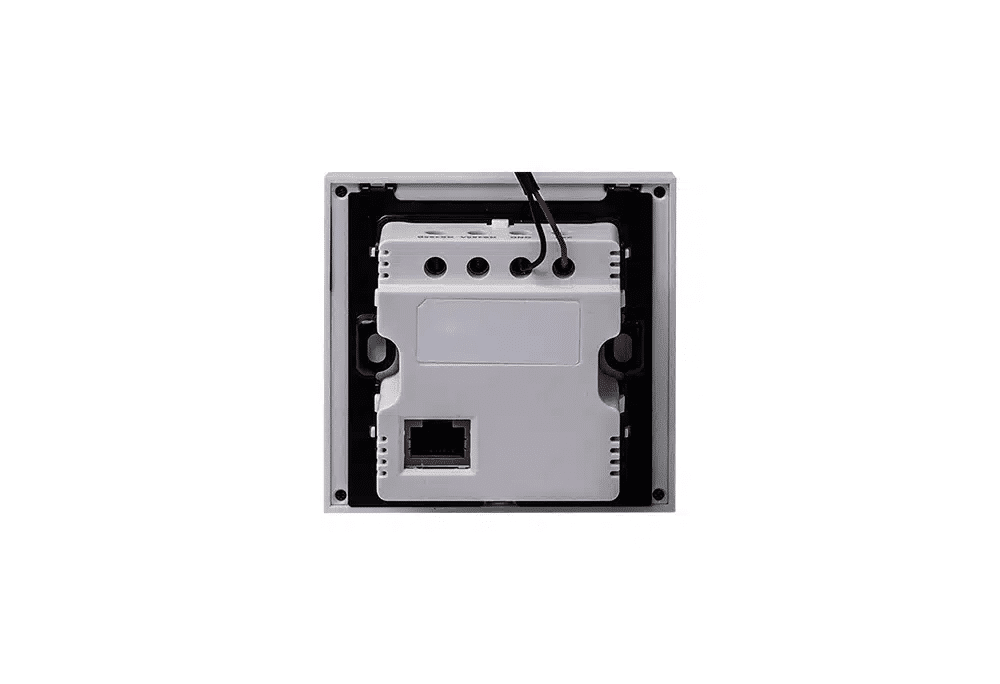
The control panel is a cutting-edge intelligent control hub, delivering a seamlessly integrated experience. Featuring a 4-inch IPS full-screen display with a 720*720 RGB resolution, the P6 perfectly combines stylish design with powerful functionality. Powered by the powerful Amlogic S905D3 quad-core Cortex-A55 processor, running Android 9.0, it supports WiFi, Bluetooth, and optional Zigbee connectivity, making it a versatile hub for controlling smart devices.
The panel features a capacitive touchscreen, dual digital microphones, a 1W built-in cavity speaker, and advanced features such as AI voice algorithms and a night light LED. Its low power consumption and durable design make the P6 an ideal choice for intelligent control, offering both online and offline voice control. It supports fast scene switching, volume control, playback control, and extensive custom settings, all for ease of use. Paired with other Soundfit audio products, it can meet diverse application needs.

Product Features
- Core Processor: Amlogic S905D3, Quad-Core Cortex-A55
- Capacitive touchscreen control with standard TCP/IP protocol transmission, no PC configuration required
- Powered by PoE or 24V adapter, with hot backup
- Network control processor, unlimited distance
- 4-inch IPS slim-edge, ultra-thin full-screen operation
- Supports fast scene switching, volume control, playback control, and extensive custom settings for ease of use.

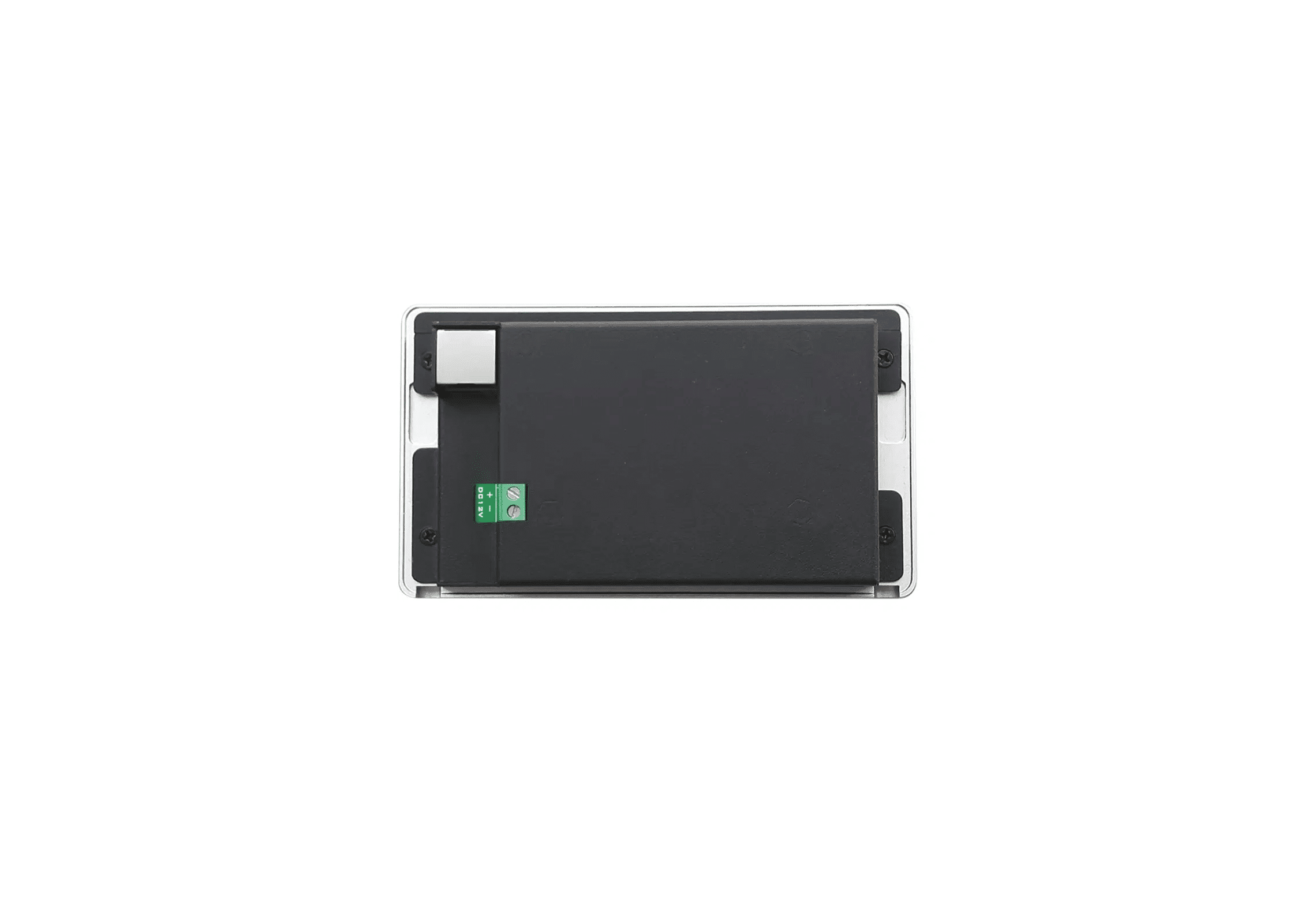
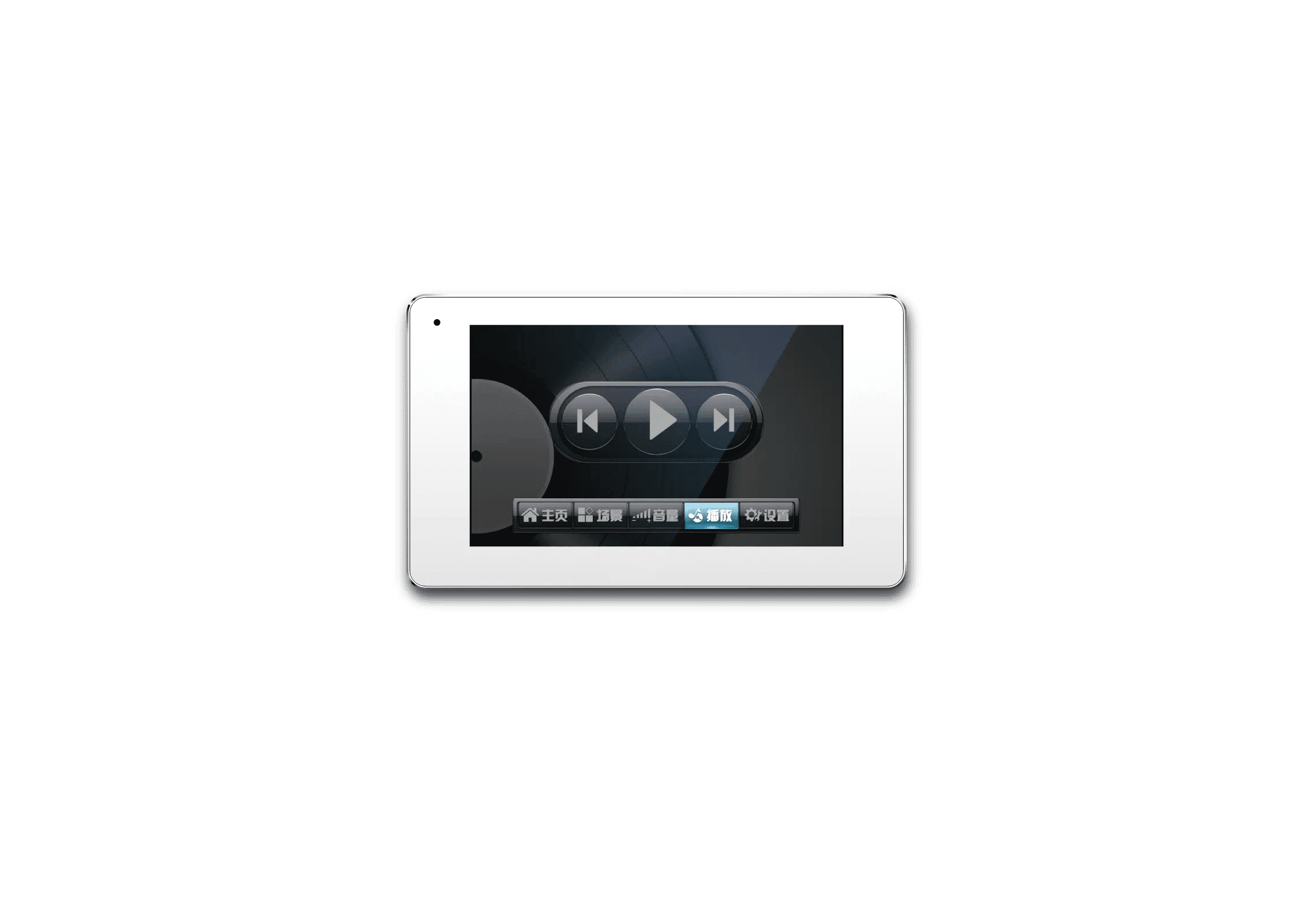
This is composed of a 5-inch all-metal shell, capacitive touch screen, connects to control the audio processor through a local area network, can be embedded in the wall, supports scene control, volume control, playback control, richer customization settings; supports POE or 12V DC two power supply modes. Support different languages.
Product Features
- Core processor: CORTEX-M3 core + high-speed FPGA;
- Capacitive touch screen control, standard TCP/IP protocol transmission, no need to set up the panel on PC;
- 3af、802.3at Standard POE switch power supply or DC 12V adapter power supply, hot backup;
- Network control processor, no distance limitation;
- 5 inch capacitive touch screen operation;
- Support fast scene control, volume control, playback control, richer customization settings, easy to use;
- Desktop or wall mounting.
| Touch Screen Size | 5 inch |
| Resolution | 800×480px |
| Color | 64K colors, 16-bit RGB |
| Communication Interface | RJ45 |
| Communication Protocol | TCP/IP |
| Touch | Capacitive |
| Power consumption (with backlight on) | 170mA@5V |
| Power Consumption (Off Backlight) | 71mA@5V |
| Input Voltage | 5~15V |
| Full-screen image update time | 19ms |
| Single color clear time | 2.5ms |
| Text display speed (16×16 dot matrix) | 0.35ms |
| Display Type | TFT LCD |
| Brightness (cd/㎡) | 300 |
| Backlight tube | LED |
| Backlight life (average) | >30,000 hours |
| Power supply | Supports 802.3af, 802.3at PoE power supply; or DC 12V, 2A |
| Operating Temperature and Humidity | 0℃~40℃, 10%~90%RH, No condensation |
| Effective display size of screen (L×W) | 108mm×65mm |
| Product Dimensions (L×W×H) | 146mm×86mm×27mm |
| Net Weight | 130g |
| Package Dimensions (L×W×H) | 280mm×210mm×70mm |
| Package Weight | 0.4kg |
Operation
1. Power on the computer to enter the main control interface;

1 “Home” is the default interface;
2 “Scene” is used to switch the processor scene;
3 “Volume” is used to adjust the processor channel volume;
4 “Play” is used to play MP3 or WAV format audio files from the processor USB storage device;
5 “Settings” is used to set the network connection, scene name, adjustable volume channel and other functions.
2. Connect to the processor;
Please click the Settings button to enter the Network Settings interface, the default password is: 123456, configure the local network and processor IP address, and make sure that the control panel and the processor network can be reached, no IP address conflict.

3. Setting;
1 “Scene Setting” can set the title of scene 1 to scene 8, the maximum length is 4 Chinese characters or 8 English characters;
2 “Volume Setting” can realize the function of controlling the volume up/down and mute of different channels by changing the channel number, which can be used to set the channel name and the corresponding channel number of the processor, and it can be set up to 16 channels, which is displayed in 4 pages;
3 “Network Settings” view and modify the network address information of the device, enter the IP address, subnet mask, gateway in the corresponding position. Set the IP of the local computer and the IP of the device in the same network segment to realize the control function of the device;
4 “Other Settings” interface provides functions such as checking the serial number and software version number of the device, setting the screen saver time, buzzer switch,restoring factory settings, and so on;
5 “Exit” clicks on the exit to exit the setup interface.
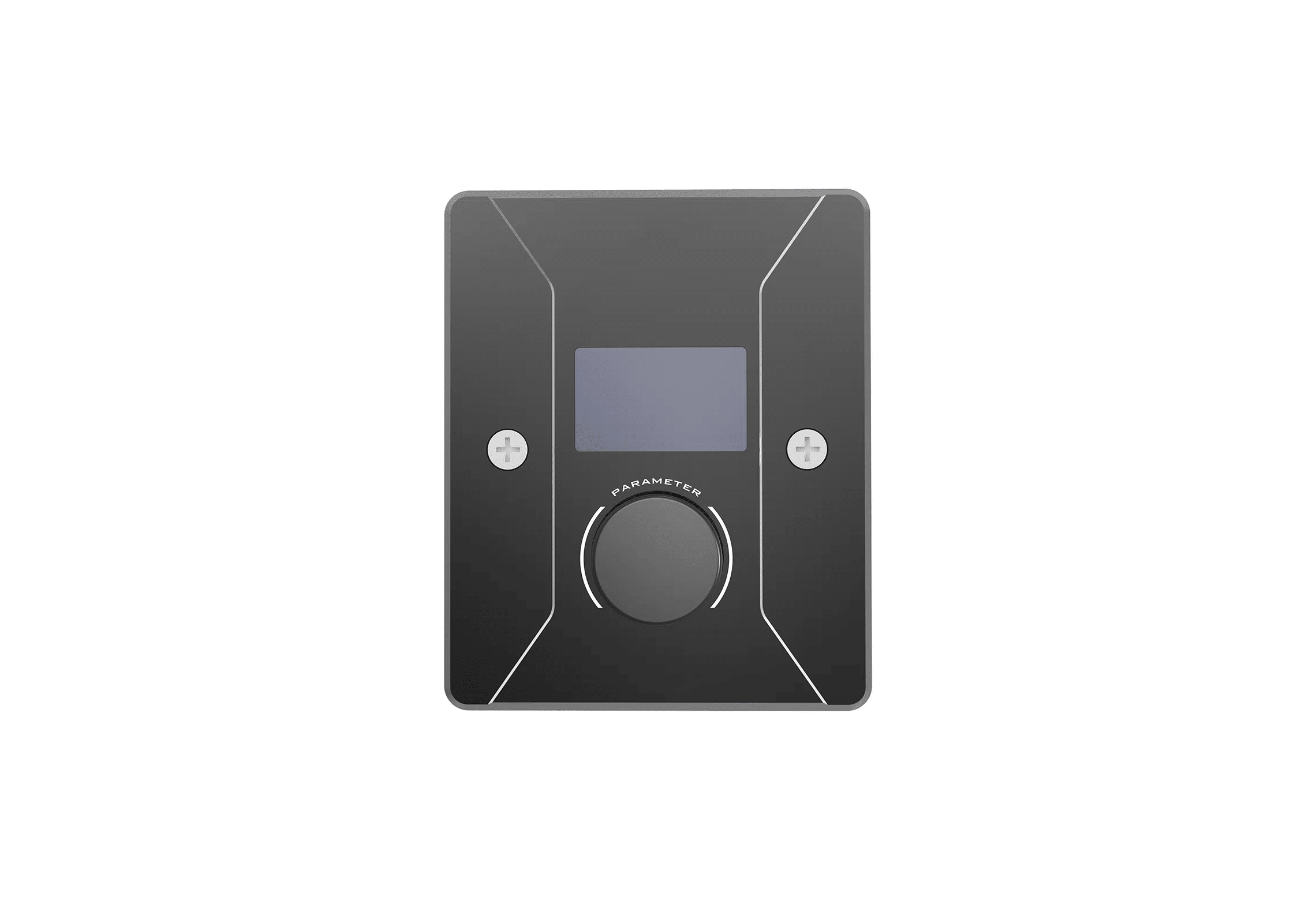
The control panel can remotely control the processor, conveniently adjusting the processor volume or switching the application scene and other functions to meet the unique needs of specific applications, the user can be customized according to the actual use of the environment for programming, through the configuration will be able to achieve the purpose of the panel to control the processor. Powered by POE switch, no need for customized cables and local power supply.
Functions
- Support UDP protocol connection to remotely control the processor;
- Control the processor volume, scene, mixing matrix and other functions to meet the unique needs of specific applications;
- Can be customized according to the actual use of the environment programming;
- The processor can be adapted to search the online panel to define the adjustment parameters;
- 802.3af、802.3at Standard POE switch power supply, no need for customized cables and local power supply;
- Support device firmware upgrade.
| Display size | 1.3 inches |
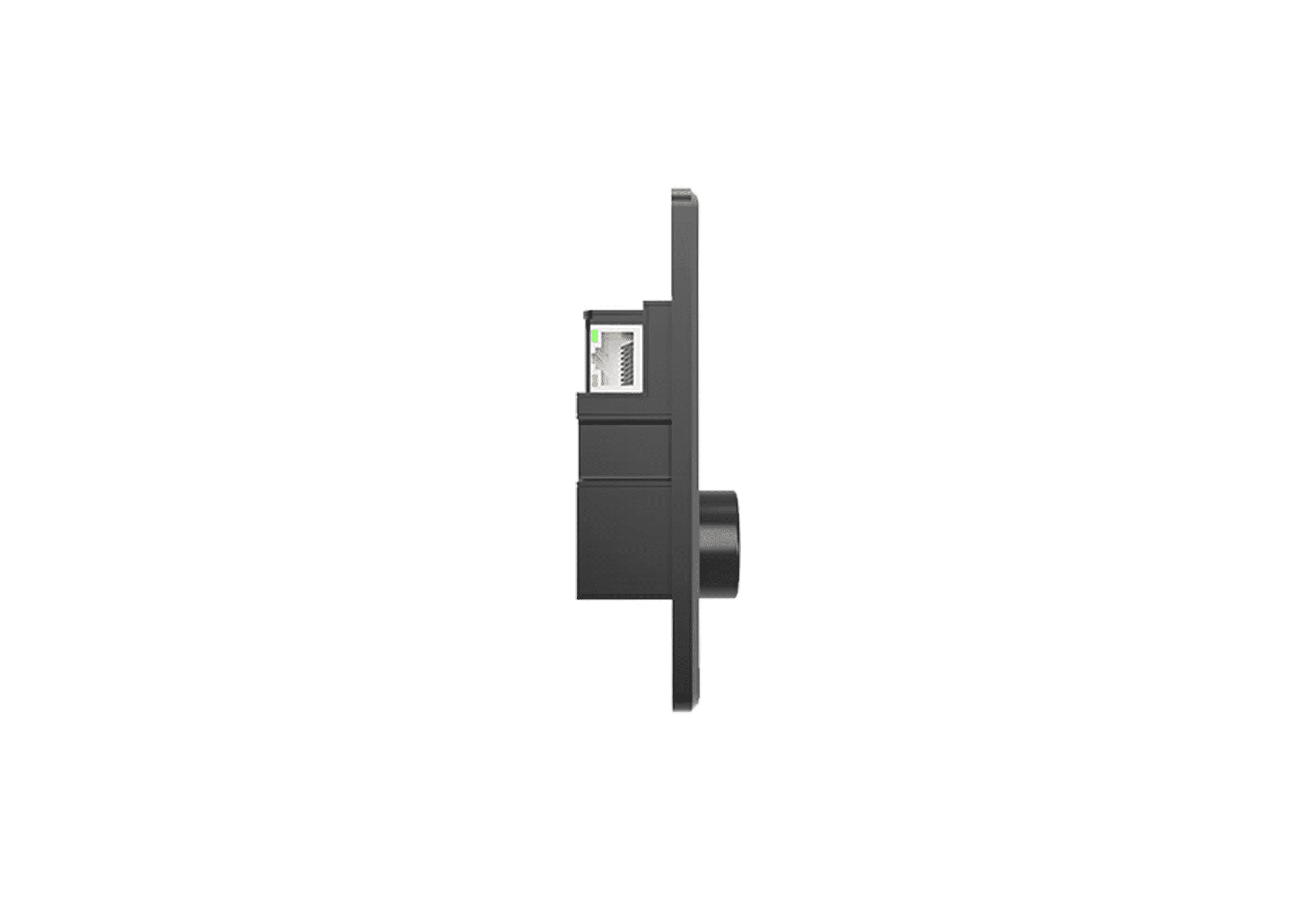
| Communication interface | RJ45 |
| Communication protocol | UDP |
| Control cable length | ≤100m |
| Control knob | 1 |
| Material | Aluminum alloy sandblasted |
| Color | Black |
| Operating power supply | Supports 802.3af, 802.3at PoE power supply |
| Operating Temperature and Humidity | 0℃~40℃, 10%~90%RH, No condensation |
| Product Dimensions (L×W×H) | 105mm×86mm×25.65mm |
| Net Weight | 0.21kg |
| Package Dimensions (L×W×H) | 145mm×145mm×80mm |
| Package Weight | 0.31kg |
Main interface of the software


