
18Gbps HDMI 2.2 to 1.4 Converter, HDCP, EDID Management,HDMI EDID Emulator

Introduction
The HDMI EDID Emulator is an 18G 4K 60Hz HDMI EDID and HDCP emulator / manager that allows users to eliminate most incompatibility issues between input source devices and displays that may occur due to resolution or HDCP compliance.
This unit has 8 predefined EDID modes built in, and also allows users to upload user defined EDID settings (via USB-C) if needed.
Supports HDMI 2.0 and HDCP 2.2, and allows for HDCP 2.2 (source) to be converted to HDCP 1.4 (display). Take advantage of 4K 60Hz resolution supports along with auto-downscaling function.Say goodbye to unnecessary power adapters and extra cables.
It can be powered via the HDMI cable or a USB-C cable. Also featured is a CEC toggle switch that allows for the CEC function to be turned on/off as needed. Offering a plug and play function along with a compact design, It can be easily integrated within any setup, and can be traveled with anywhere with ease.

Features :
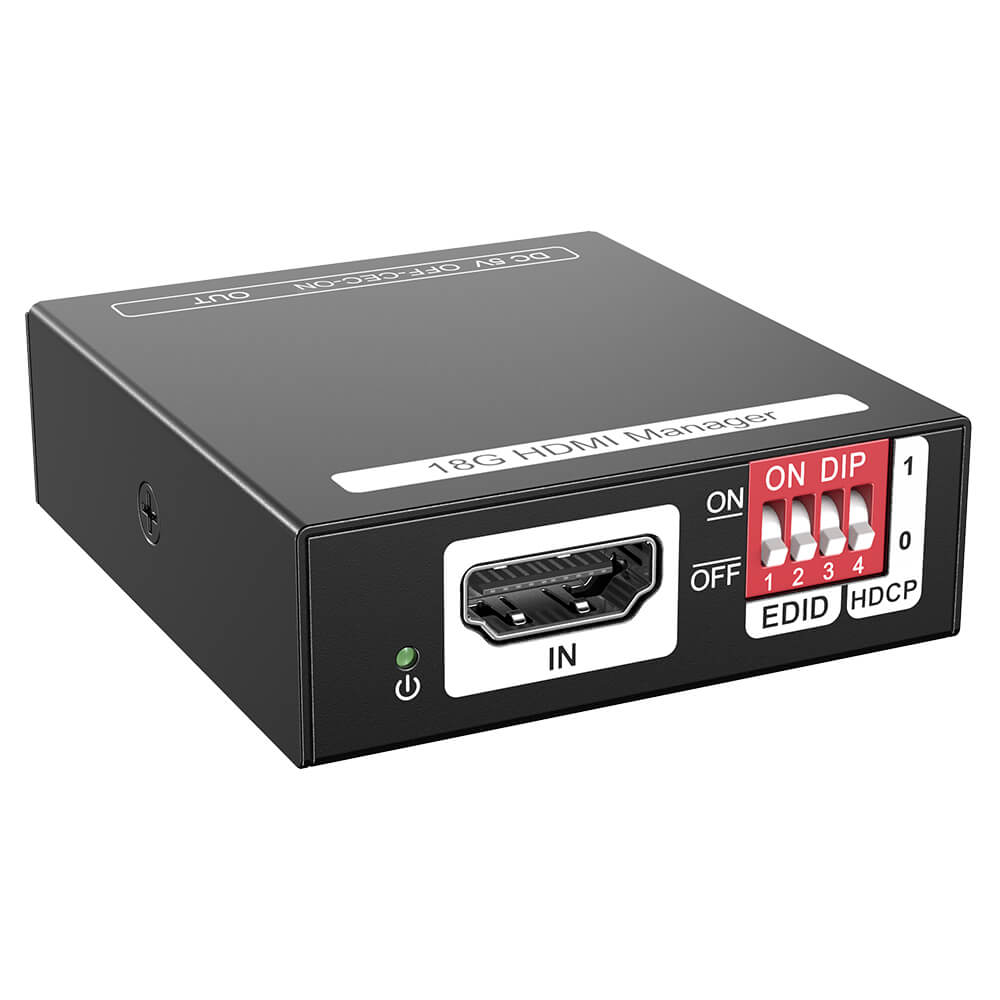
• Features a DIP switch used to manage EDID and HDCP settings
• Supports up to 4K 60Hz resolution with auto-downscaling. HDMI 2.0, HDCP 2.2 compliant
• Allows for HDCP 2.2 (source) to be converted to HDCP 1.4 (display)
• Unit can be powered by HDMI or USB-C (*Note: Cables not included)
• CEC toggle switch allows for CEC function to be turned on/off as needed
• USB-C port can be used for power, custom EDID upload, and firmware upgrade
• Plug and play function. Compact and portable design
Specifications:

Interface

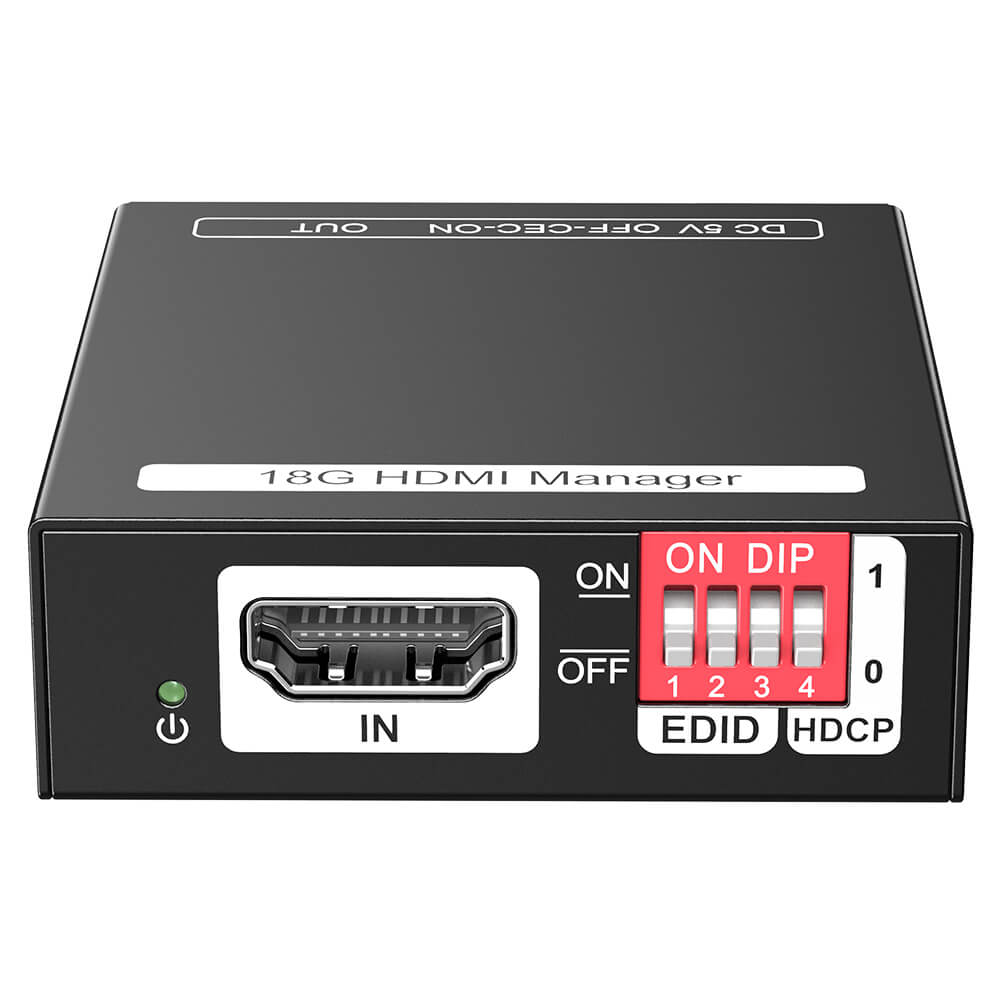
1. Power LED: The LED indicates green when power on.
2. HDMI IN: HDMI 2.0 input, connect to source.
3. DIP Switch: 4-pin dip switch for EDID and HDCP management.
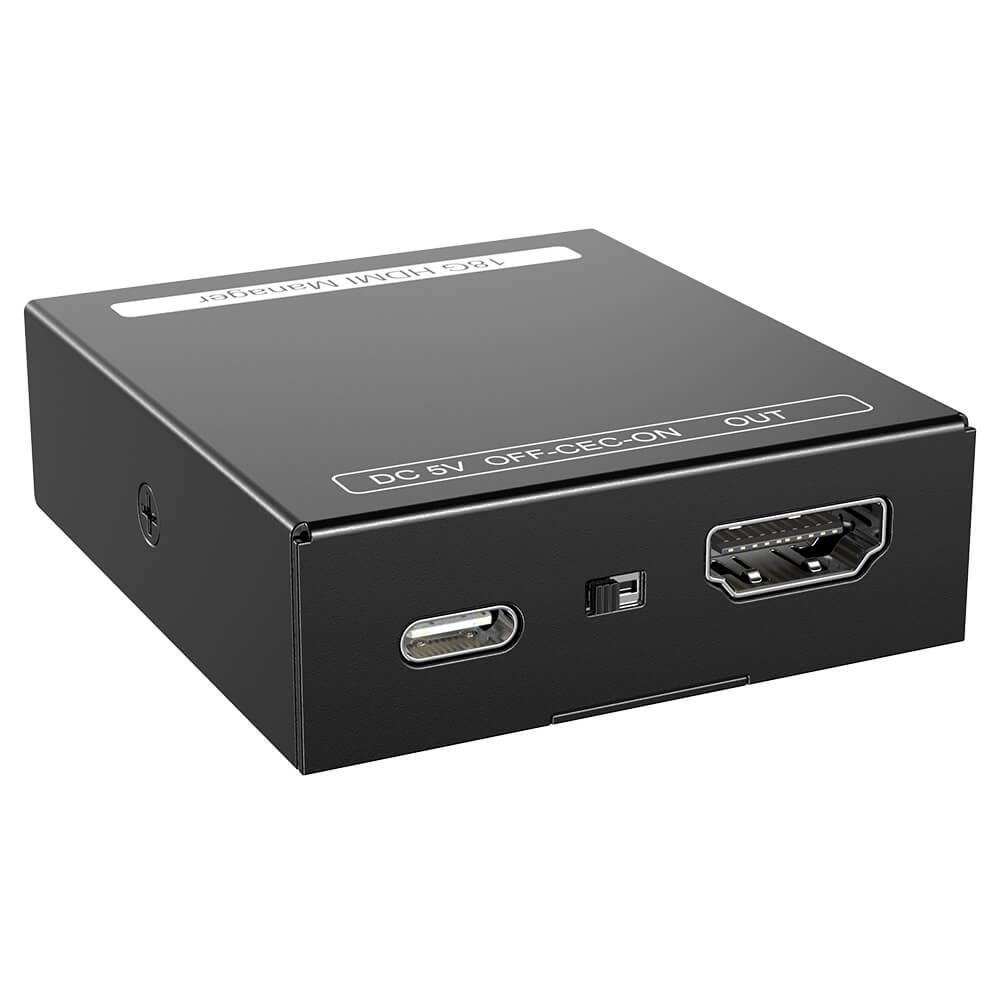
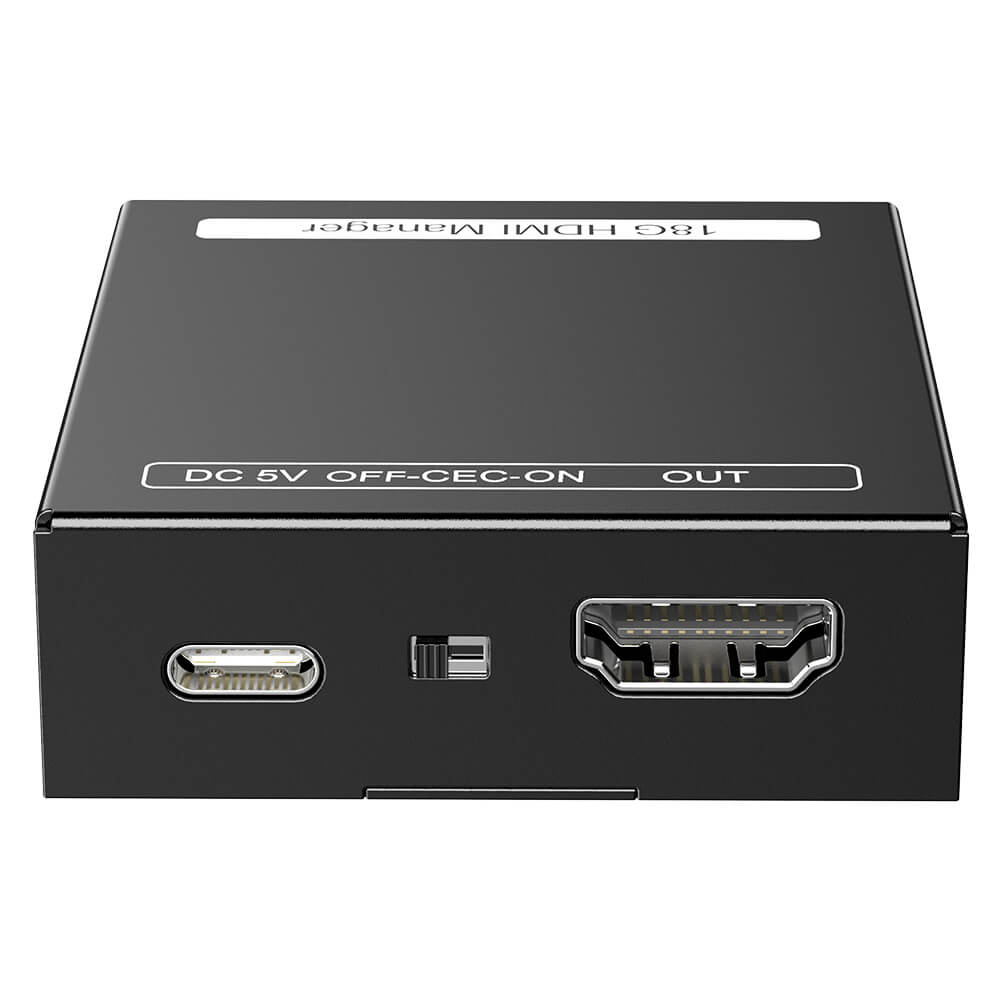
4. USB-C: USB-C is used to power the machine, upload EDID and firmware upgrade.
5. CEC Switch: Turn on/off the CEC
6. HDMI OUT: HDMI 2.0 output, connect to display.
EDID & HDCP Management Setting
Predifined EDID setting


User Defined EDID Setting
1) Rename the user defined EDID according the following format: 0803C000.DAT
2) Connect the machine to the PC with USB cable, the PC will automatically detect a USB disk named of “BOOTDISK”.
3) Copy the EDID file into the U-disk, and then open the U-disk. If there is a SUCCESS. TXT file, it means that the EDID upload is successful.
4) Remove the USB cable, connect the adapter to power on the machine.
HDCP Management

Firmware Upgrade
1) Rename the upgrade file according the following format: 08009000.APP
2) Disconnect the HDMI and connect the PTHM1 to the PC with USB cable, the PC will detect a U-disk named of “BOOTDISK”.
3) Copy the file into the U-disk, and then open the U-disk. If there is a SUCCESS.TXT file, it means upgrade is successful, and if there is an UNKNOW.TXT file, it means fail.
Application


