
4k60hz 4096*2160@60Hz 4:4:4 HDMI 8×1 Switcher,Support IR remote control,Buttom control, RS232 Control,HDCP 2.2,Auto Scan


4K60Hz HDMI Switch 8 in 1 Out with IR Remote + Rack Mount Ears + RS232, Supports HDCP2.2 Auto Scan
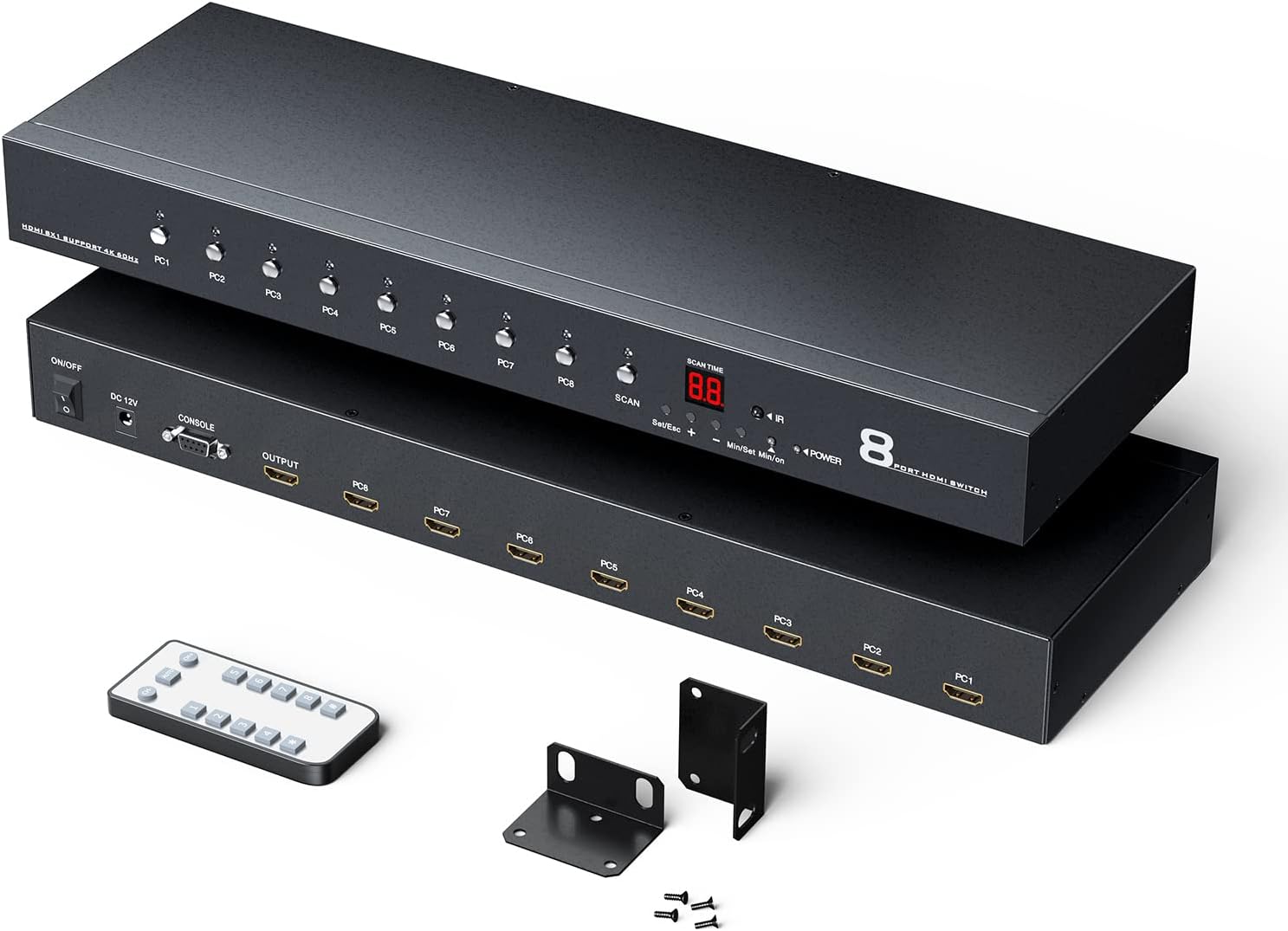
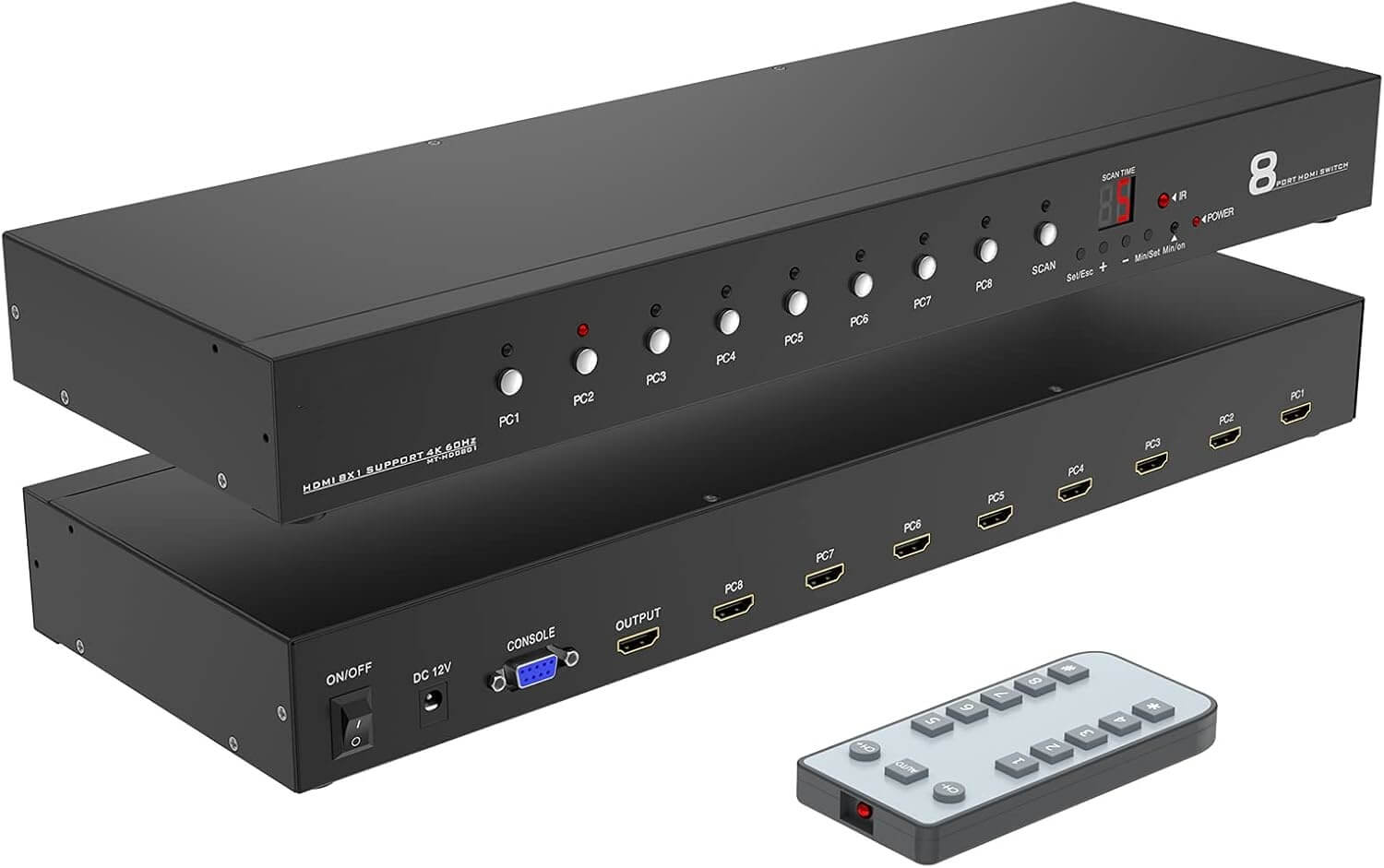
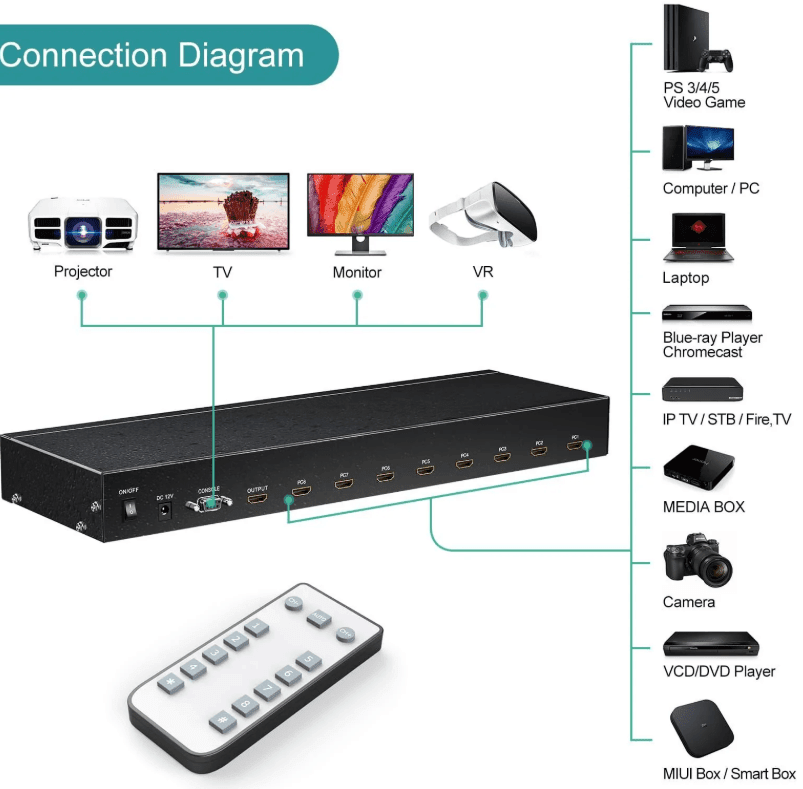
This 4K HDMI Audio Video switch can connect 8 roads HDMI signal sources to an HDMI display. It supports the resolution up to 4K (4096*2160@60Hz 4:4:4), data rate 18Gbps, 3D, color depth up to 12 bits, and distortion-free audio format.
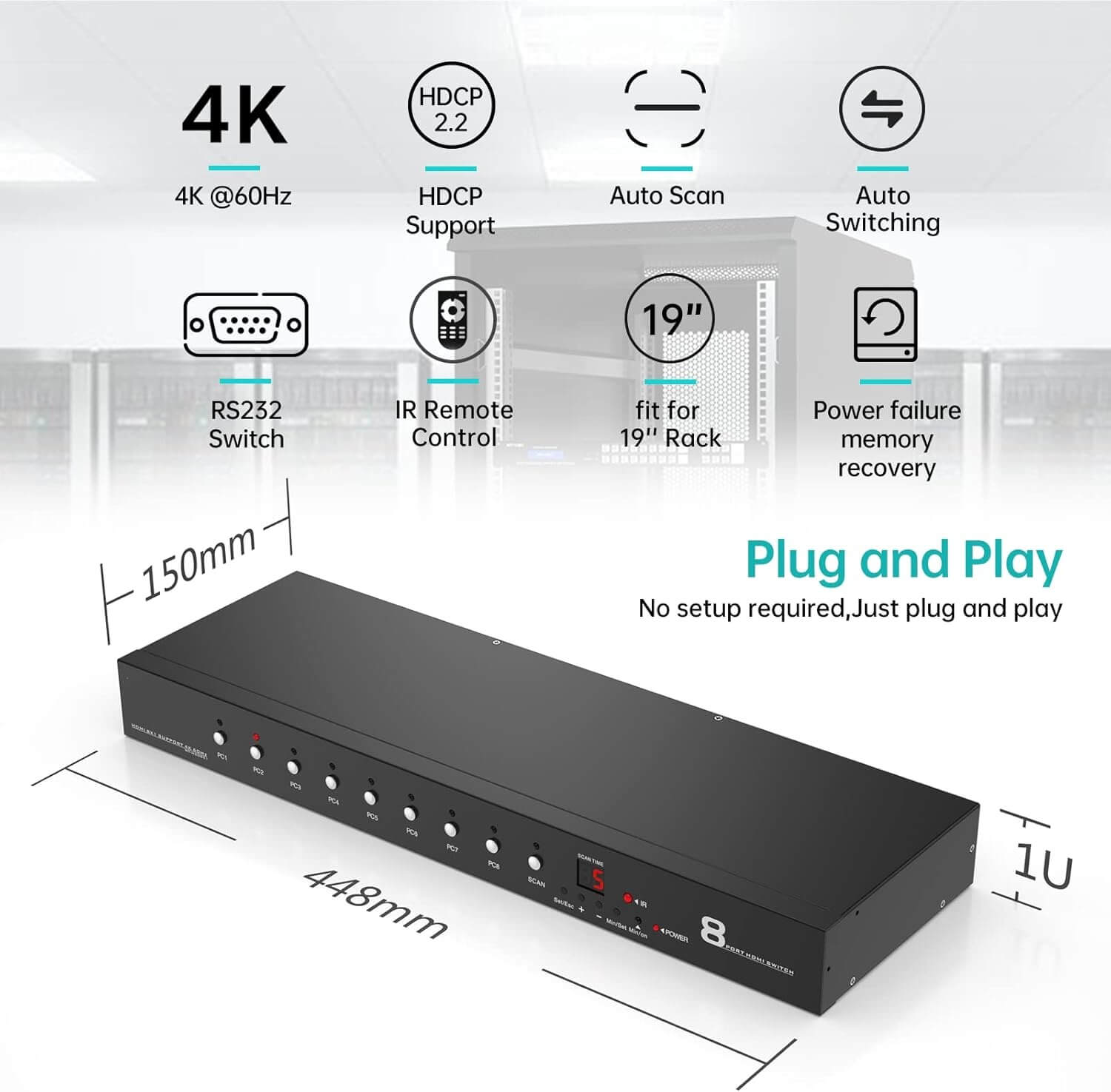
The 8 port HDMI auto switch is equipped with an automatic switching mode, which can provide the convenience of automatic switching of signals and an instant switching function, allowing users to easily switch between HDMI signal sources. In addition, users can quickly and easily operate the 8×1 HDMI switch in many ways. For example: through front-panel buttons, two-way RS-232 serial port, IR, and automatic switching functions. This model is suitable for multi-clock application environment, such as: home theater, conference room, trade exhibition hall, shopping mall.
FEATURES
Connect up to 8 HDMI signal source to an HDMI display
Support HDCP2.2 standard
High resolution: true 4K resolution (4Kx 2K@60Hz 4: 4: 4) and 1080P(1920 *1080 @60Hz)
Support automatic scanning(Interval time can be arbitrarily set in units: minutes / second)
Support RS-232 serial port for high-level system control
Automatic switching mode supports automatic selection of the connection port
Support IR switching function
LED indicator show signal status
Plug and play
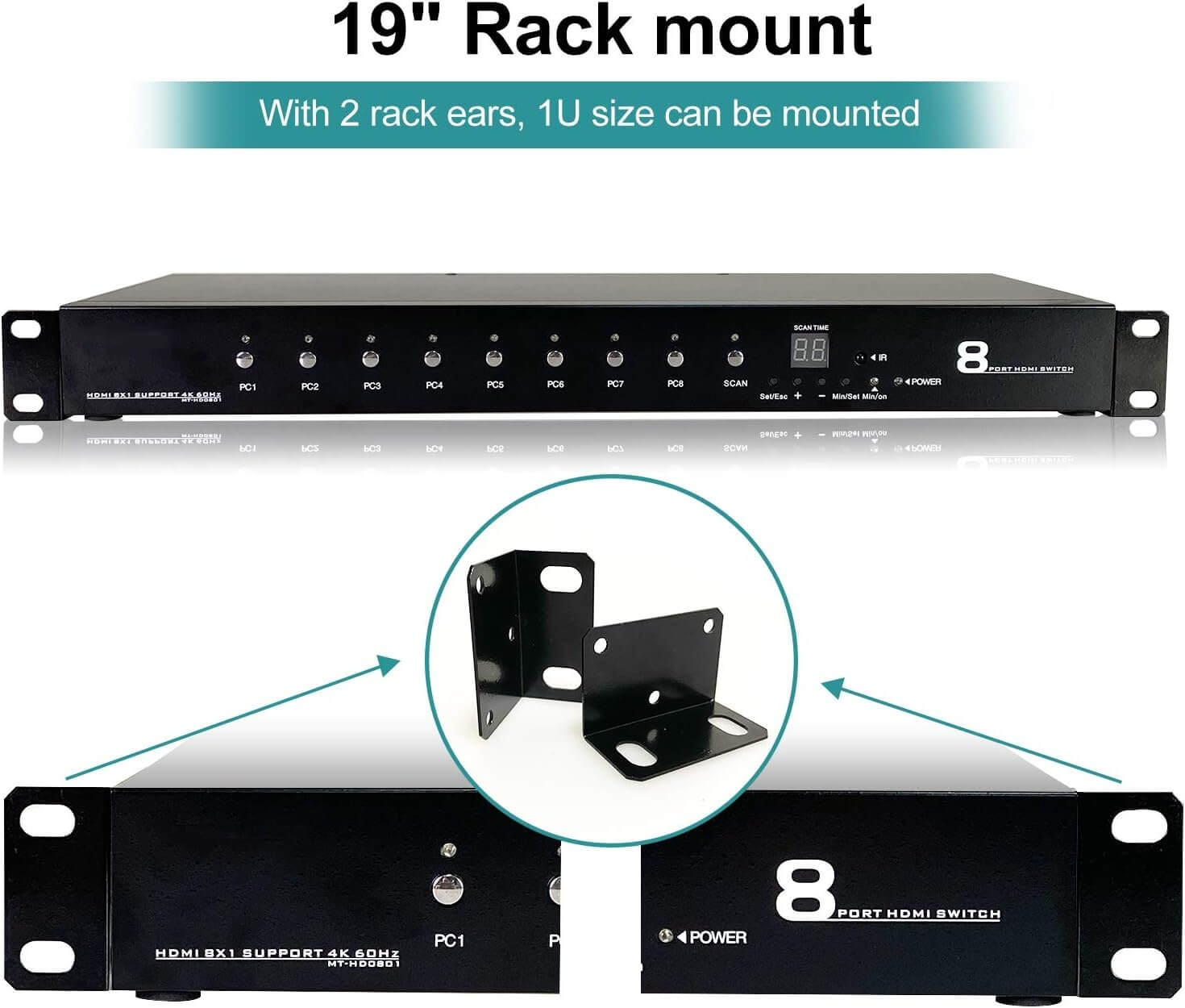
Rack-mount design
Multi Switch modes:
- Press switching button
- IR remote controller: the distance should ≤ 10m
- Serial port control switching (hexadecimal)

Controller code
Serial Configuration
Baud rate:9600
Data bit:8
Stop bit:1
Other bit:None
Specification


Automatic scanning
Serial turn on code:0xa5 0x5a 0x41 0xcc
Viewer scanning time
After powering on, the LED display defaults to the autoscanning seconds. The Min / on LED indicator is not lit. Press the Min / button to display the auto-scanning minutes, at this time, the Min / on light is lit.
Scan time setting
- Set/Esc: Set the entry / exit scan time
- “+”“-” Set scan time plus / minus
- Min/Set: Set the scan time between minutes and seconds (when the green LED is always on, it means that the current status is minutes)
- Min/On: Green LED Minutes indicator
Example: if the user wants to set 18 seconds automatic scanning time, first press Set / ESC. At this time, the LED light flashes, then press “+” until the LED displays 18, and then press the Set / ESC button. When the LED lights does not flash, the setting is successful. If the set time is minutes, press Set / ESC first and then Min / Set. At this time, the green LED lights is always on. Then the user can set the automatic scanning time, press Set / ESC, the LED lights does not flash and the green LED is always on. At this time, the scan time is set to minutes.
Signal tracking status description
A No matter the user first plugs in any input port, it will automatically track and identify any port. When the input port reaches more than 2 hosts, it does not track
B: When the user input port reaches more than 2, the user unplugs the port that displays the working picture, it will jump to the next online port in order
Code for enabling/disabling serial port automatic switching function:
0xa5 0xa5 0x31 0xcc
Note:
- When the automatic switching function is enabled,it will automatically enable the function that can’t be switched between ports that are not connected (key/infrared/serial port,can only be switched between ports that are connected). If you need to disable the function of not being able to switch ports without access,send the serial port code:0xa5 0x5a 0x21 0xcc (this command is only valid when the automatic switching function mode is enabled).After disabling it,press the button/infrared/serial port to switch between any port.
- When the automatic switching function is turned off,the function that can’t be switched between ports that are not connected(it can switch between any port by pressing the button/infrared/serial port)will be automatically turned off. At this time,the command 0xa5 0x5a 0x21 0xcc is invalid.


