
Dante 2 channel Analog Audio with POE,XLR
Introduction
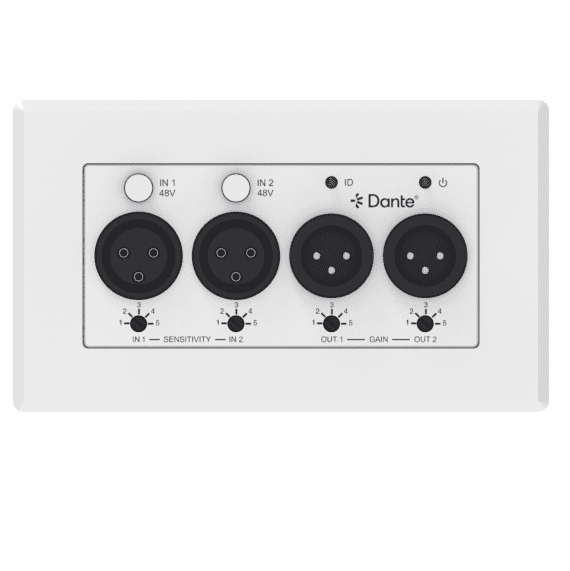
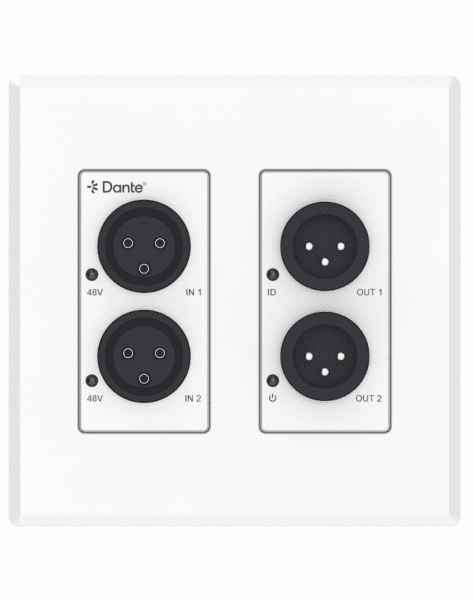
This 2x Input & 2x Output Analogue XLR to Dante® Converter is an audio transmitter based on the Dante® Ultimo 2×2 solution. It is designed as a standard 2-GANG EU/UK/US wall plate to convert and bridge traditional audio source/sink devices to Dante® digital network.
Analogue audio input supports 5-level sensitivity adjustment. Analogue audio output supports 5-level gain control. The converter supports local 12VDC power supply and PoE function.

PRODUCT Features
② 1x 2pin-3.5mm Phoenix Connector (male)
③ 1x User Manua

Interface
front


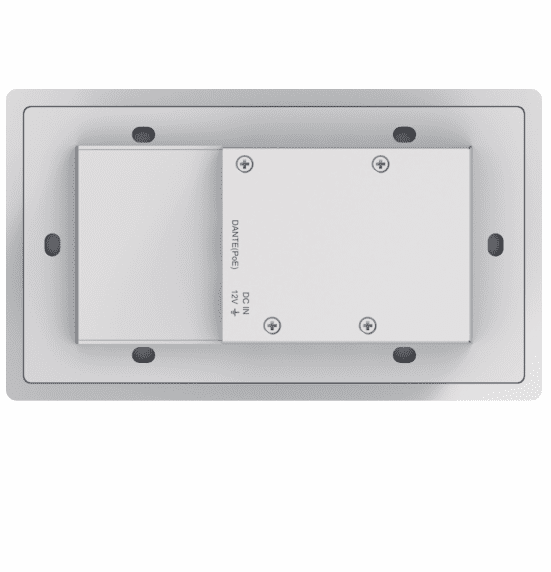
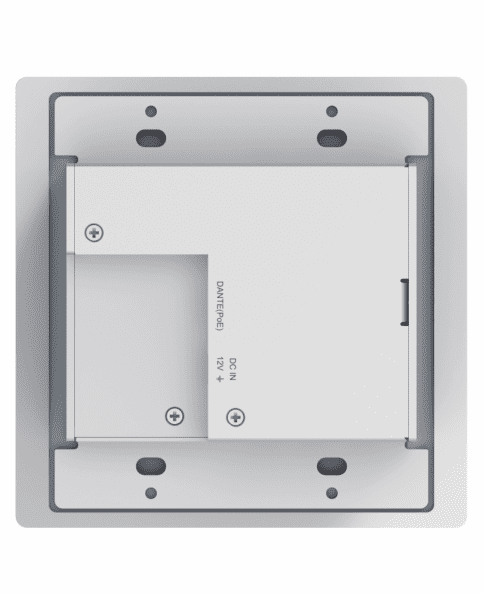
Backside

Diagram

Widely used in Conference room, multi-function hall, reserved hidden input and output interface.
US type

Questions and Answers
Power indicators light out.
A: Check whether the POE switch is connected to the device.
B: Check whether the network connection line is normal;
The way to check is to use this network cable to connect PC to the switch, whether Link light and data light flicker.
C: Equipment damage, contact INFOBIT to get technical support.
No signal after the microphone is connected.
A: Set the input route through the Dante Controller software.
B: Check the type of the microphone, if it is a capacitive microphone, please open the illusion power switch.
C: Improve the gain of the preamplifier circuit.
No XLR output signal?
A: Check if the audio route has been sent to the corresponding channel through the Dante Controller software.
B: Check the normal work of the power amplifier and the horn.


