
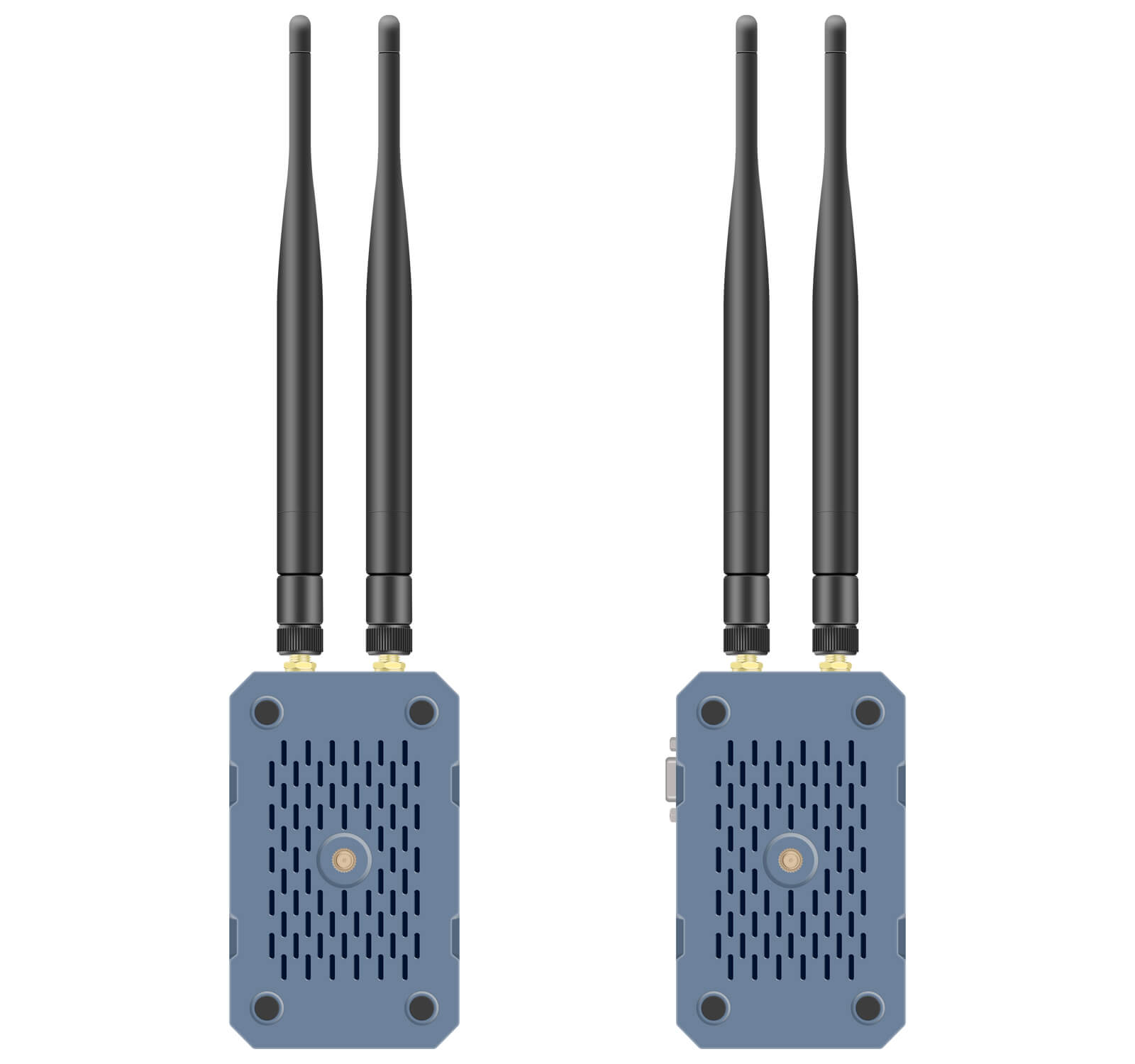
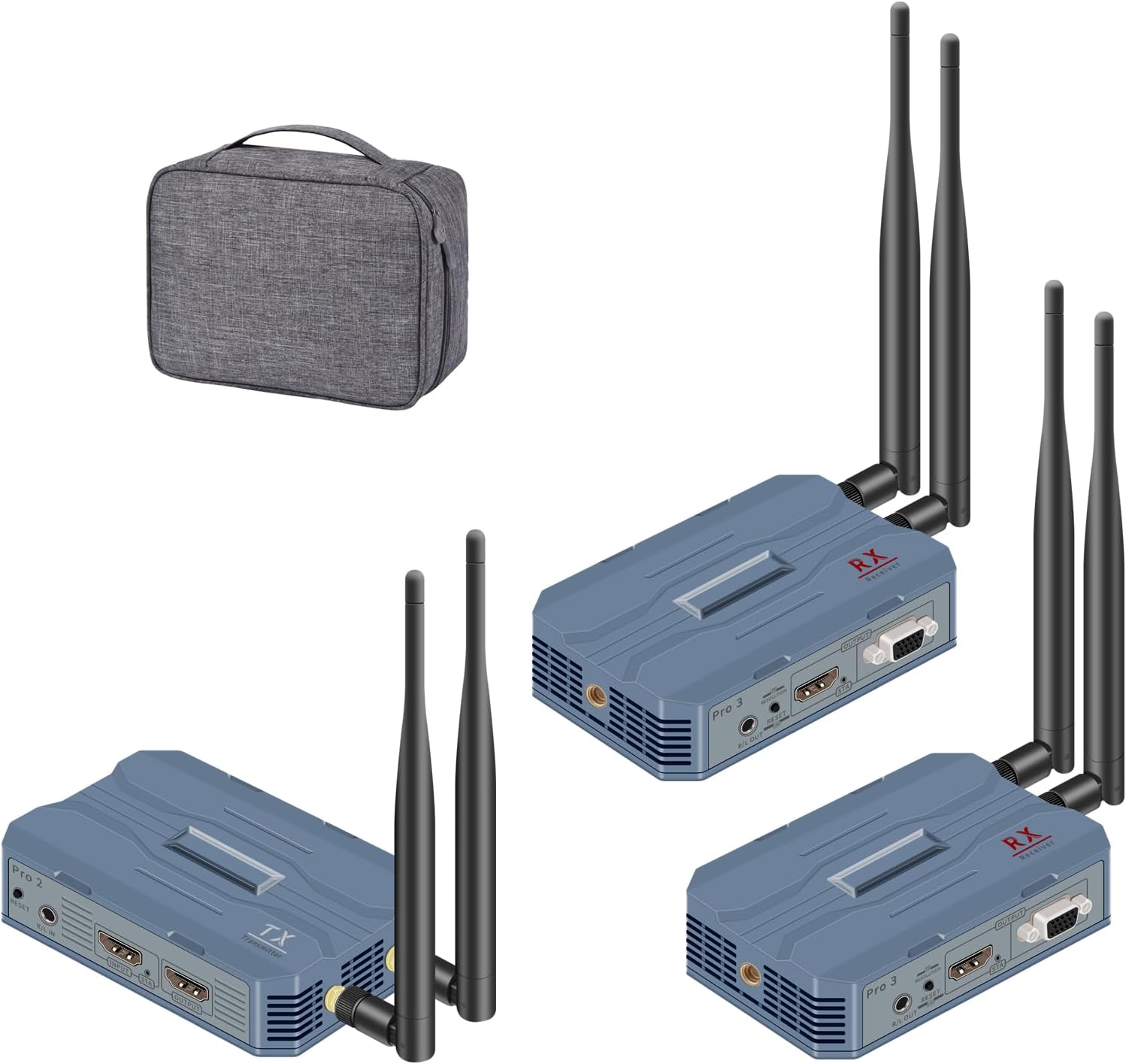
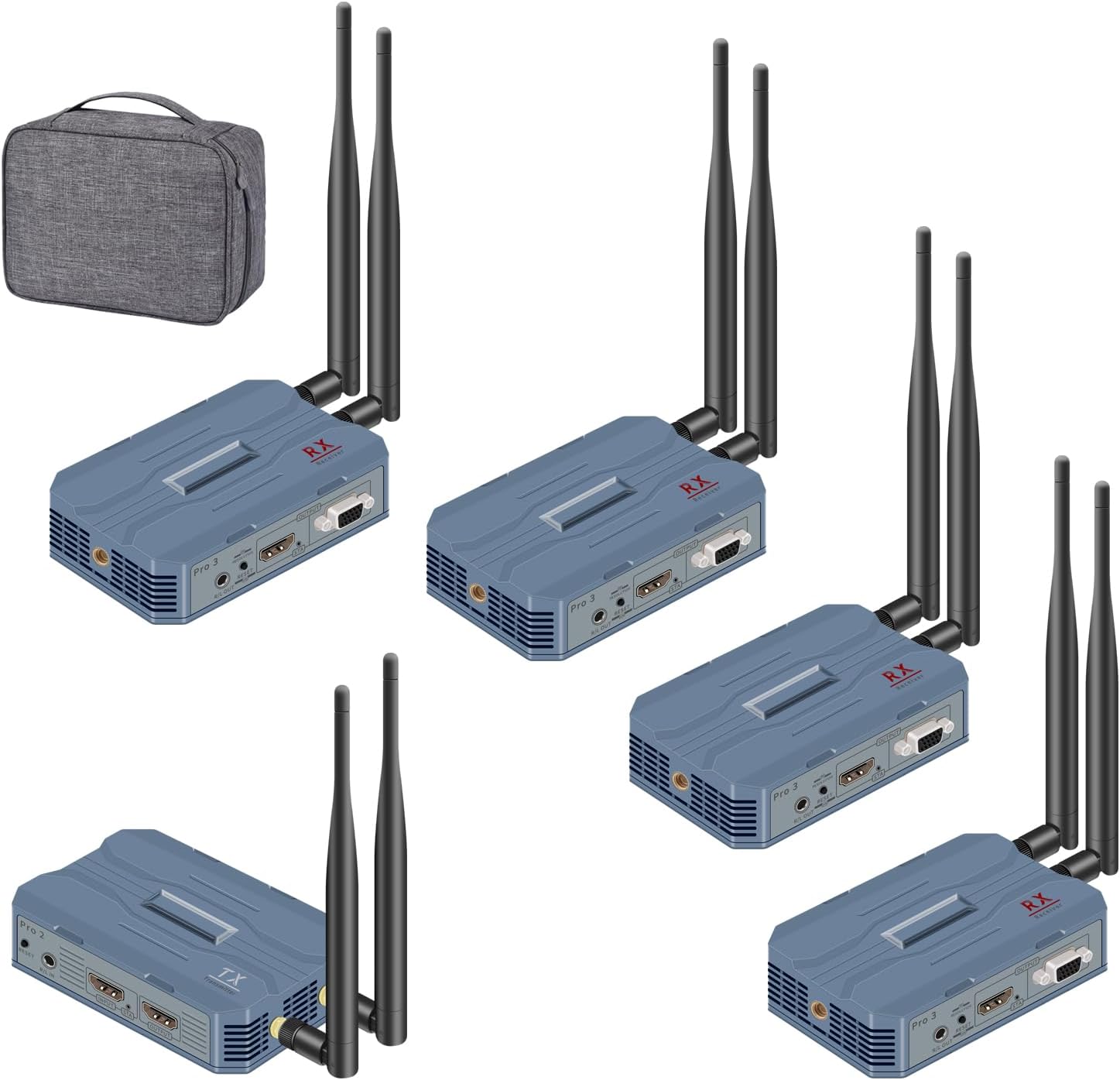
Pro H.265 2.4G/5G/5.8G MIMO Technology Wireless Extender
(Pro1-C5,Pro2-C5 and Pro3-C5)


Description:
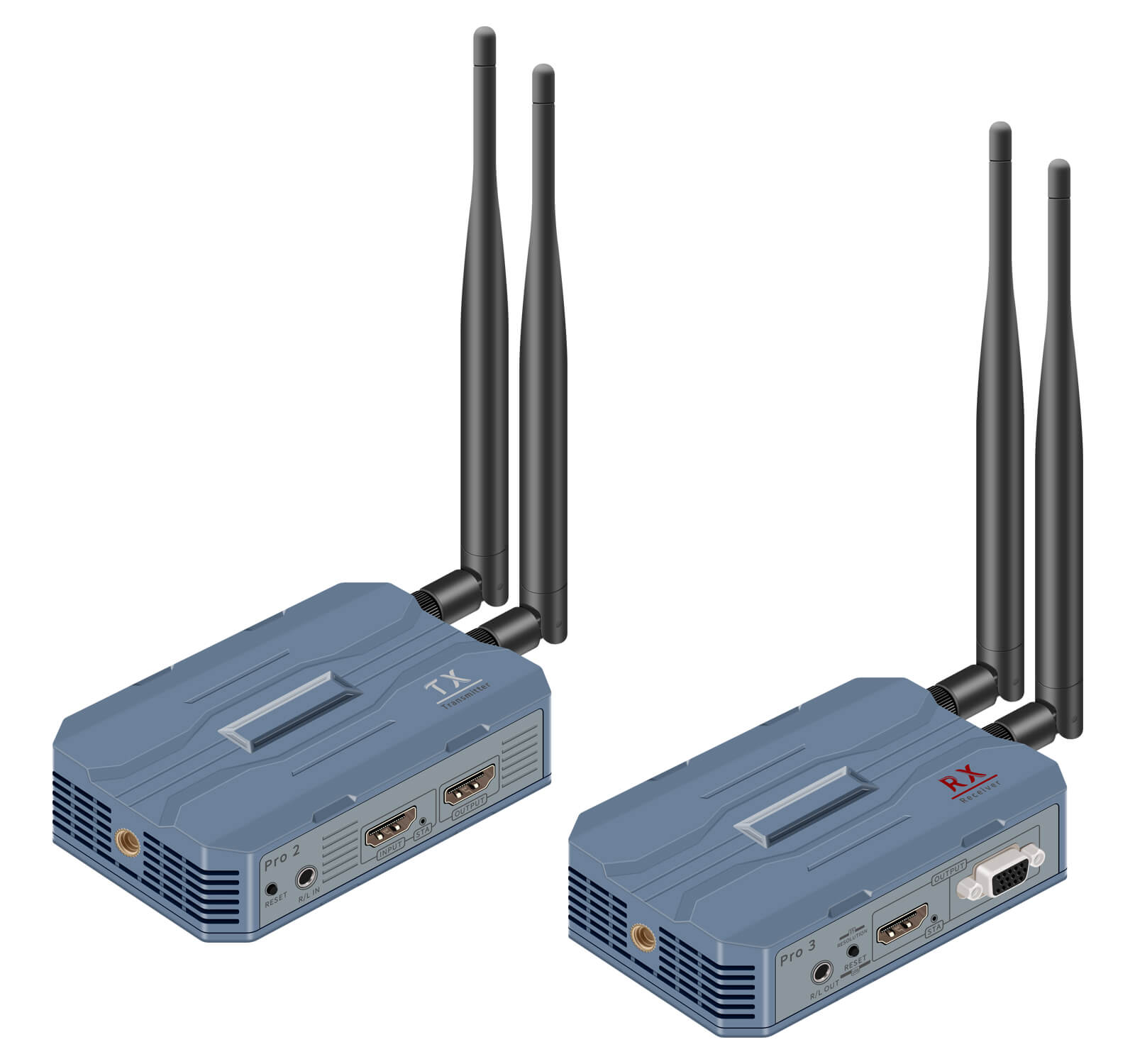
This product is divided into three series: Pro1、Pro2 and Pro3, Pro1 is 1080P@60HZ FULL HD transmitter, Pro2 is 4k@30HZ UHD transmitter, Pro3 is 1080P and 4K@30HZ receiver. It is a standard H.265/H.264 codec TCP/IP HD transmission product, and its main feature is that the same RX with different TX can be used in 1080P/4k@30HZ and other application scenarios! When upgrading the project, you only need to replace the transmitter to realize the transmission image from 1080P upgraded to 4k, which greatly saves the cost of upgrading the project.
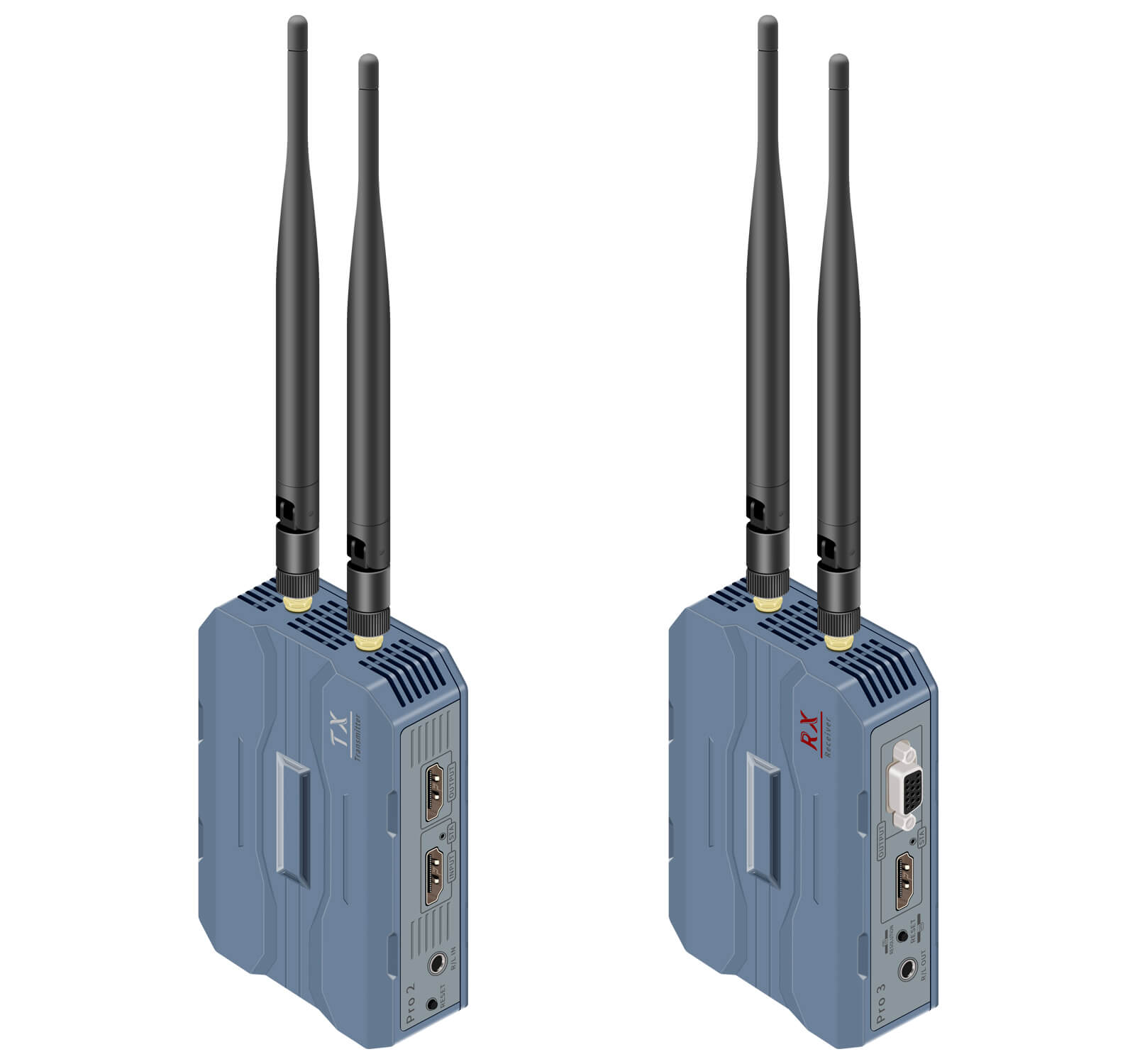
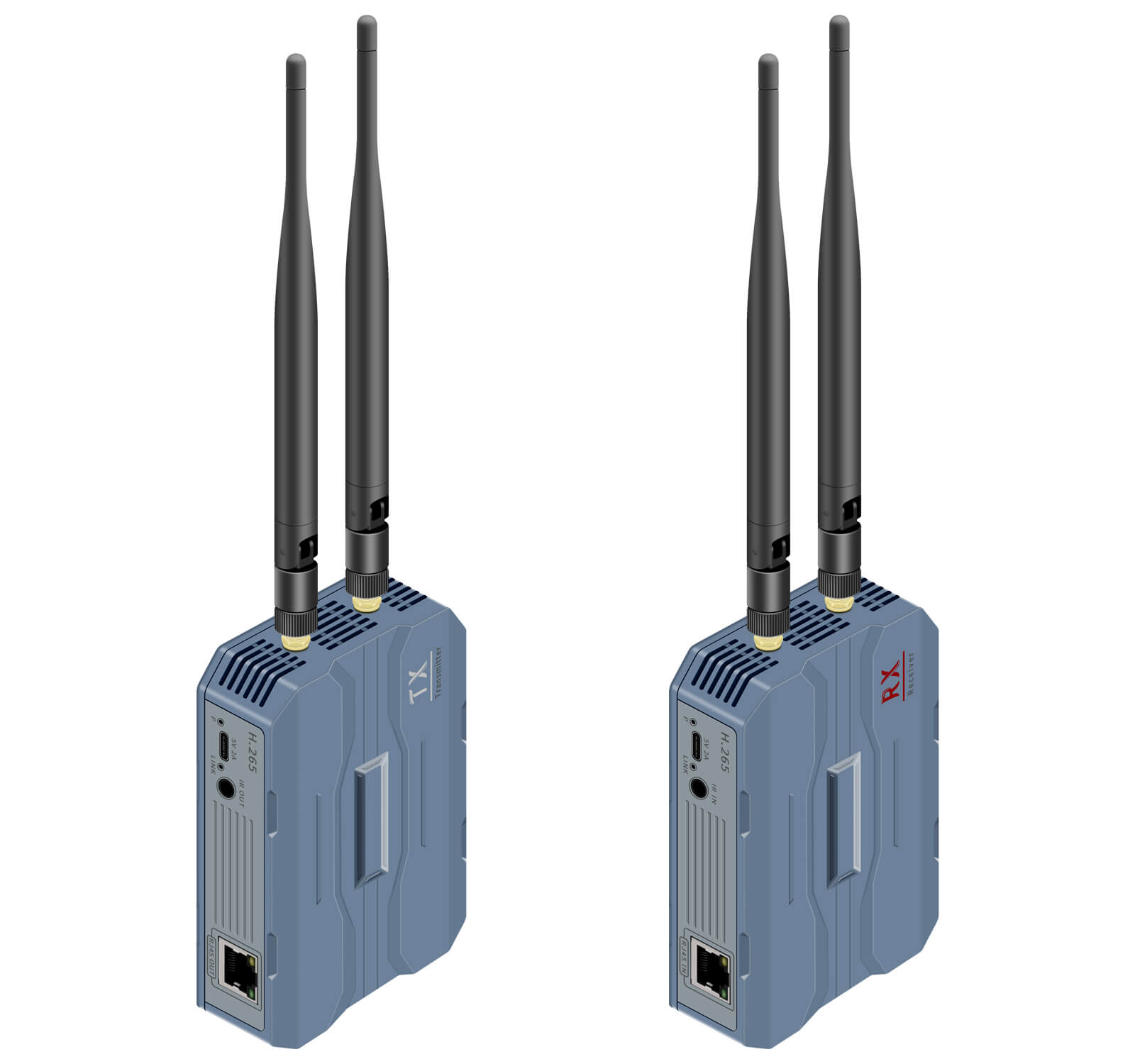
In addition to supporting HDMI audio and video transmission, this product also has a TX local loop out, IR back control, 3.5mm audio input and output and other features for users to choose. Please choose different styles according to the actual needs.
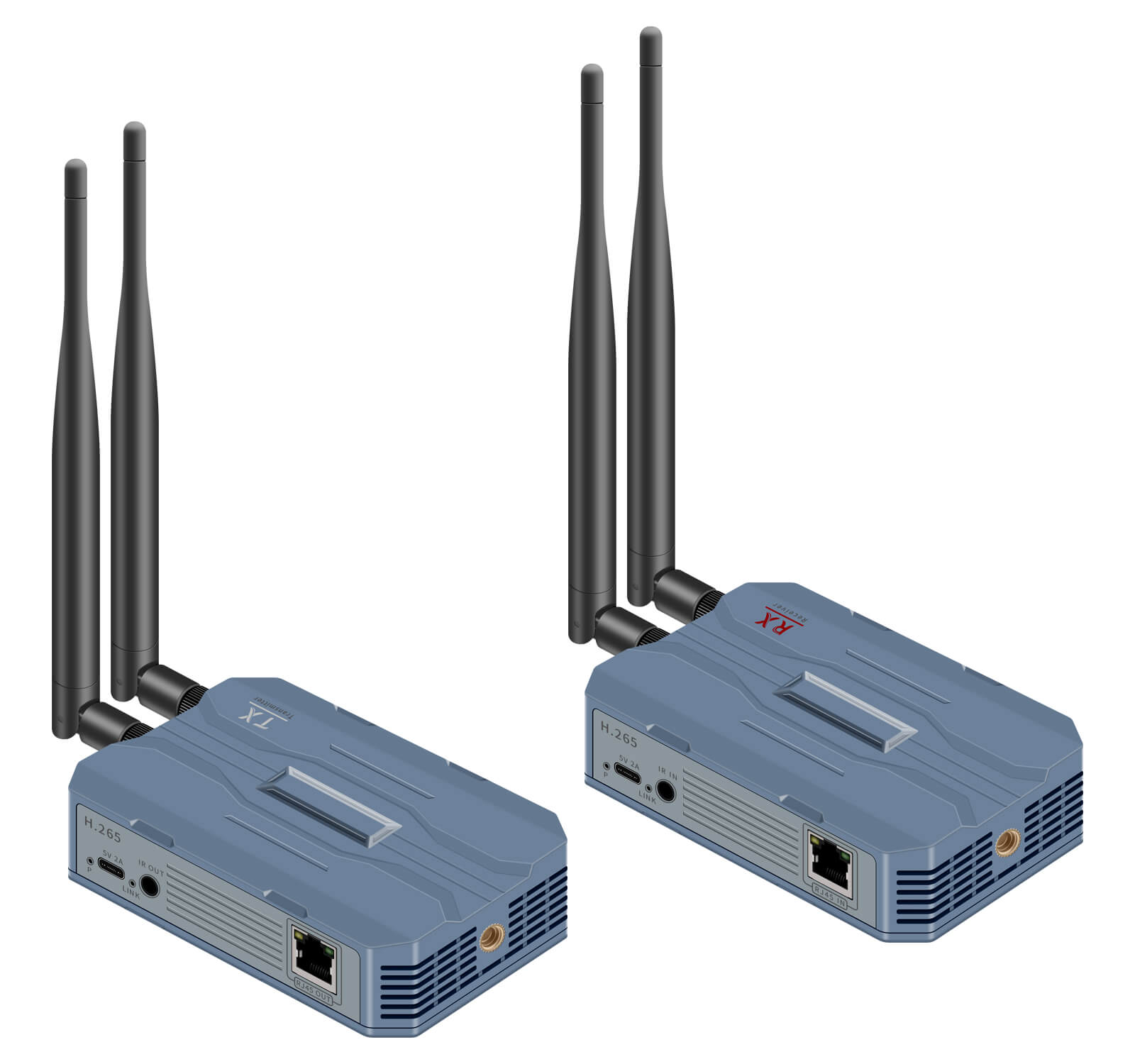
This series of products are divided into network cable version(ProA), fiber optic version(ProB), network cable + wireless version(ProC)of the three transmission modes of the product, to provide users with more convenience! This manual only briefly describes the network cable + wireless version((ProC)), wired version please refer to the corresponding manual.
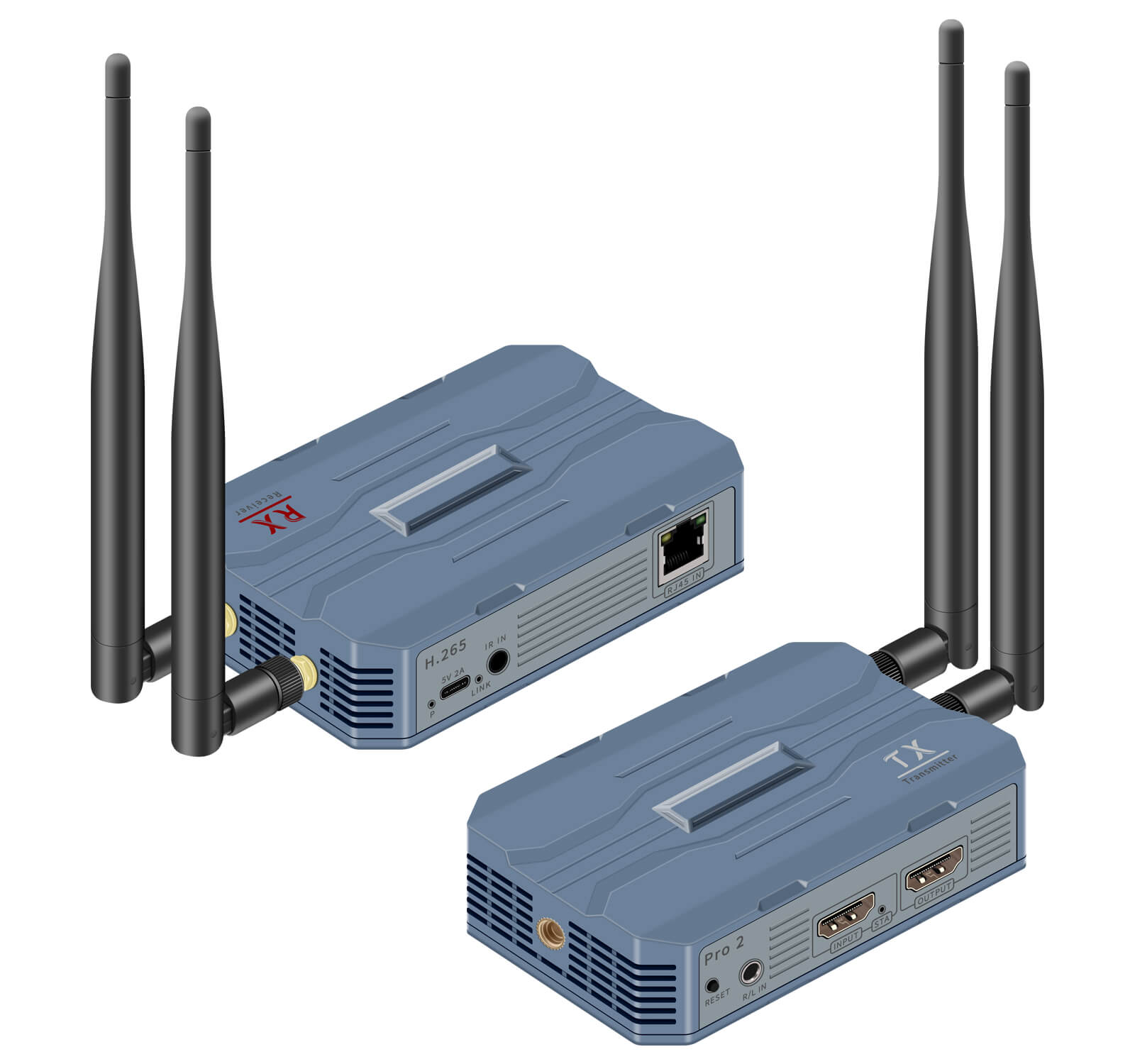
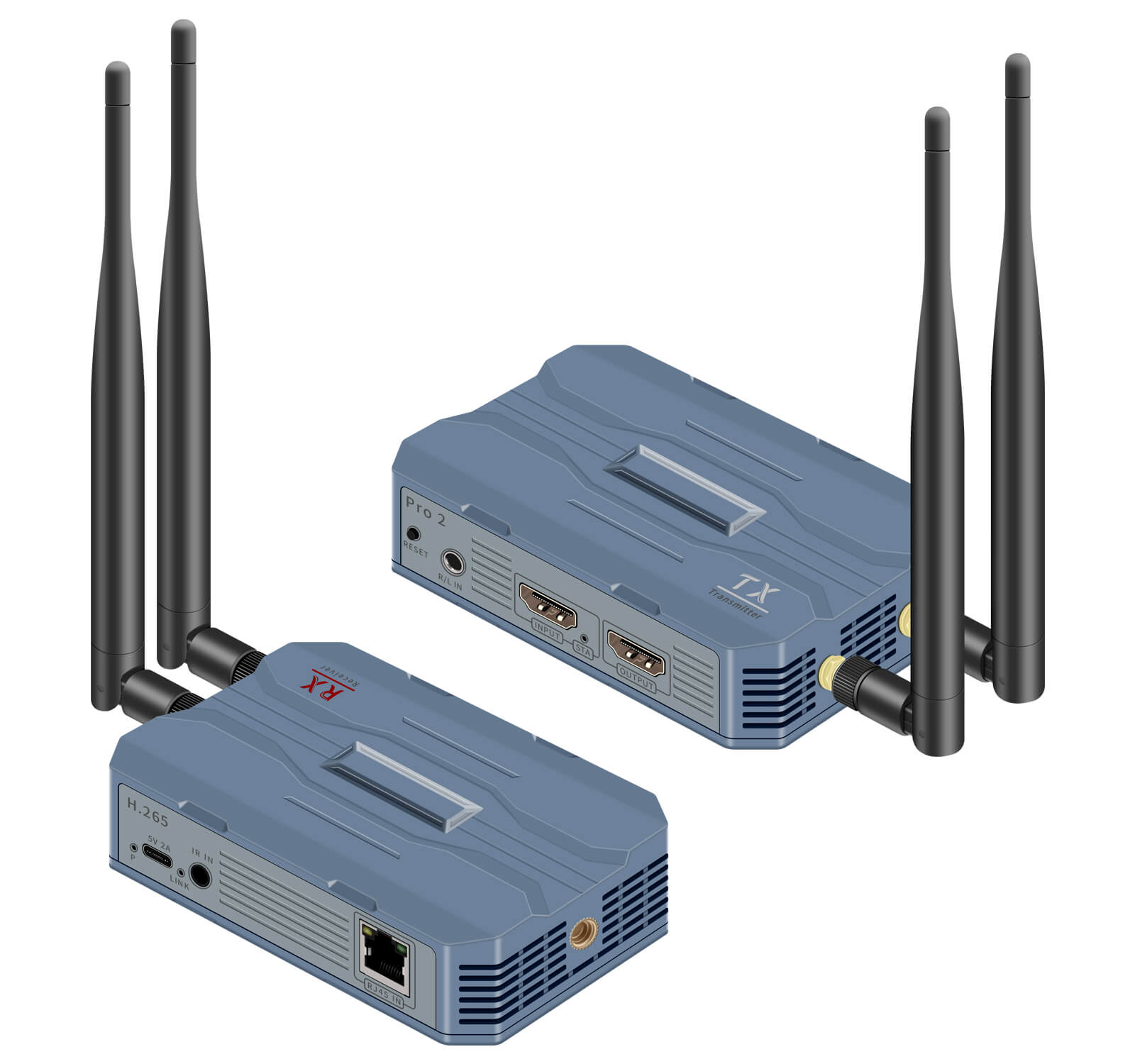
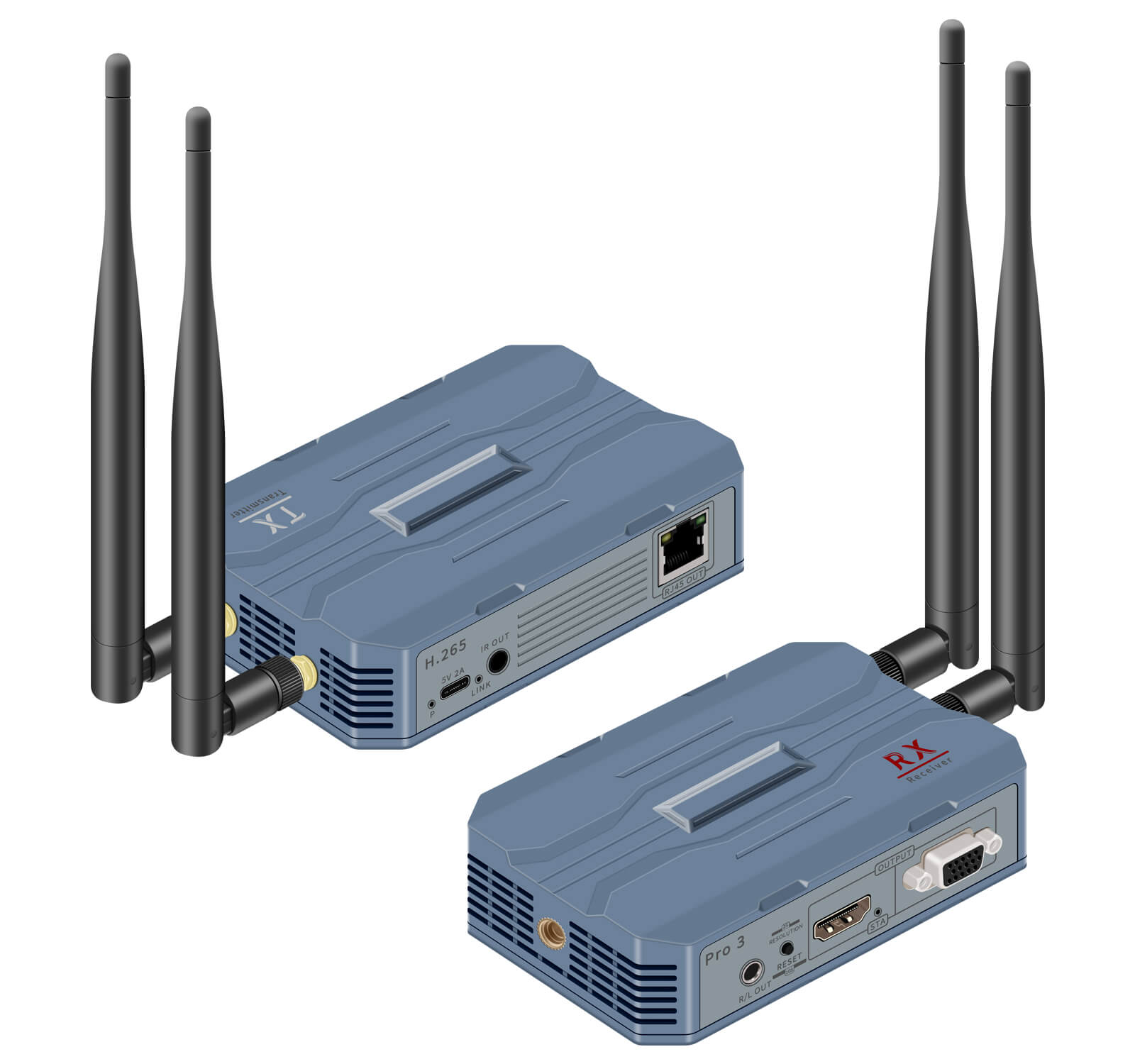
Interface

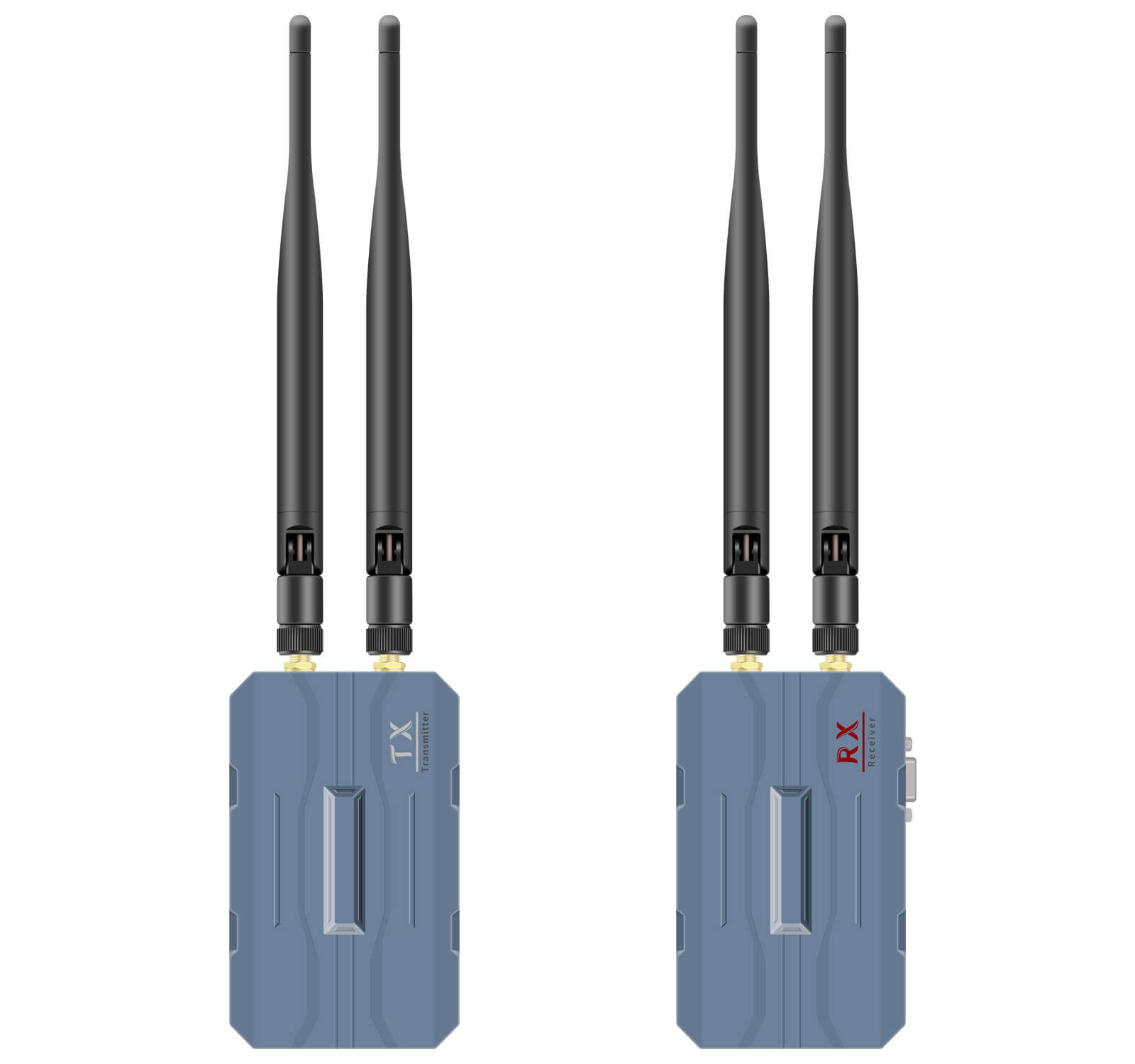
The illustration shows Pro2 and Pro3, Pro1 and Pro2 have the same function and connection method, only the supported resolution is different.
Product category
| Version | Category | Model |
| 1080P Version(Pro1C+Pro3C) | 250M HDMI Wireless Transmitter Receiver, 1080P, supports loop out, IR. | TX:Pro1-C5 RX:Pro3-C5 |
| 4K@30HZ Version(Pro2C+Pro3C) | 250M HDMI Wireless Transmitter Receiver, 4K@30hz, supports loop out, IR. | TX:Pro2-C5 RX:Pro3-C5 |
Note: When transmitting wirelessly, the designer connects up to 4 receivers (RX) to one transmitter (TX). In practice, 8 receivers (RX) can be connected for close range use.

Specification
| Specification | Pro1(1080P TX) | Pro2(4K TX) | Pro 3(RX) | ||
| input port | HDMI*1、IR*1、5V*1、R/L*1 | Same as Pro 1 | RJ45*1、5V*1 | ||
| output port | HDMI*1、RJ45*1 | Same as Pro 1 | HDMI*1、VGA*1、 R/L*1、IR*1 | ||
| Max. distance | Wireless transmission up to 250m (1TX to 1RX, open distance without obstacles); Network cable distance CAT6 max. 150 m. | ||||
| codec | H.265、H.264 | ||||
| default IP | TCP/IPV4 TX:192.168.1.166 RX:192.168.1.167 | ||||
| latency | ≈0.1s | ||||
| HDMI cable | ≤10m | ||||
| Supported resolutions (partial list only) | Pro1+Pro3(1080P) | Pro2+Pro3(4K@30HZ) | |||
| 1920*1080@60HZ/50HZ 1680*1050@60HZ/50HZ 1600*900@60HZ 1400*900@60HZ 1366*768@60HZ 1280*1024@60HZ 1280*720@60HZ/50HZ | 3840*2160@30HZ 2560*1440@60HZ 1920*1200@60HZ 1920*1080@60HZ/50HZ 1680*1050@60HZ/50HZ 1400*1050@60HZ 1366*768@60HZ 1280*1024@60HZ 1280*720@60HZ/50HZ | ||||
| IR control | 30kHz-60kHz | ||||
| R/L audio (select) | 3.5mm stereo audio;32kHz,44.1kHz and 48kHz | ||||
| power supply | DC5V 2A。typec power supply interface, support charging treasure and other mobile power supply. | ||||
| size | 123(L)*80(W)*28(H)mm | ||||
| Material | ABS | Color | Gray | ||
| weight | TX: ≈150g | RX: ≈150g | |||
| Operating Temperature | -20℃~60℃ | ||||
| Static Protection | 1a Contact discharge level 2(±4KV) 1b Air discharge Level 3 (±8KV) Standard:IEC61000-4-2 Lightning protection, anti-surge | ||||
| 4K HDMI Video | HDMI1.4,HDCP 2.2 |
| Wifi frequency | support 2.4/5/5.8g |
| TMDS Signal | 0.7~1.2Vp-p (TMDS) |
| DDC Signal | 5Vp-p (TTL) |
| Color space | RGB,YCbCr 4:4:4/4:2:2 |
| Color depth | 8/10/12bit |
| HDMI Audio formats | Input: LPCM 2.0CH 32KHz/44.1KHz/48KHz/ 88.2KHz/96KHz/176.4KHz/192KHz Output: LPCM 2.0CH 48KHz |
Packing List
TX transmitter*1 RX receiver*1
USB charger*2 typec power cable*2
IR cable TX*1 IR cable RX*1
Dual-band antenna*4 manual*1
Fault judgment and treatment
From the indicator lights, the most common malfunctions of the H.265 Pro HDMI wireless transmitter and receiver are the following 2 phenomena
1,The LINK light of HDMI transmitter and HDMI receiver is in blinking status, but there is no image and sound on the display.
A: The flashing status of LINK light indicates that the device has been connected successfully, the screen does not display as it does not support the resolution of the current HDMI wireless transmitter and receiver, please long press the button of HDMI receiver (RX) for about 2 seconds to adjust the resolution of the receiver’s output, so that the resolution can be switched cyclically.
- the LINK indicator of both HDMI transmitter and HDMI receiver are off. the LINK indicator is off, it means that the HDMI transmitter and HDMI receiver are not successfully connected. Please follow the steps below:
- Make sure the devices have been paired successfully;
- Please check the power and HDMI signal connection;
- It is recommended to adjust the position of the device or shorten the reception distance;
- The device is recommended to be used on the same floor or in the same space and cannot penetrate obstacles such as load-bearing walls.
HDMI receiver (RX) does not display, and various problem alerts
- Receiver (RX) side has been displayed “Connect to TX“
1, Please make sure the equipment has been paired successfully.
- Please check the transmitter power supply and HDMI signal connection.
- When the receiver screen has a lag, it is recommended to adjust the position of the device or shorten the receiving distance.
- Receiver (RX) side shows “No Signal lnput”
- Please check if the source has HDMI signal output. 2.
- Make sure the output resolution of the signal source is within the supported range. If the resolution is 1080I, please change the HDMI resolution of the signal source device to 1080P or 720P. Please pay special attention to the old DVD, set-top box and camcorder, the default resolution of many of these devices is 1080I.
- 3. Receiver (RX) side displays “Please pair TX and RX”
Answer:The device is not paired, need to re-pair, please refer to the pairing instructions.
Other questions
- Transmission distance is short
1.Signal is weak, please adjust the antenna angle or adjust the equipment placement.
2.Signal can not directly penetrate the load-bearing walls, elevator shafts, tin room and other building structures.
- Multiple sets of equipment work at the same time, please adjust the WIFI channel to avoid channel congestion.
- video lag
- Weak signal, please refer to the connection steps to adjust the angle and placement of the antenna.
- Suggest to press reset button or adjust the resolution through the host.
- Multiple devices work at the same time, please adjust the WIFI channel to avoid channel congestion.
- 3. Infrared back to the invalid
- Please refer to the connection instructions to confirm whether the wiring is correct.
- Please make sure that the host signal source supports 30kHz-60kHzinfrared signal remote control.
- This product is not equipped with a remote control, use the remote control of the host computer to be controlled.
- WIFI self-organizing network and password problems
1,The product wireless is self-organizing network, only the same model of transmitter and receiver WIFI connection
2,The WIFI password is randomly generated and cannot be accessed. Does not support to connect other wireless devices.
- latency issue
1,The delay of this product is equal to 0.1s/100ms, specifically related to the use of the environment and so on.
2,This product is not suitable for games and office and other requirements of 0 latency scenarios.
3,This product does not require any software drive
Diagram


